modifier

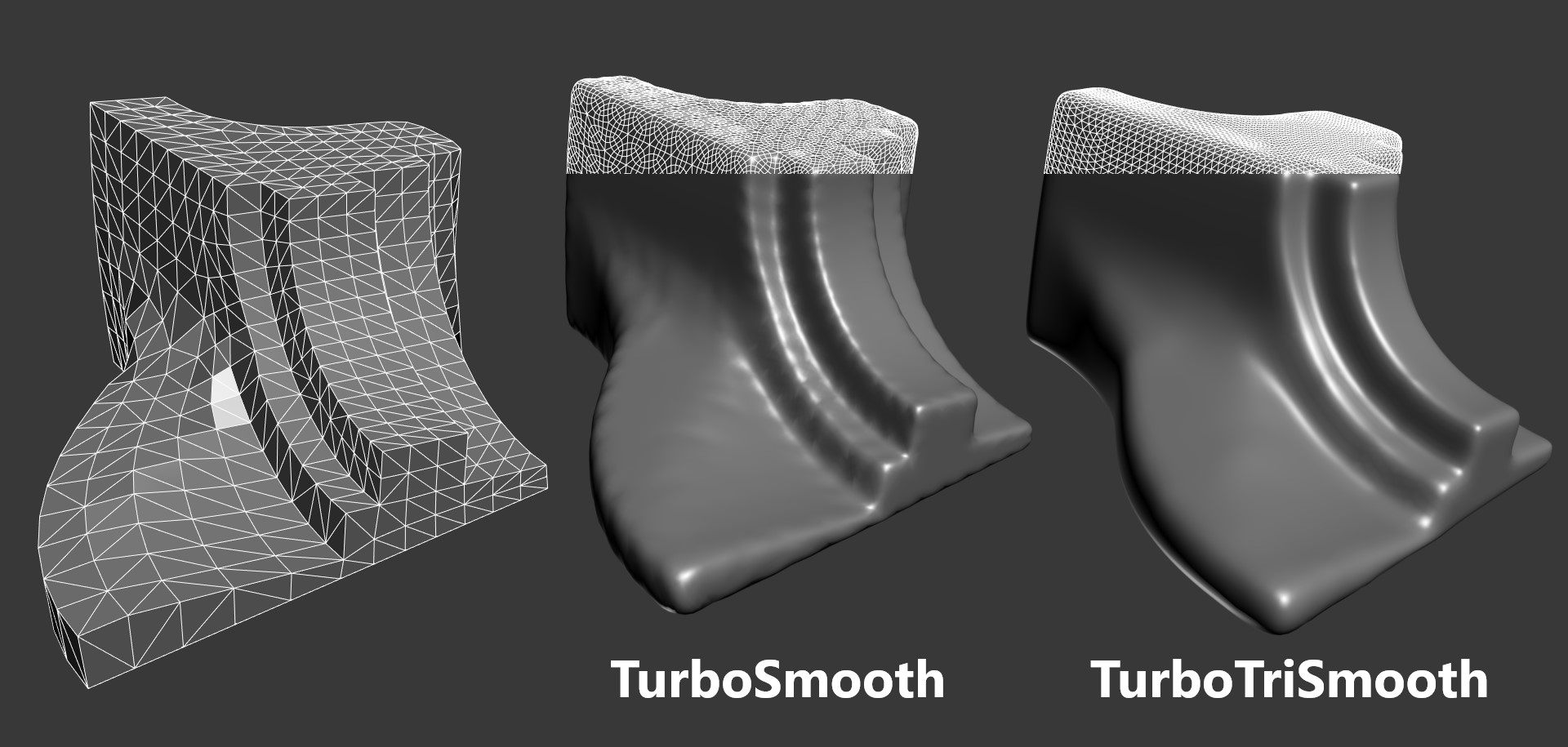
Turbo/Meshsmooth Toogle

2
points

Simple script for a Mass toggle for on/off of meshsmooth and turbosmooth modifiers.

Scripts searches for all geometry objects within the scene with either Turbosmooth or Meshsmooth modifiers and will turn them all on or off depending on checkbutton state.


Find Modifier Type

0
points

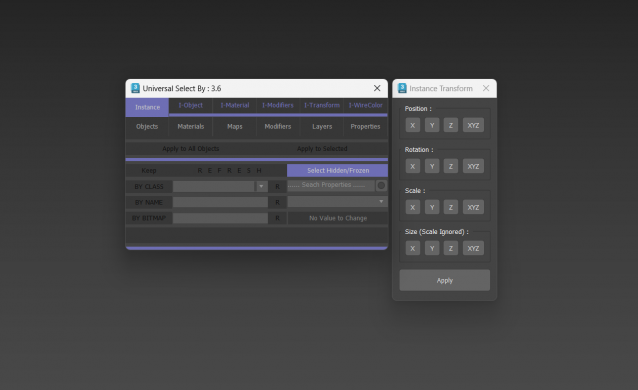
Choose the type of modifier you wish to find in your scene and this tool will return to you a list of every object that has the modifier, the object's name, it's class and the layer it is currently in. You can then select whichever objects you want.

The modifier list includes every modifier that is default to max.


gizmoControl

3
points

gizmoControl UI screenshot
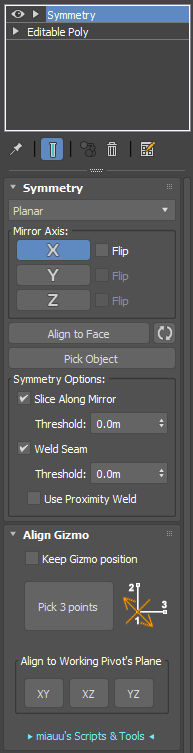
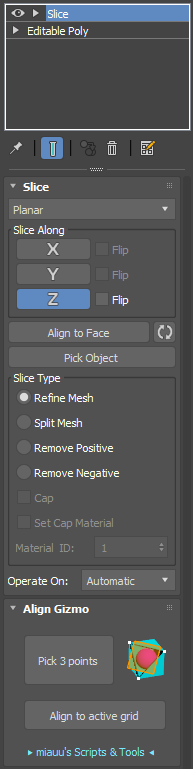
This macroscript (to be found in the "MB Tools" category after executing the .mcr) will allow you to link the transformation of a modifier gizmo to some other scene object. Afterwards, the gizmo will always be fully aligned to that other scene object, which can be freely animated by any kind of controller and linked to any other scene node. In some way this is very similar to World Space Modifiers but it works for any kind of modifier gizmo.

This tool can be very useful for creating complex modifier animations, for example animating a Slice modifier's plane along a path, attaching a UVW Map modfier to some animated helper object, transforming a Displace modifier with some other object, or having an extra node control the- symmety plane of a Symmetry modifier.


emptyModifier

0
points

a simple empty modifier to add custom attributes to via maxScript. this is basically fred ruff's Modifier-Attribute Holder.ms that shipped with max 4 without the UI labels. his script wasn't included with max 6 & i don't know why. on create do( ) -- can't get easier than that!


Shrink_Wrap.ms

0
points

"This script will shrink one mesh to the surface of another mesh or meshes. This can help making a lowpoly collision object for a character. First a snapshot of the selected object is created. The original object is put into box mode (so it is easier to see the result). Snapshots are created of the selected target object(s).


MeshsmoothControl

0
points

Will change various meshsmooth values globally for all selected objects. v 1.31 Fixed a slight bug in check_for_the_meshsmooth_modifier function.


Ellipsoidal Projections

1
point

Ellipsoidal projections of Earth WGS84 model


PEN_findmodifier

0
points

Finds modifiers in your scene based on class name of modifiers. It has some defaults added to a drop down list but you can type in your own.However - first you need to know the class name of the modifier that you are looking for.


n/a

StackControl

0
points

Lets you quickly move to different parts of the stack.