selection

instanceTrimmer

0
points

Takes a selection and reduces the selection to include only a single instance from each set of instances.

Tutorial:

Make a sphere and instance it once. Make a 3rd sphere, copy it once. Select all 4 spheres. Run the script in UI mode. Hit Do. Now your 3rd, 4th and either the 1st or 2nd sphere is selected.


selectionHighlighter

1
point

This script simulates the Selection Highlighting mode from Silo in max. The idea is if you hover over an object, the object is selected, if you hover over a vertex, it selects the vertex, if you hover over an edge, the edge is selected, etc. No need for extra mouseclicks. Autodesk has half added this feature, this script goes all the way to adding full silo style selection highlighting. Note: This only works in max 2008.


Outliner

13
points


pile

1
point

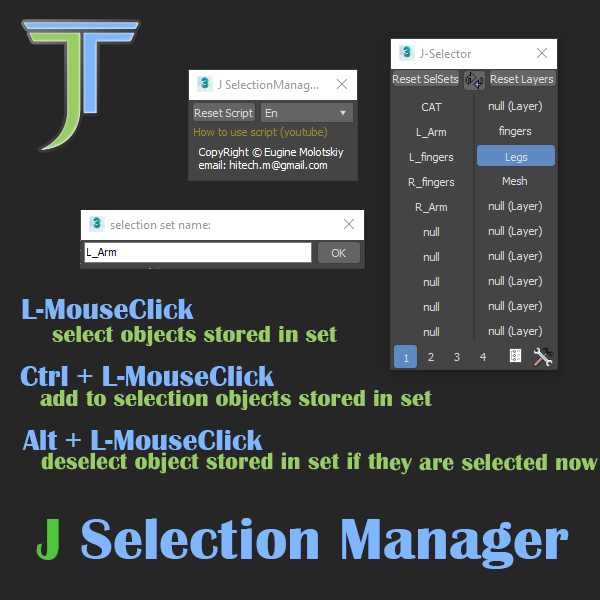
Selection set manager, misc functions. This script will break your scenes and cause data loss, use at your own risk... otherwise modify at your leisure.


AlignViewToFace

1
point

Aligns the perspective view to the face that is under the mouse while keeping the distance to the selected object (the distance will pretty much the same as between the view and the face to align to). It does not matter if the object has modifiers applied and the view will not be distorted into some strange rotation but kept aligned to the world axis.


selectionRandomizer

0
points

Will randomly select objects based on a value provided.


Auto_Keep_Named_Selection_Sets

0
points

Keep the named selection sets when you merge objects! Once you will install this script - it will automatically save the named selection sets of your scene - and it will automatically merge them when you will merge objects.


Object Cycler

0
points

This script lets you cycle through the scene objects. It hides all objects except one which is selected automatically


Select By Name V3

2
points

This script will create a rollout very similar to the default 'Select By Name' tool however with a few key features:1) Non-Modal - so it can be left open and will update/sync with the selection.2) Added Hide - Freeze and Delete to the rollout.


Macro_IsoSel_Revised_Again

0
points

This replaces the Isolated dialog with a colored Timebar... Revised version of tghe shipping script Macro_IsoSel - Isolate Selection scriptFound another bug and fixed the last one I hope. I thought I had gotten rid of all errors - but found a new one that this script should resolve.