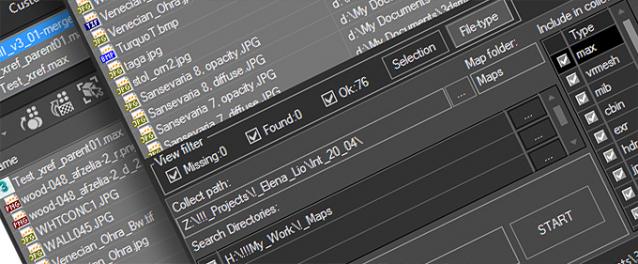
Using the FilePathFinder you can be sure that you have complete control over external links into your scenes.
Asset tracking features include support for XREF files and easy linking with external files.
Using the FilePathFinder (and Batch Render&Relink), you can search for missing assets and relink external files.
In addition, files that are linked to selected objects are displayed in Interactive Mode, and bitmap textures can be toggled and placed within the Material Editor.
Also with this tool, you can easily make an archive a 3ds Max scene.
Note that FilePathFinder supports the highest number of asset types of any plug-in.
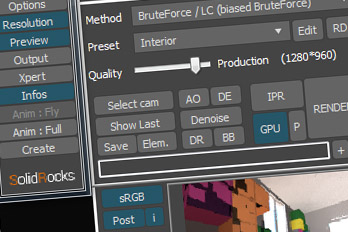
The Batch Render&Relink tool helps manage your asset files into the 3D model and material libraries in Batch Mode.
BR&R is capable of rendering thumbnails for 3D models, materials, and IES photometric files.
Batch Mode makes for an easy way to gather and compile many assets at once.
The new version of FilePathFinder is released with support to 3ds Max 2026
and many new features that improve managing scene assets
- Adds support to 3Ds Max 2026
- Play IFL, and animated GIFs directly in the list view
- Play IFL and animated GIFs in the external Asset Viewer
- Ability to change selected assets directly from the Asset Viewer using keyboard shortcuts
- Adds an ability to include/exclude search directories by filename
- More accurate material/texture placement in SME
- Drops support to light theme
- Fixes an issue with including/excluding search directories by filename
- Fixes an issue with searching, relinking, collecting, and archiving the content of IFL files
- Fixes an issue with relink assets in batch mode for Demo version [Batch Render&Relink]
- Fixes an issue with renaming external scene links with status #Found
- Fixes some issues with relink assets using exclude directories
- Fixes a bug with relinking assets in huge scenes
- Fixes a bug when using the tool together with Materials Manager and Models Manager
- Some other optimizations, fixes and speed improvements