3ds Max | News

Chaos Group Announces Acquisition of U.S. Based Software Developer, ASGVIS

Chaos Group of Sofia, Bulgaria – the world leader in the development of software solutions for the computer graphics industry – has acquired Baltimore-based software developer and visualization firm, ASGVIS, LLC. The acquisition will consolidate V-Ray for Rhino and V-Ray for SketchUp development within the Chaos Group brand, and confirms establishment of a new Chaos Group company in the United States that will enhance services and support to customers in North America.

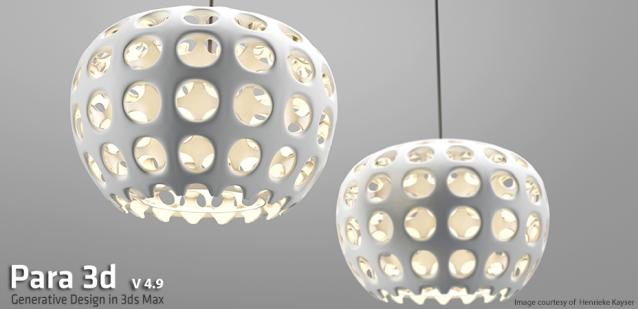
Para 3d 3.0 , available only to license holders,

Para 3d 3.0 is now available from our license manager .

DOWNLOAD NOW!

XrayCat Survival Toolkit 1.0 is released!!!

I am writing to inform you that we have released XrayCat ST 1.0 and you can find any info in the XrayCat ST link:

http://www.raylightgames.com/xraycatst/xraycatst.html

We also have updated versions of Xrayunwrap 1.5.5 and XrayBlendSkin 1.2 now working for 3dsmax 2012 and 2013 in 32/64 bit version and you can find all info to their webpage:

XrayUnwrap 1.5.5
http://www.raylightgames.com/xrayunwrap/index.html

XrayBlendSkin 1.2
http://www.raylightgames.com/xrayblendskin/XrayBlendSkin.html

BonyFace 2.6 was released

BonyFace - Facial Animation System: professional solution for rigging and animating facial expressions on 3D Faces

10 free sessions of Extended tools included

New features in version 2.6: Grimace Mixer, fully rebuilded Face Control Center

Homepage
Video Tutorials
Online Help

Xray CAT Survival Toolkit 1.0 is here!

From the creators of Xrayunwrap and XrayBlendSkin, CAT ST is the new solution for all CAT users, from beginners to advanced. Its features are designed to improve the main aspects of CAT and considerably speed up the workflow.

Rig Creation:
CAT ST offers a set of shortcuts to the most useful 3dsmax functions regarding the creation and setup of a new rig.

Layer Manager:
We have designed a new, more friendly user interface to easily manage all the CAT layers and their properties, to instantly switch between "Setup" and "Animation" mode, and much more!

Pose Manager:

Motiva Christmas Revolution promo

Motiva is glad to announce our Christmas Revolution promo. witha 35% off in Motiva Colimo and the novel Motiva RealPerception, a plugin pack in OFX format developed to be a help in postproduction task. As its name says it tries to mimic effects produced by the perception from either human based, camera or photographic film.

Take advantage of the prices until January the 15th. Merry Christmas to everyone! HO HO HO!

Motiva RealPerception: http://www.motivacg.com/en/realperception-ofx/

Rendering Revolution Competition

Rendering Revolution Competition - Submissions Are Now being Accepted Until October 31!

Here’s your chance to show off your best architectural work through high-quality renderings AND win great prizes! Sponsored by Autodesk®, CGarchitect, and NVIDIA, the Rendering Revolution contest is a global still image architectural visualization competition in celebration of the Autodesk® 3ds Max® 20th Anniversary and advancements in GPU-accelerated rendering solutions.

BonyFace 2.7 was released

Call for Python tutorials

I've been seeing a lot of discussion about using Python with 3ds Max for quite a while now... I'd love to get some resources up describing Python - 3ds Max integration / workflow / processes. If you've got or would write a beginner tutorial or even an advanced tutorial, please share it with the community!

Some questions to get the ball rolling... What is Python? How does it compare to MAXScript? Why should someone use Python? Is Python best for end users or developers? How do you create a simple "hello world" Python script?

Autoweight version 0.060 is available

Hi guys and gals,

I would like to thank everybody who contributed with feedback and questions to the development of the new version of Autoweight.

The new version 0.060 comes with an installer so you don't need to hassle around with the mzp-stuff anymore. Just extract the zip, execute the setup and follow the instructions of the installer.
After starting 3DS Max you'll find "Kogen's Tools" -> "Autoweight" in your "Costumize user interface" category when everything went right.

Dual Quaternion finally landed on 3dsmax!

3dsmax has linear vertex blending for skinning by default, this causes a lot of artifact during bones rotation, especially
the classic candywrap effect. Dual Quaternion skinning mantains volume a lot better, BUT it cannot be used alone as general solution. In some situations you still would like to mantain linear skinning AND with XrayBlendSkin YOU CAN!
You can even paint the amount of Dual Quaternions influence.
Features:
- Dual quaternion skinning to avoid candy wrap artifacts
- Interactive bind between linear and dual quaternions.
- Paint blending

Character-environment destruction demos with Pulldownit

Andres de Mingo have done some stunning demos about character-environment destruction using Pulldownit Pro plugin in Max, 

video 1 

 http://www.vimeo.com/18234464

 video2

maxUnChamfer

maxUnChamfer will help you produce low poly objects in less time with less amount of effort .

maxUnChamfer

Here are some of the benefits you get:

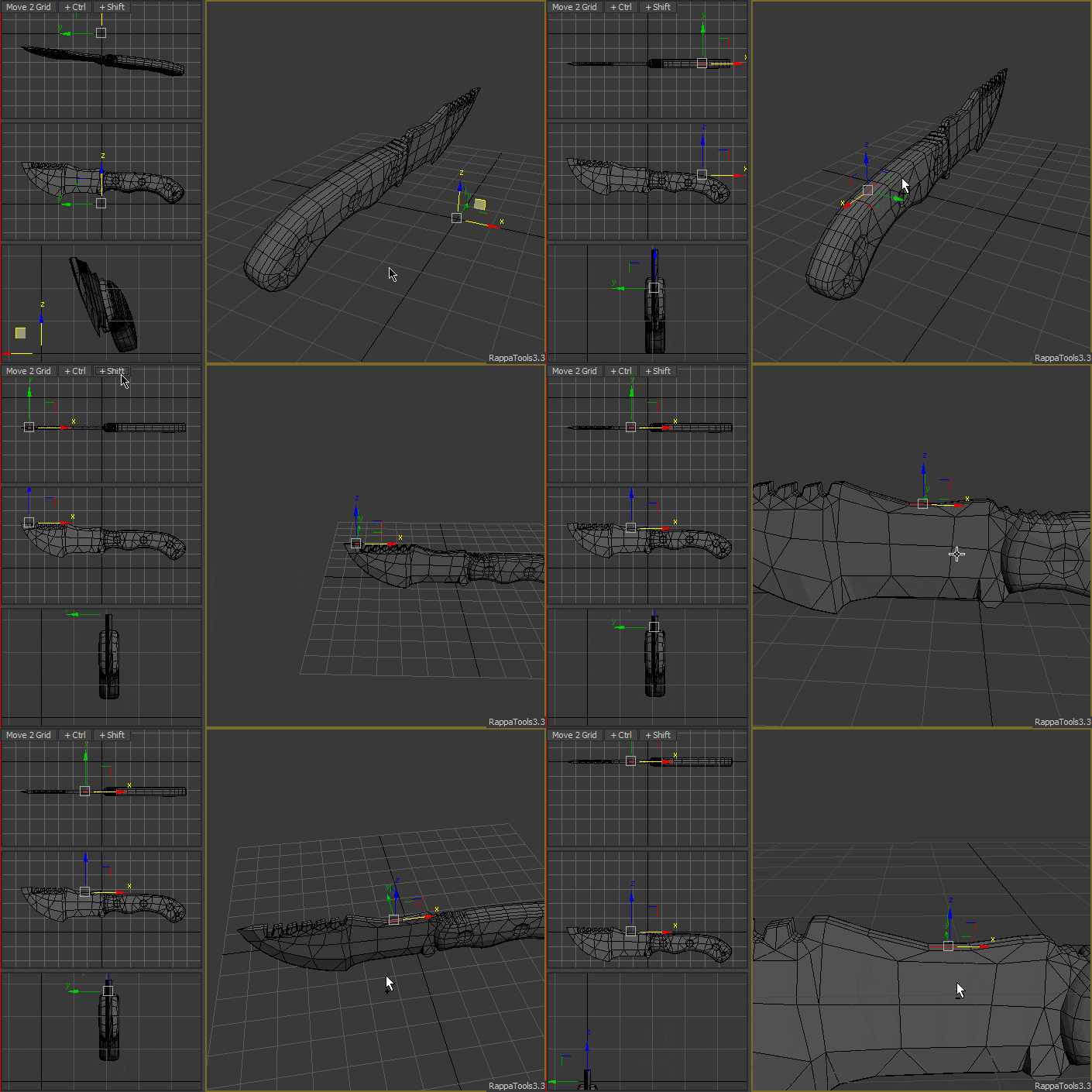
RappaTools3 - Advanced Toolset MaxScript

Limited Time Offer
Buy now and get 3 Licenses
Offer Expires on 08/4/2012

3ds Max Programming Contest - $1000 Prize

TurboSquid is holding a programming contest with a first prize of $1000. The contest calls for a utility that checks 3D models for certain attributes. Entrants can use MAXScript or any other programming language to write the utility.

Autoweight 0.055 is out

I'm glad I can make the announcement that Autoweight 0.055 is available now.

There are a couple of new features like

* a weighting-falloff curve
* a mirror function
* an automatic region setup function according to your bones (still needs some work for complex characters for sure)
* speed up region selection
* multiple region selections
* additional bugfixes ;)

If you liked Autoweight 0.030 you might like the new version even more cause it makes the skin-weighting life a easier.

10 Year Anniversary Celebration

10 years... What a ride! During the past decade artists & developers - people just like yourself - have come to this site to find tools that will make their lives easier. I've been honored to get to know many of you, to learn from your techniques and see thousands of artists find the tool they needed. I think one of the things that has amazed me the most over the years is how cross cultural ScriptSpot has become. This isn't just a site that people in Hollywood use, or for that matter a site that people in North America use.

Autoweight 0.030

I hope this is the right place to post this.

In 2008 I've developed a script called "Autoweight" with the goal to skin-weight specific user-defined regions for bones and Biped automatically.

During the last week I've rewritten the script and would like to show you the preview of the newly designed "Autoweight"-Script.

Thank you for any interest.

Motiva COLIMO 1.2! SP1 is out

We are really happy to announce that Motiva COLIMO 1.2! SP1 is out.

Motiva COLIMO, a realtime postproduction tool that allows change materials over prerendered images, taking in account physical accurate reflections, refractions and GI bleeding. 1.2 based versions are so much faster and robust than the previous ones. This video covers most of the new features and a general overview of the app.

Syndicate content