3ds Max | Scripts

dwDupFaceCleaner

0 votes

UI screenshot

Script to find duplicate faces. It was made for specific task of removing inner faces of a model made from voxel-like boxes. Don't expect it to be a universal solution.
Though also has an option for finding duplicates of outer faces.

3D Measure Master

1 vote

 3D Measure Master 3ds Max Plugin

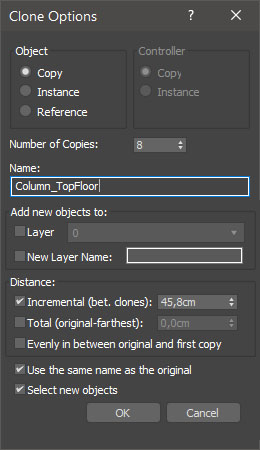
miauu's Extended Clone Tool

2 votes


miauu's Extended Clone Tool adds new options to the standard Clone Options dialog.

The main goal - save time using these features:

- move the created objects to a new layer,

- move the created objects into existing layer

Hierarchy Guardian

0 votes

Hierarchy Guardian 3ds Max plugin

CAD cleaner

2 votes

--WHAT THE SCRIPT DO --
When you import CAD file into 3d studio max it usually contains some "extra" data and the so called body objects. Also it contains some hierarchy and you cannot group objects.
The Script converts all this "extra" data to native 3ds studio max objects (typicaly lowering the polygon count almost twice:), but retains the instancing from the original CAD file.

This lets you group and manage your scene as typical max scene and stil use the istanced objects to quickly apply changes.

DWG Cleanup

20 votes

A one-click solution to cleaning up the mess the new DWG importer leaves behind for those not using DWG linking workflows.

Lace Maker

3 votes

Procedural shoelace generation, done right. Create realistic, fully-detailed lacing for any model. from eyestays to aglets, all from a single mesh strip. No more painstaking manual lace modeling. Define your shoe opening, pick a pattern, and let Lace Maker handle the rest.

What It Does:

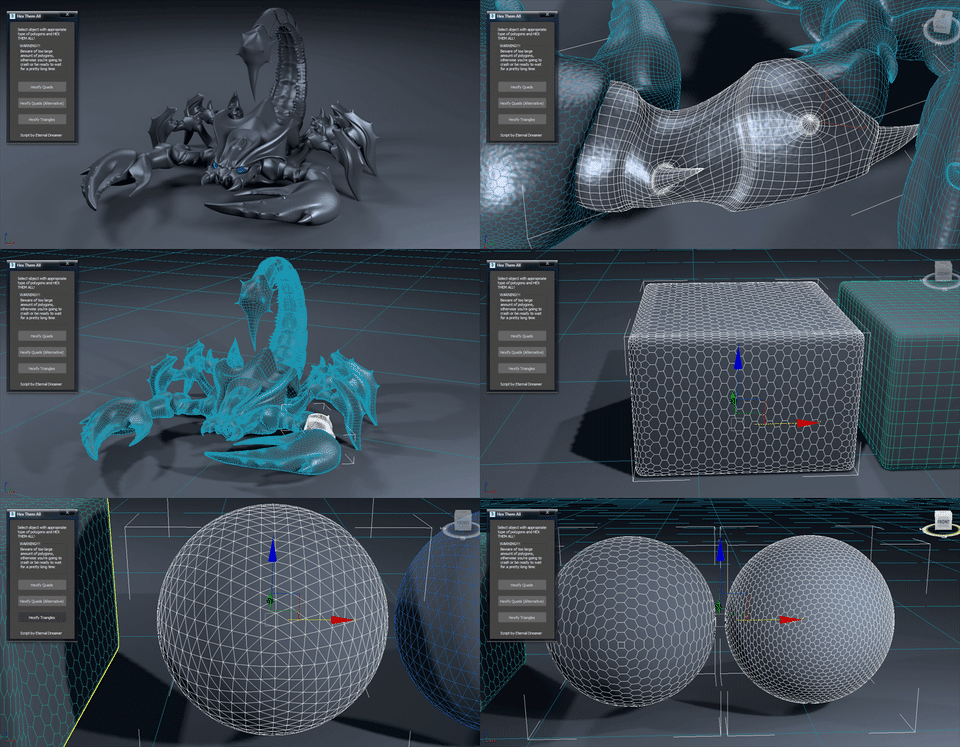
Hex Them All!

6 votes

UPDATE v1.1 brings 3rd option for quads conversion, minor interface changes and fixes the bug with giant n-gon.

Hi there people :) This is my first attempt of creating script, no coding, just using standart 3DS Max actions (+500 to compatibility, -200 from speed). I haven't used any tutorial as a foundation because i found this method myself while experimenting with edges.

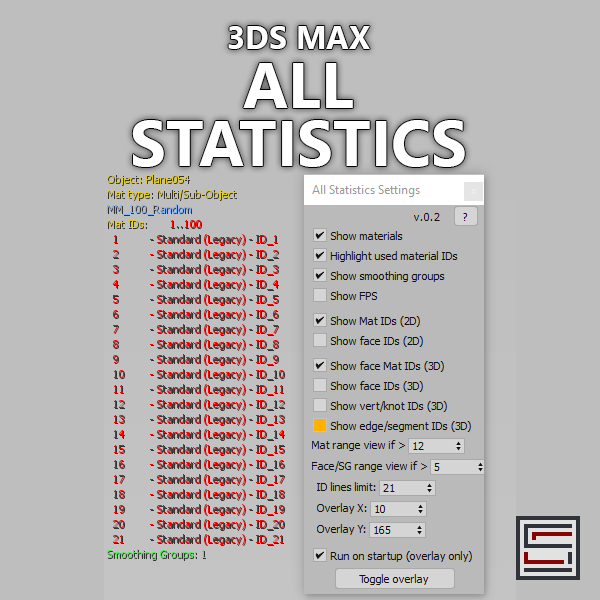
All Statistics

2 votes

Description: Displays different statistics in real-time. 

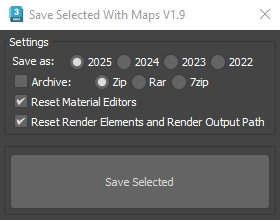
Save Selected With Maps

6 votes

It will collect/relink all selected objects bitmaps to the chosen folder, even if the bitmaps are just flagged "found" in the asset tracker, and it will save your selected objects to that same folder.

If path are missing or unsolved those maps will keep their missing or unsolved path, it will be easier to try to find them.

It is compatible with Vray bitmaps, Corona bitmaps and IES files in Standard, Photometric, Vray and Corona Lights.

Syndicate content