Tagged 'spline'

Optimize Spline

26 votes

Adaptively removes points from a curve while retaining the shape's existing curvature.

Mesh Surface

21 votes

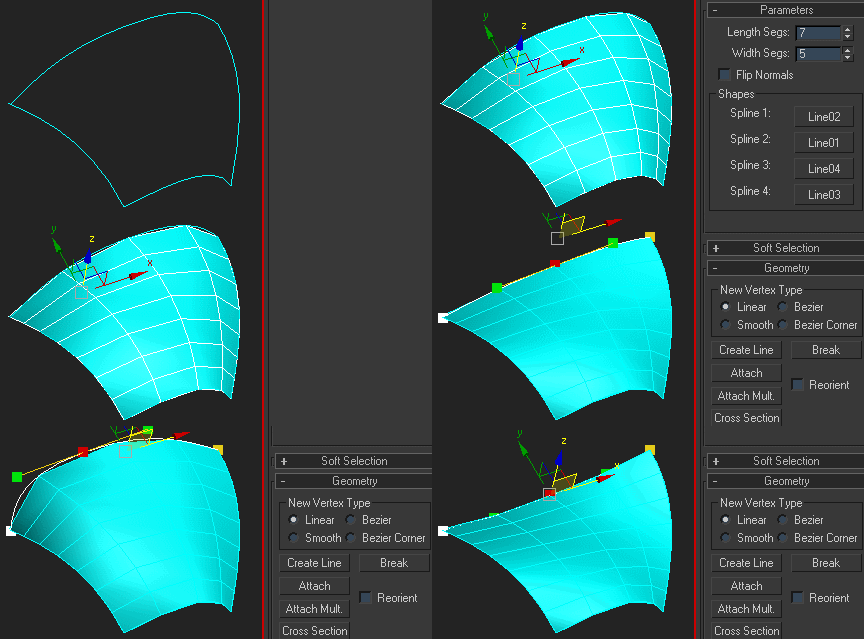
Creates surface defined by four splines. The order of picking the splines matters - they should form a closed loop. If you get a weird looking mesh, try once again starting with another of the four splines:

Note that if any of the splines are animated, the resulting mesh is animated, too.

QuickTools

52 votes

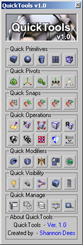
QuickToolsA collection of useful maxscripts and max features combined into one tool window. Most of the scripts I wrote myself. Some I did not write - but included as I use them regularly and find them to be extremely efficient work flow enhancers - furthermore I found no need to reinvent already solid wheels. Full credit is given to all script's authors both in the code comments and on the about page - however if for some reason I have neglected to give proper credit please let me know and I will rectify any and all such oversights. Furthermore - should anyone be unhappy that these are included I can remove them from the public release version. Finally any tools not categorized by those first descriptions are just standard max affairs to which I have given more convenient access - or are standard max affairs that have been slightly altered to suit certain production needs.

Spline Toolbox

12 votes

New version 1.1

It is 6 tools in one interface :

- Spline select tool (it allows dot selection, random and by angle)

- Outline extended (it's the basic outline tool with more options) / Updated (realtime feedback ,keeps original selection and mousetool creation)

- 2-Tangents circle allows to create a circle relative to two tangents (usefull in design/architecture when trying to place precisely a circle in a corner)

CADStair

80 votes

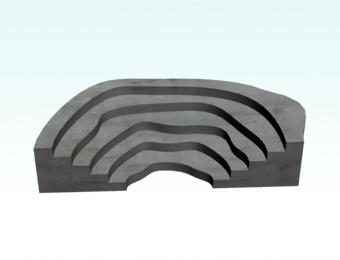
create stair by 2D shape,arc,Fan line,donut arc , Irregularity spline,Single Line,Multi Line to stair.


PolySpline

34 votes

Helps to draw a spline - like a AutoCAD Polyline tool by free or precisely coordinates - but works faster.
Syntax of the coordinate input is the same as AutoCAD Command Line.

New features:
1. Correct button-trigger to turn script on or off.
2. Freehand mode to draw splines by hand on XY-plane or surface of the Base-object (Hotkey F).

Arrow

18 votes

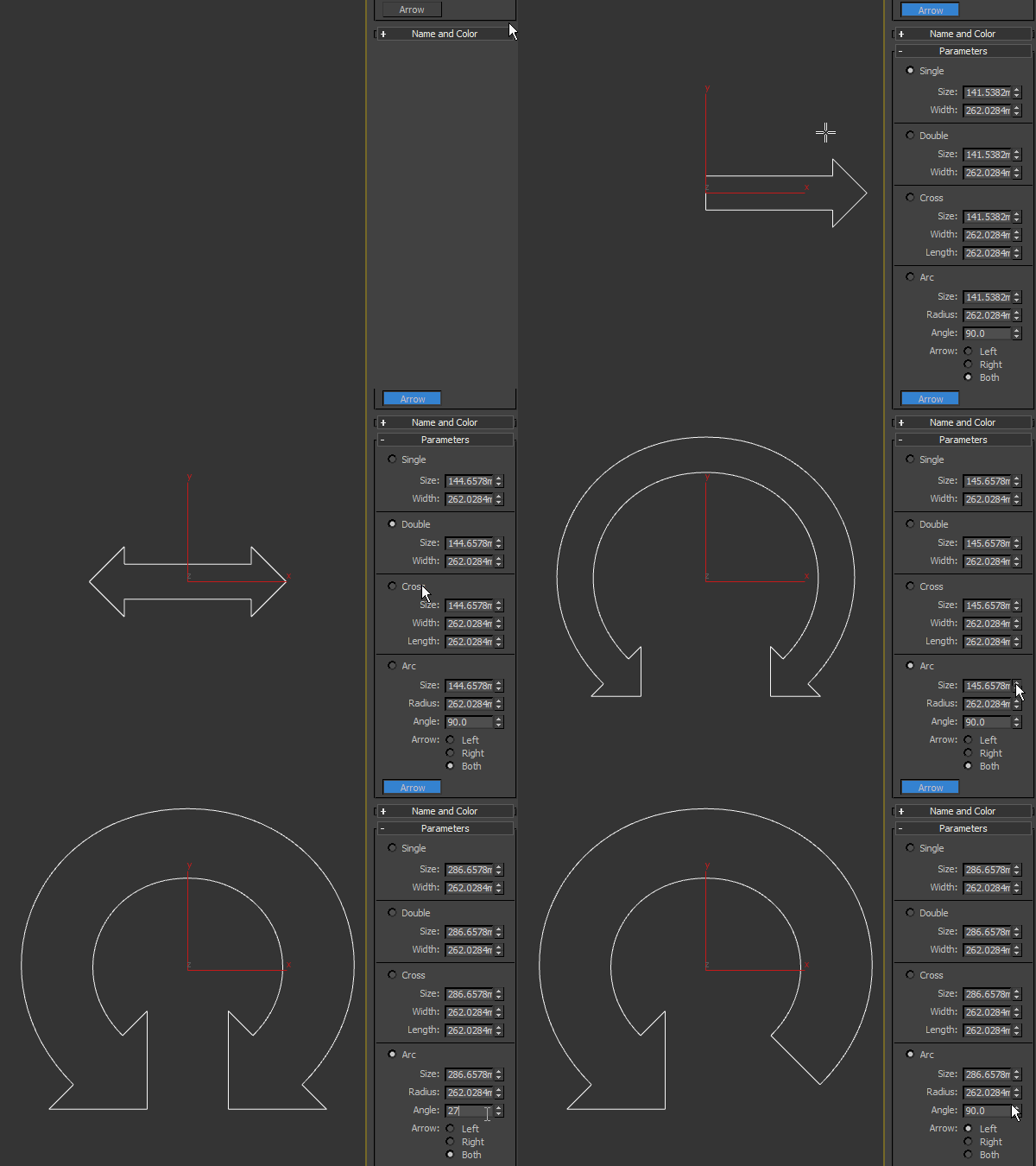
Arrow spline primitive, useful as a control object in rigging. Works only in 3ds max 2016 SP2 and higher.

splineRig

62 votes

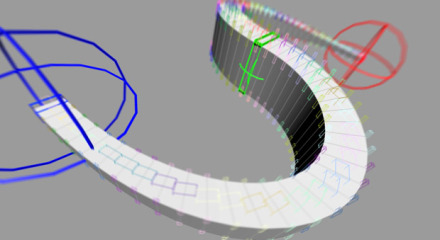
A spline based rig. An alternative approach to using PathDeform with more control over twist and scale.

1. Create a straight Spline - every vertex on that spline will be a helper to control the position
2. Run Script
3. Pick Spline
4. Adjust X Y Z to align the orientation of the box to your spline
5. Adjust width and length
6. Set twist helpers - this controls the amount of helpers to control twist and scale
7. Subdivisions - this controls the final resolution of your mesh
8. Press Go

Advanced Sweep

15 votes

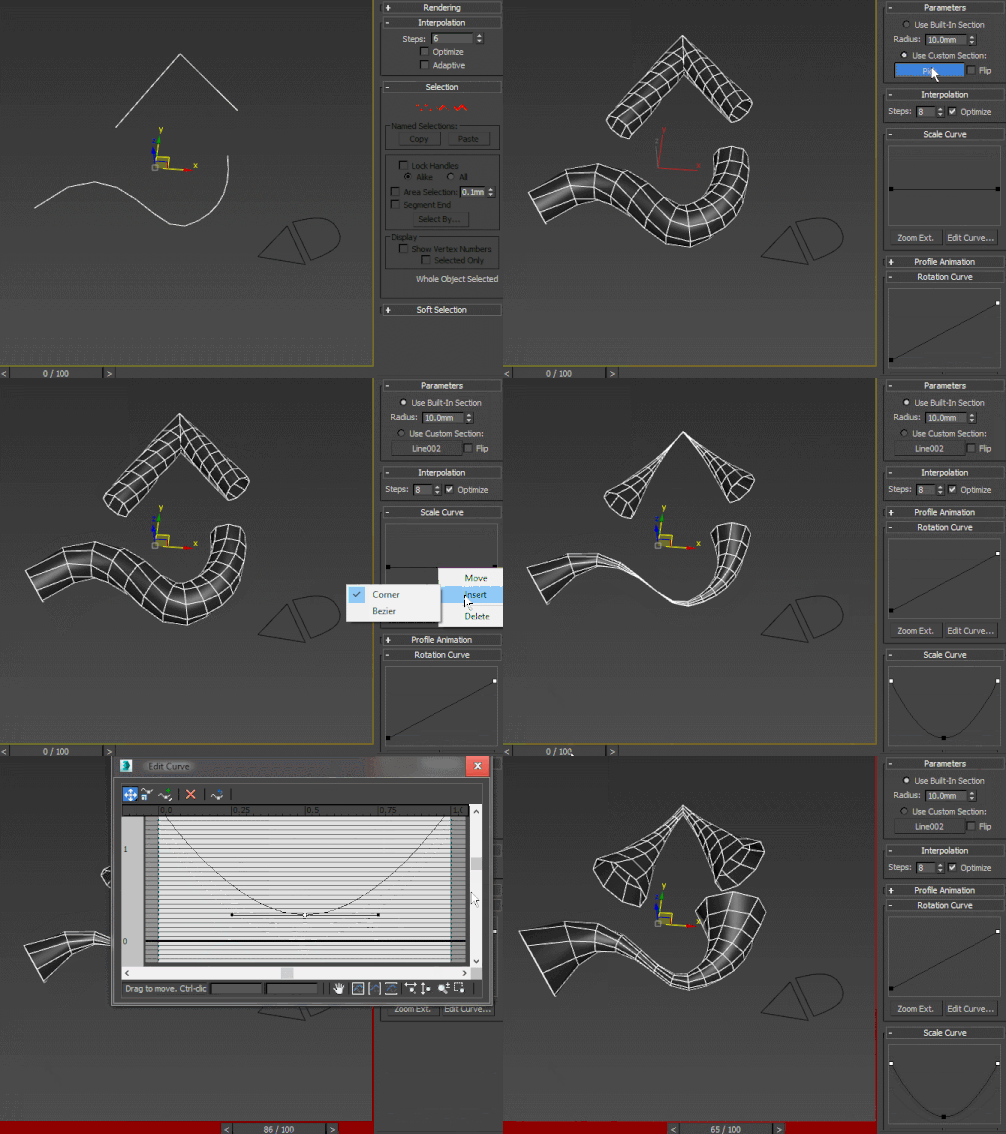
A curve-controlled scripted sweep modifier. As of now, both the Interpolation and Profile animation rollout UI items are just placeholders for non-implemented stuff. Using curve controls this way is pretty much experimental and as such, I wouldn't advise using this in production - better collapse it or make a pointcache and use that instead.

SuperHelix

4 votes

Description

SuperHelix is a professional tool to create complex helix splines for 3D modeling, Animation and VFX.

Make convoluted objects like DNA strands, ropes, tornado-like shapes, balls of wool, woven wicker baskets, tangled cables, wires, springs, spirals, intricate knots and a lot more.

Build custom deformed helical paths to animate your objects, characters or particle systems.

Syndicate content