 By NiK684
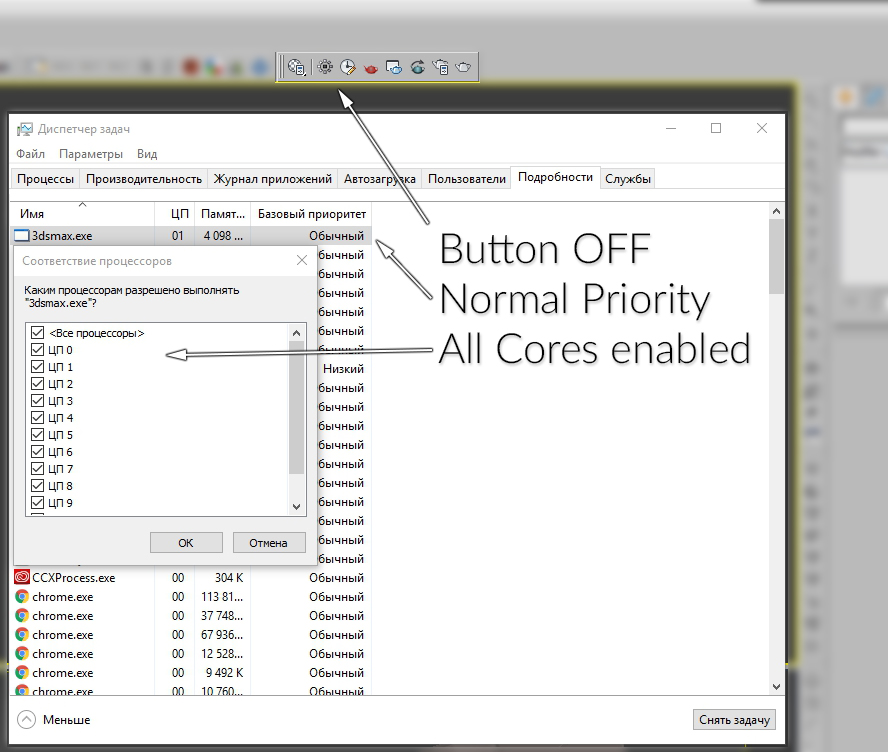
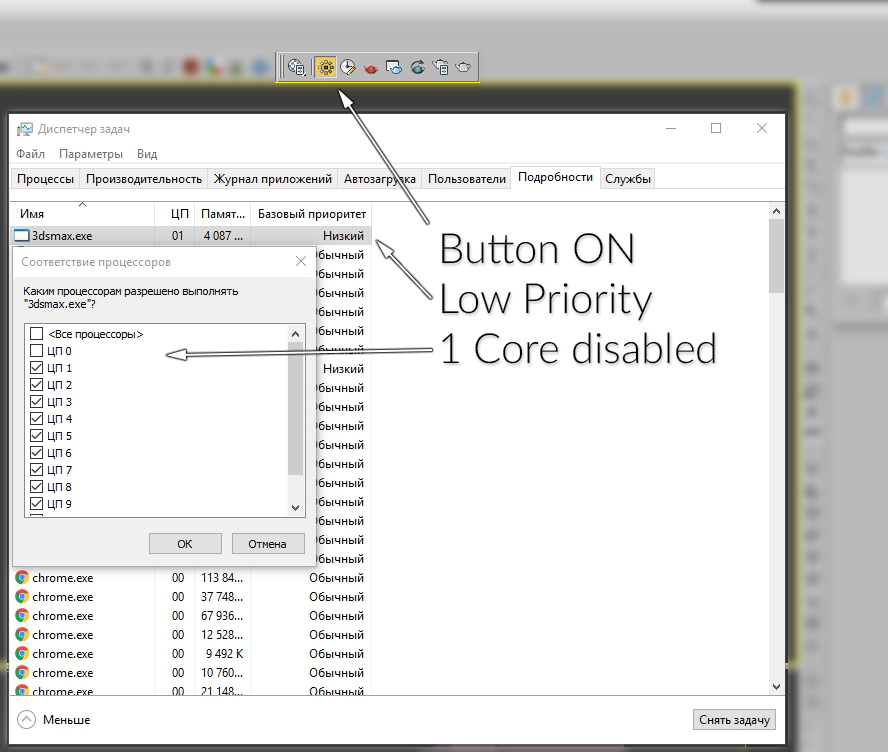
This simple switch can decrease/increase Affinity for 1 thread. Also it changes priority to low/normal.
To install just drag-n-drop into 3dsMax viewport. Then look at the NikScripts category -> Priority switch.
Checked state of button on toolbar means - low priority, thread 0 disabled.
Unchecked state - normal priority and all threads enabled.
 alexyork3d · 2015-09-14