


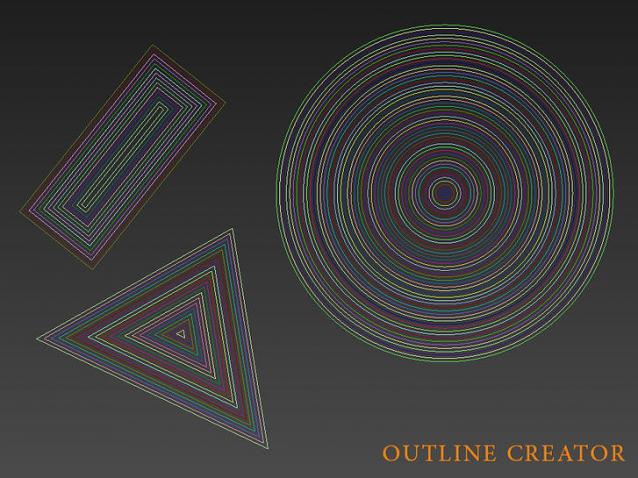
Outline Creator is a 3ds max script that will automate the process of creating outlines for shapes instead of doing it manually one by one.
Pay attention that this script only works with closed shapes for the time being.

Properties:
Gap : The distance between each line. Note make sure the system units and the display units are the same to achieve predictable results. You can use negative or positive values to make the offset inwards or outwards.
Num : number of out lines, if set to 0 it will repeat the shape until it closes.
Sys units = Inche : in case your system units are Inche and display units are centimeters.
Comments (4)
Comment policy
Teşekür ederim dostum
sen gerçekten iyi kalpli birisin ve harika script' lerin var. işime yarayanları mutlulukla indiriyorum. Bizlerle bunları paylaştığın için Allah senden Razı olsun kardeşim... Rabbim seni hep mutlu kılsın
yes...please do as a modifier, being able to keep your original line and modify later.
Hi Alaa Alnahlawi
Is it possible to add as a modifier - for instance to choose a poly line on a sphere and offset along normals an amount you set??
Also, to set the offset along the z to make the bones of a surface??
I love this script by the way, very useful
Many Thanks
Rez
Thanx Rezoloot,
If I got what you mean right, you can Achieve this result by selecting your edge loop then hit create shape from selection in the modifier panel. That will create a shape for you that you can use with the script. And for the Normals part the script automatically shoots the copies out or inside the closed shape so it's using the shape normals. I appended an image in the attachment to clarify what I mean.
Plz tell me if this solved the problem. :)
Regards
Alaa Alnahlawi
Attachments