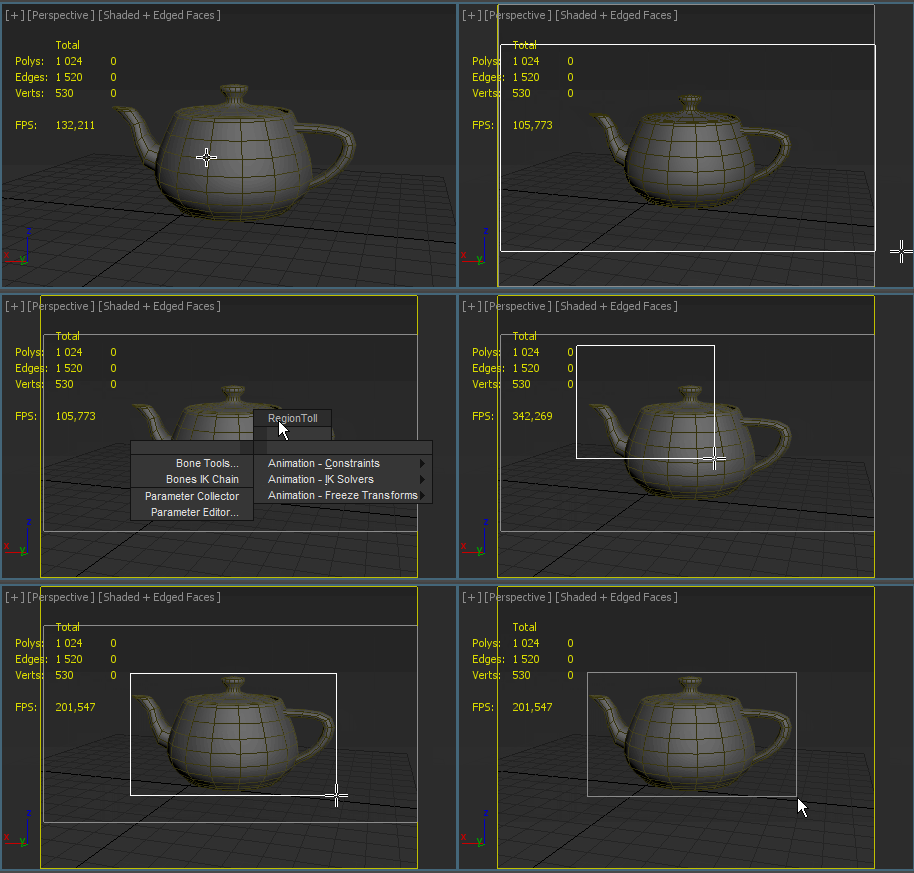
Note: .Drawing Render Region between two points in Viewport.
If you press the Ctrl key, So you can move the whole selection in active viewport
Script
By Maxis · 2014-01-25
Note: .Drawing Render Region between two points in Viewport.
If you press the Ctrl key, So you can move the whole selection in active viewport
...+1
 barigazy · 2014-01-27
Cool approch.
One tip about "if-then-else" statement.
When you use "if-then" max always expects "else" statement.
So in this case it's better to use "if-do" instead of "if-then"
Cheers!