3ds Max | Scripts

FStorm ToolBox

2 votes

This is an adaptation of VrayToolBox or CoronaAutomator for Fstorm. http://www.scriptspot.com/3ds-max/scripts/vray-toolbox http://www.scriptspot.com/3ds-max/scripts/corona-material-automator Install by drag and dropping in viewport, then go to customize, customize user interface, tool bar, category "SimonScripts", create a new toolbar if you haven't got one already, then drag FstormToolBox inside it.

update 0.0.2 :ColorCorrection Dropdown menu wasn't updated properly when unchecking any checkbox.

Align Points

1 vote


Free Tool

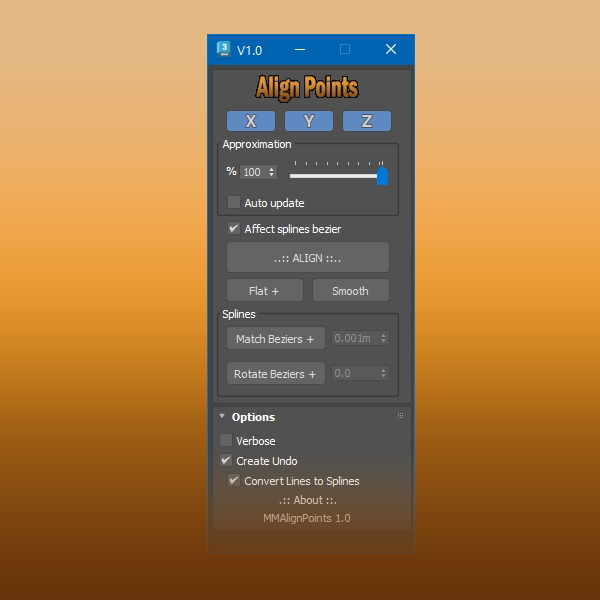
This tool aligns selected mesh vertices and spline points.

With splines you can align bezier vectors too.

available here


3D Measure Master

1 vote

 3D Measure Master 3ds Max Plugin

miauu's GridAxisPainter

0 votes


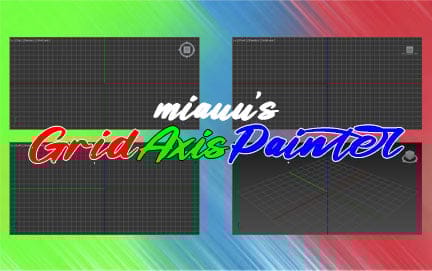
miauu's GridAxisPainter allows you to set different colors for the major X, Y, and Z axes in any viewport.
 
For more information, click here: miauu's GridAxisPainter


Find Any Texture

2 votes

This script helps you find textures or Maps nodes or objects by Map or texture file name. It will also help you find Maps with missing textures or empty file path. It works for any 3dsmax native Maps , Corona Maps and Vray Maps.

update1.7: Bug fix when searching for texture by its name, on vraybitmaps.

update 1.8: Bug fix, it was crashing when using"exact match" on vraybitmaps.

update 1.9: Bug fix, Search Empty Bitmap was crashing on vraybitmaps

miauu's CameraCycler

3 votes

miauu's CameraCycler allows you to cycle forward and backward through all cameras in your scene using two hotkeys.

Download it here: miauu's CameraCycler

Move Points

1 vote

This tool moves points to a source very quickly. It uses the 3ds MAX SDK for heavy-duty tasks like moving mesh points. The destination source can be points or SpLines. When the source is SpLines, you can move points along a direction (perpendicular to the selected point) or can move by edges.

3DS Max - Plugin Update - CopyPasteDWG V1.5

1 vote

*Description:
This plugin allows the user to copy paste geometries from AutoCAD into 3DS Max.
The plugin works with multiple opened AutoCAD files. It recognizes the last copied objects.
The script offers many filtering options for the imported objects like:
1-Removing the prefix "Layer:" and this will make it easier to select objects by name.
2-Removing any material applied to the imported objects.
3-Removing the Block/Style Parent hierarchies. (You might encounter name LinkComposite, it's the same thing.)
4-Selecting the imported objects when importing is done.

miauu's LayerColorizer – color-coded layers for 3ds Max

1 vote


miauu's Layer Colorizer allows you to assign custom background and text colors to any layer in the Layer or Scene Explorer.

You can also apply the same color to all child objects of a colorized layer for better visual organization.

You can save your preferred colors in a Color Palettes and reuse them anytime.

PickMaterial

2 votes

This script is intended to pick material in viewport and send it to material editors (both Slate and Classic),it will automatically open material editor if it isn't opened yet.
If you pick a Multi/Sub-Object material it will load the material applied on the picked polygon rather than the all Multi/Sub-Object material.
As long as the script button is highlighted in blue , you can continue picking materials
To exit the script you can either right-click or click the script button

Syndicate content