To use, run the script.
Either select a object, or create a new camera, you asked if it should be target or free when to press the "Go!" button.
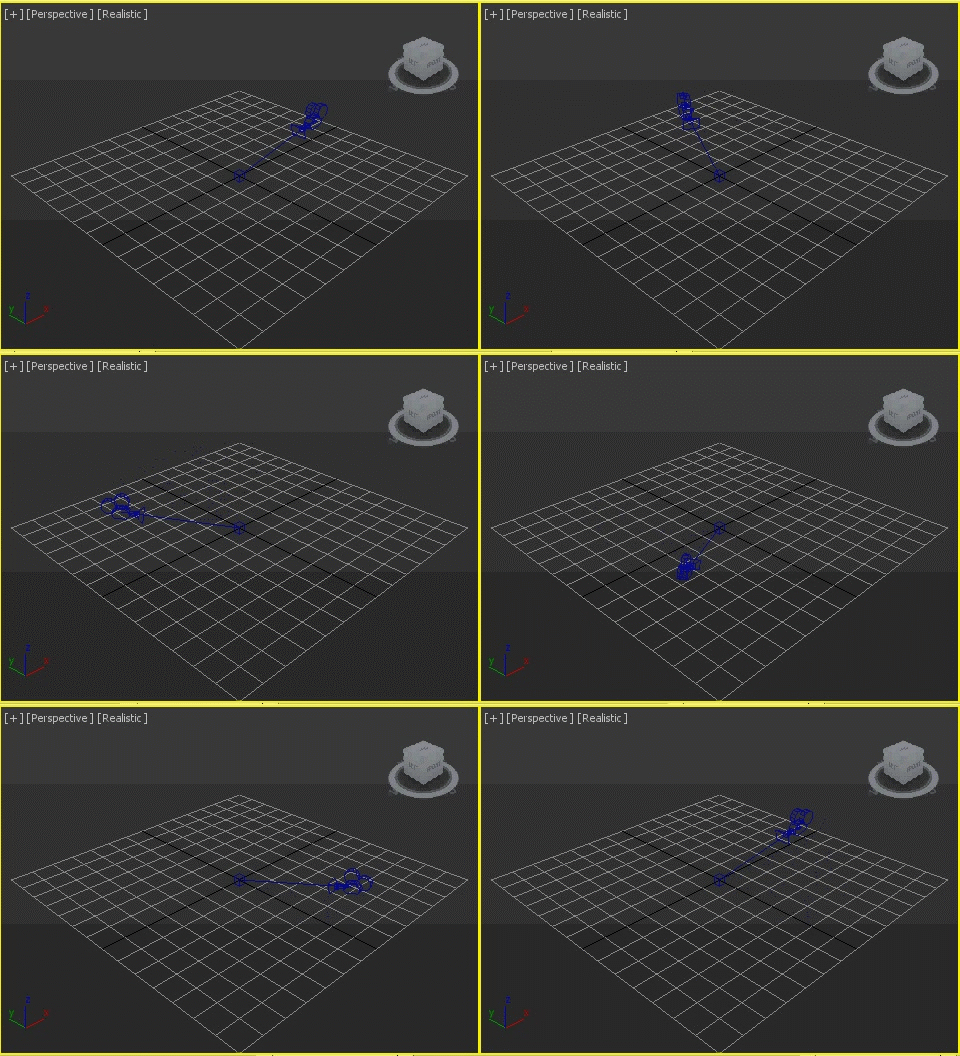
Change the radius, height and length of the rotation animation, The height will change real time(only when you are using a existing object).
If you want to spin around a center different to 0,0,0 then you can use the "Rotate around" options. You can use a scene object, and get the position from its pivot, center, min or max in X, Y and Z. You can also define a custom point, using the X, Y and Z options, only availble when you enable the "Custom" option.
All frames in the length are keyed, and the current animation is overwritten, not deleted.
If you do not specify a object when using an of the options apart from "Custom" then the object/camera will spin around 0,0,0.
If the choosen object is animated(say, a previously spun object/camera) then the object/camera will be spun around the current position.
At the moment it doesnt rotate the object, it just moves it in a circle, so it produces the best effects when used with a target camera(note, rotation function hopefully will be added sometime in the future).
Note, only tested in 3ds Max 2012, but it should be compatible with previous versions.
 By brttd · 2012-11-27