By FishMan · 2023-06-11
What this script do:
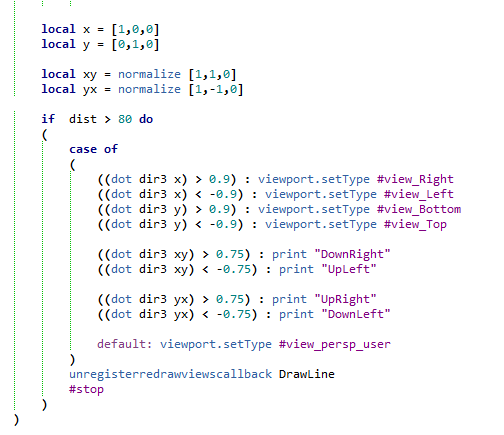
This script allow you to select viewport view using gestures and left/right mouse button.
How to use it:Assign shortcut. Press a button an interface will appear.
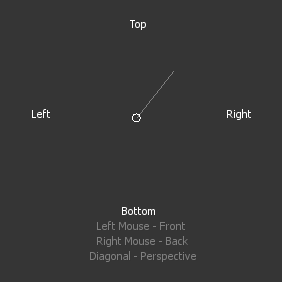
Now select viewport view that you need by dragging your mouse in the direction of corresponding viewport view or by pressing left or right mouse button. Drag the mouse diagonally if you want to return to perspective mode.
May have some bugs. Please report if you find any.
Tested on 3ds Max 2023
Installation:Drag/Drop the script on 3ds max viewport or run it via 'Scripting-> Run Script...'. Go to "Hotkey Editor", search for category called 'Custom', there will be 'ViewportViewSelector' assing a hotkey to it.
Since it relying on mouse movements this script supposed to be used only with a hotkey.
Here's a video showing a process of installation and use: