 By Atelier Bump · 2017-05-20
Autodesk 3ds Max Scripting language (MaxScript) support for vs code.
Features
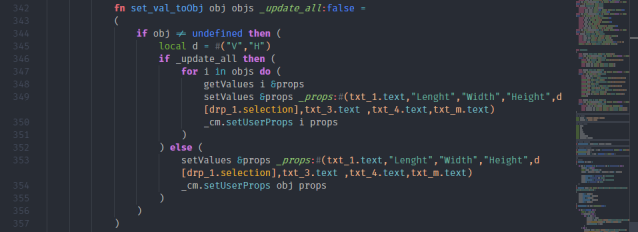
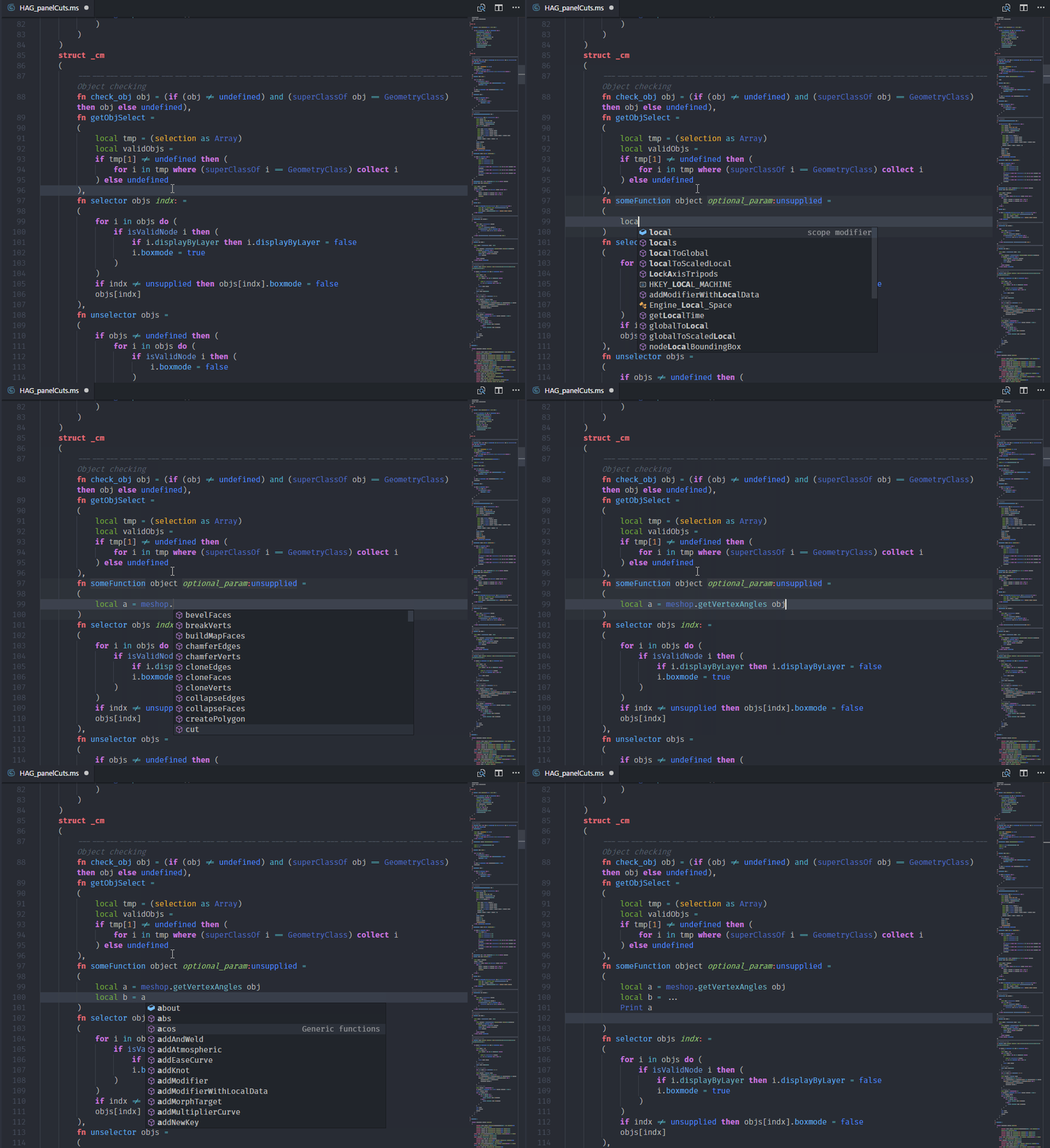
- Syntax highlight.
- Code autocompletion; for keywords, primitives, generic functions, structDefs, interfaces and classes.
- Snippets for most used code blocks.
- Customized theme to match MaxScript elements diversity.
- Help command (*MaxScript help. Accessible from the right-click menu.*): Select a keyword and open related online documentation.
- Basic implementation of "Go to" and code navigation.
Executing MaxScript
- MXSPyCOM project allow for editing & execution of 3ds Max MaxScript and Python files from external code editors.
- Get it here: [MXSPyCOM by Jeff Hannna](https://github.com/JeffHanna/MXSPyCOM)
- Follow the configuration guide to register the COM server.
- Set up a vscode task:
--json { "version": "0.1.0", "command": "C:/MXSPyCOM/MXSPyCOM.exe", "isShellCommand": false, "args": ["-f"], "showOutput": "always", "tasks": [ { "taskName": "Execute in Max", "args": ["${file}"], "suppressTaskName": true } ] } - Run the task, enjoy the 3ds max listener throwing errors.
Contribute
Note: MaxScript Structure is to say at least, chaotic. I've done my best to organize structs, classes, interfaces and so on. However the grammar is usable enough.
 Martin Breidt · 2018-01-10