 By werwack
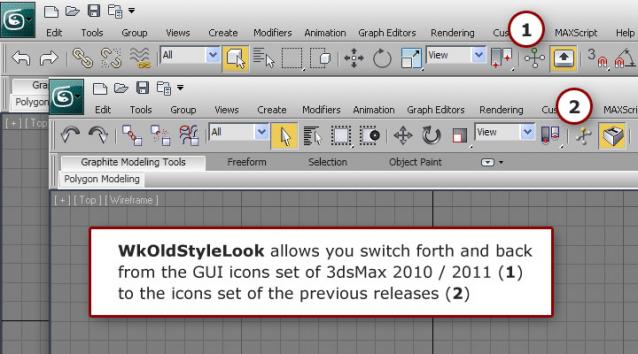
Because I find the old icons set clearer and more visually efficient that the one currently provided with 3dsMax since release 2010, I wrote this little script to install it again properly.
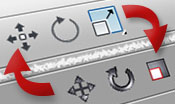
Here is the visual difference between the two sets:
Installation and use:
Launch 3dsMax and drag and drop the .mzp file directly onto one of the viewports.
The installer window will open, then just follow the instructions.
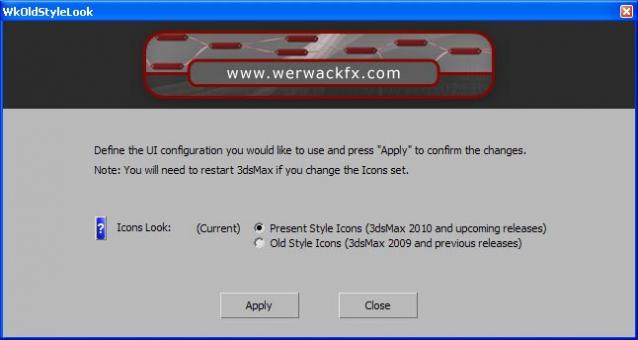
Dialog box look:
See also http://www.werwackfx.com/3dsmax/ for more information about installing and using WerwacK scripts
Feedback:
Please feel free to contact me for bugs and feedback at werwack@werwackfx.com
 Michele71 · 2010-09-17