ScriptSpot

Forum topic · General Scripting

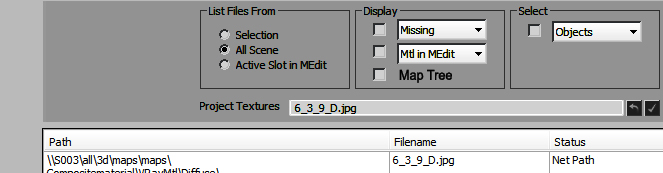
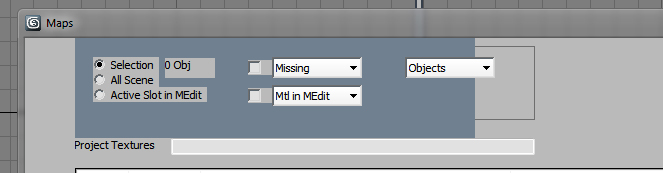
dark background with UI elements

By artrender.info · 2013-03-16

Description
Attachments
Comments (4)

yes

artrender.info · 2013-03-16

because of the time! Thanl you for you time, barigazy!

Thx

artrender.info · 2013-03-16

I think I won't use dark bg at all then!

:)

barigazy · 2013-03-16

Can I ask you why? :)
I most cases .net will help you achive beter look of your UI, but in the end you realize that you withdraw more time than main controls functions.

barigazy · 2013-03-16

You can't combine or add any mxs control inside .net control.
To solve this you have 2 choisese:
#1 you can use standard dialog (rollout) and .net "Panel" object to represent ui
background. But all others controls like labels,buttons,textboxes need to be also .net objects.Example http://www.scriptspot.com/3ds-max/scripts/3incampack-jumper-cam
#2 use .net "Form" in combination with .net objects.
Example:http://www.scriptspot.com/3ds-max/scripts/scriptrun
Also you can assigne beckground color to your rollout but sometime you will get flickering over controls. I personally try to avoid this method.