Tagged '3ds'

Labyrinth Maker

12 votes


Weight Pro v2.0

5 votes

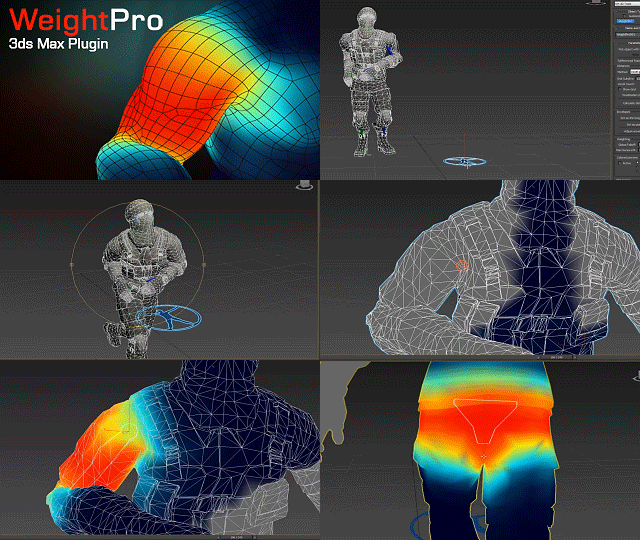
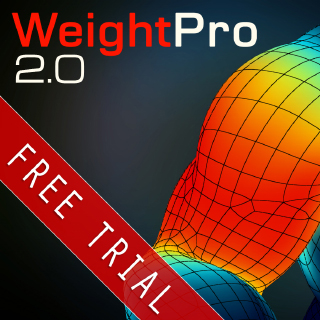
WeightPro is a 3ds Max plugin for automatic, fast and smooth Skin modifier weighting, no matter if the mesh has good or messy topology. It voxelizes the mesh with the skeleton using GPU to calculate the shortest distances between bones and vertices.
It allows you to make adjustments during posing in realtime.

Available for 3ds Max versions: 2013, 2014, 2015, 2016.

NukeOps

39 votes

A set of functions wrapped into a minimalist single-click button to help 3ds Max and Nuke artists to bring the 3ds Max 3d scene assets into Nuke's powerful 3d compositing scene.

This tool allows:

1) Copy cameras and any other objects (as points) and their animation into clipboard for an easy Copy+Paste action inside Nuke.

2) Generate .chan files from selected cameras and any other objects (as points) and save them either many at once or one at a time to selected destination.

JJTools

30 votes

I have used 3DS Max on a daily basis for almost 10 years now and I took an interest in MAXScript almost immediately. The learning process was slow but I was able to pick the brains of my very talented colleagues. I began by studying 3ds Max’s ‘Listener’ and with time and confidence I tentatively created short scripts of my own. Many years later, and with a lot of help from my friends, I am in the fortunate position of being able to create my very own 3ds Max tools.


http://www.jimjagger.com/Pages/Tools/index.htm

Most of my scripts are workflow improvements in an effort to avoid repetitive tasks. With any luck, they may save you some time too.

Quick Z-Depth (mental ray)

1 vote

With this useful and simple script, you can create a non-destructive quick map Z-Depth in mental ray.

rollout Quick Z-depth

Enjoy!!


3DS Max Multi/Sub-Object Material Browser Script

2 votes

When dealing with various bitmaps to be applied on multiple objects (i.e large video walls), this script comes really handy. The purpose is to scroll through the Multi/Sub-Object Material diffuse bitmaps and apply on one or several objects.

Change Log:
v0.9b :

  • Bug Fix.
  • Added icons and macroscript.
  • v0.9a :

  • SubObject Support.
  • Preview before applying.
  • Improved Code and functionality.
  • New features added.
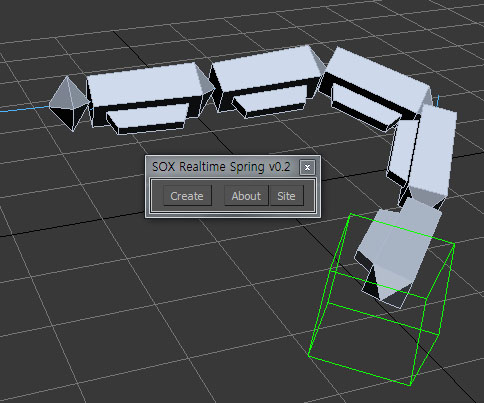
  • SOX Dynamics

    3 votes

    Sorry, The management of the tool will stop temporarily.


    TurboTriSmooth

    4 votes

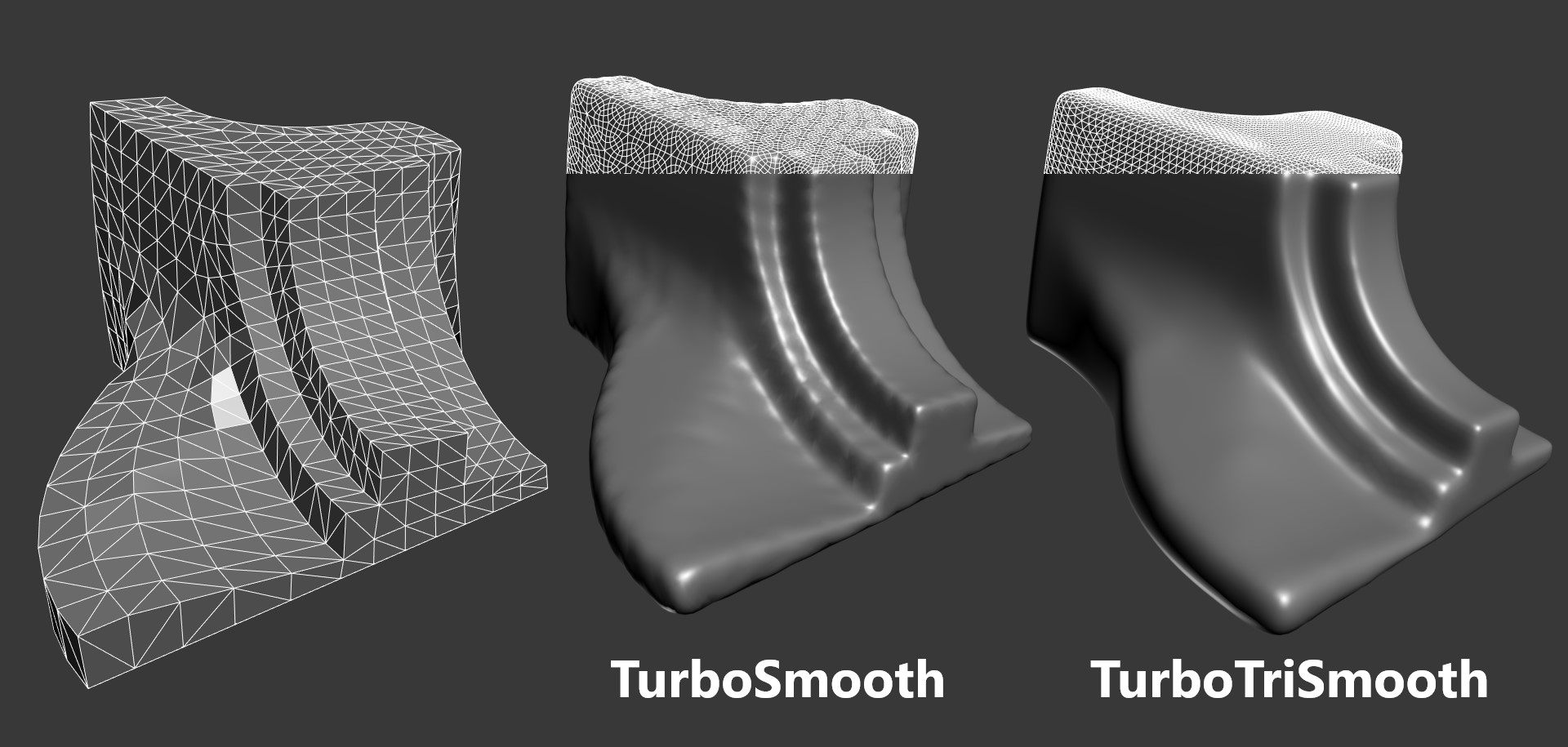
    TurboTriSmooth is a modifier for 3ds Max that subdivides triangle meshes while producing smoother results and nicer topology than the standard TurboSmooth. It can be used on triangulated models, cloth, scans, decimated meshes, fluid simulations, terrain or on any triangle mesh. Get it from https://mariussilaghi.com/products/turbotrismooth

    Camera Studio

    1 vote

    poster1

    Camera Studio allows you to animate cameras much faster! You can create an orbit or spiral motion around selected objects with just 1 click and easily manipulate it. There is a number of other motion presets. Add shake to selected cameras when you need.
    The motion path function allows you to create a seamless motion between several reference cameras (watch the video).

    DeltaMushToSkin

    3 votes

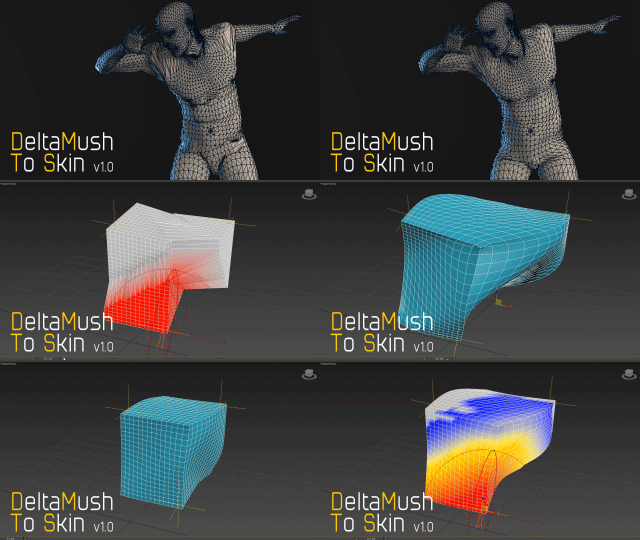
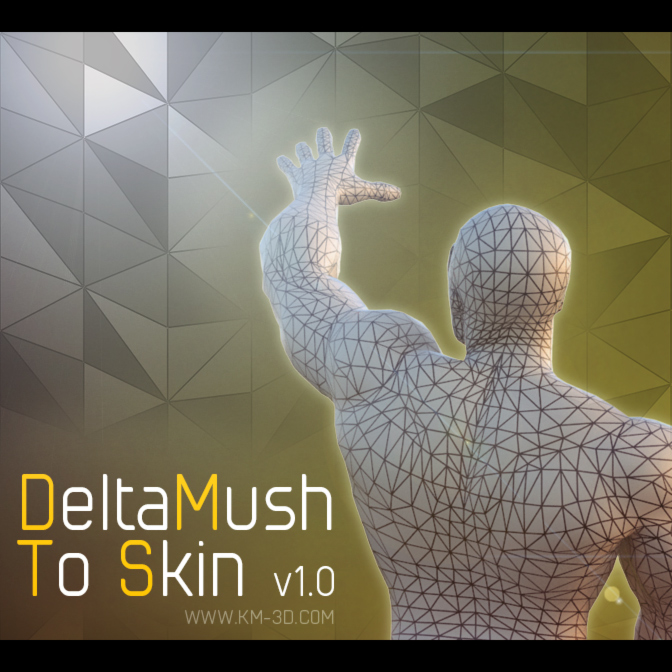
    DeltaMush to Skin is a c++ 3ds Max modifier which smooths deformations while preserving details with "converting" to Skin feature - the plugin solves Skin weights matched as close as possible to the DeltaMush result. It enables the user to export such rigg to the game engine like Unity, Unreal etc. The whole process is incredibly fast thanks to multithreaded optimization.