
ECopy is a 3DsMax script by EKDtools.
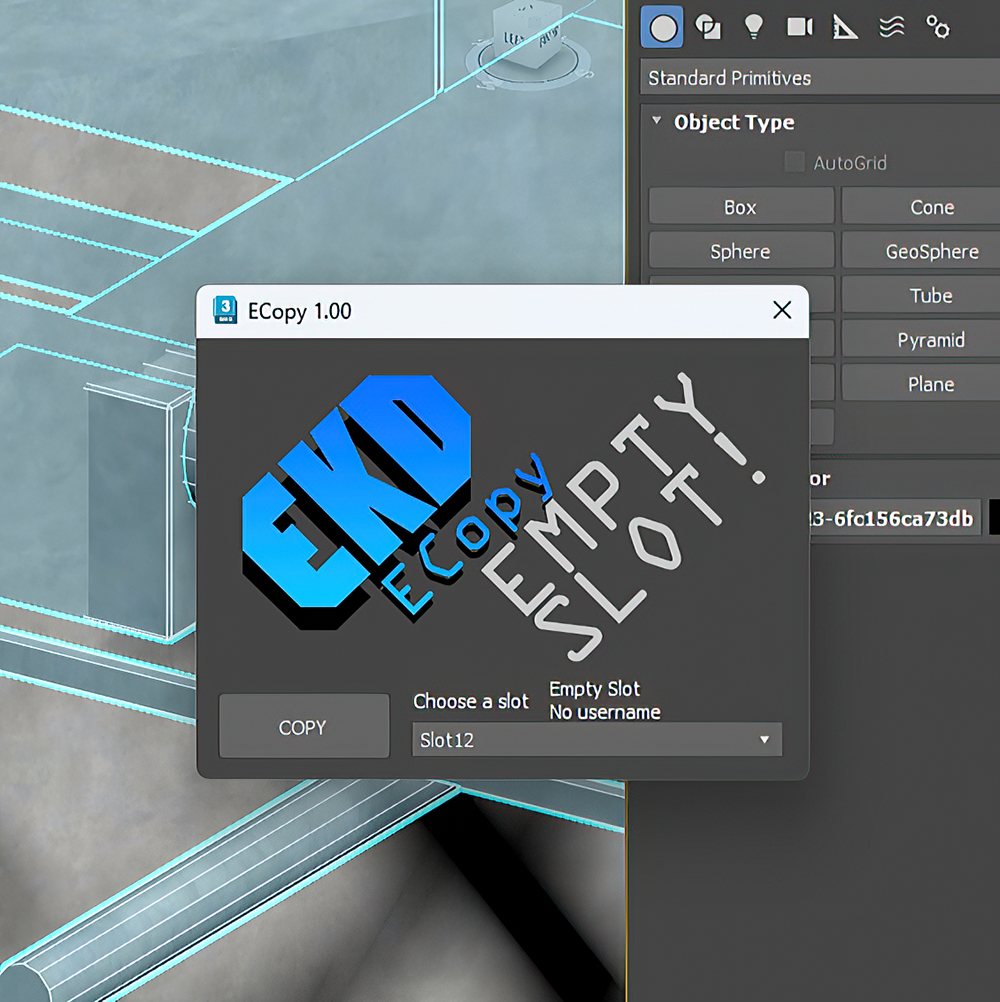
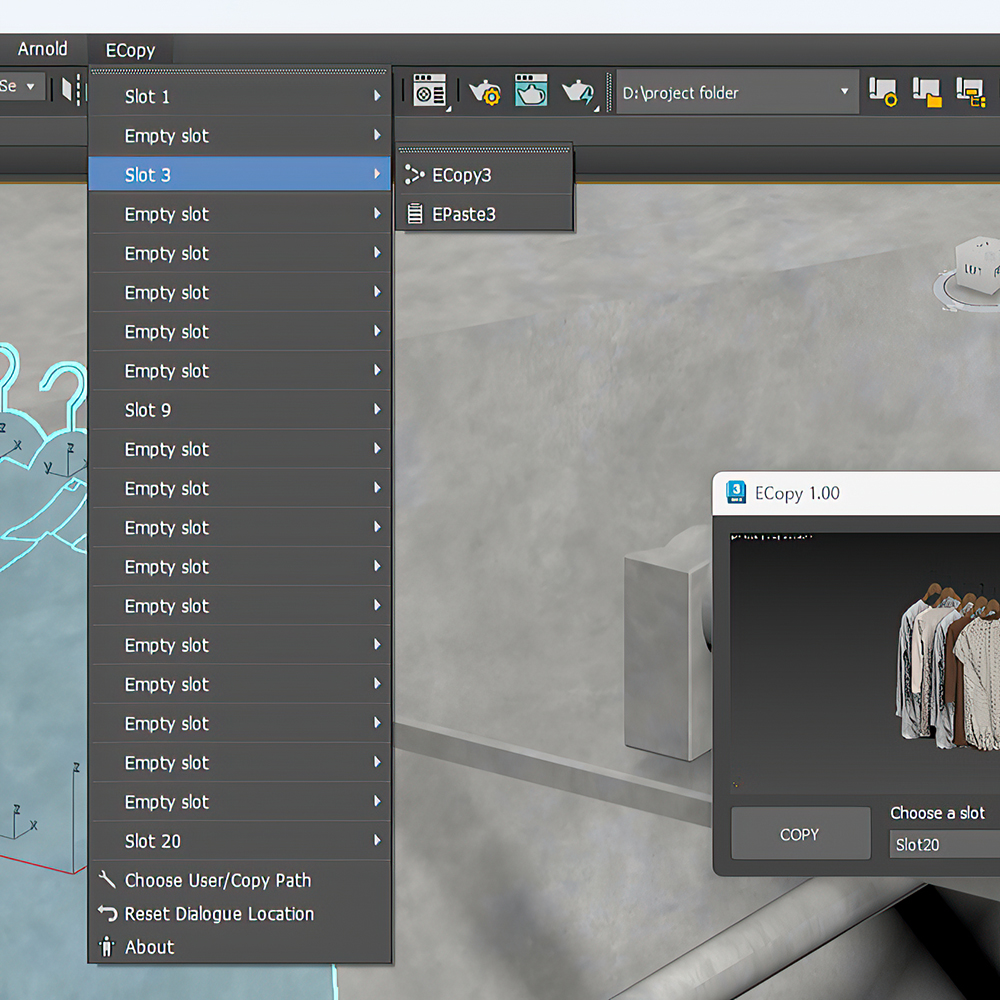
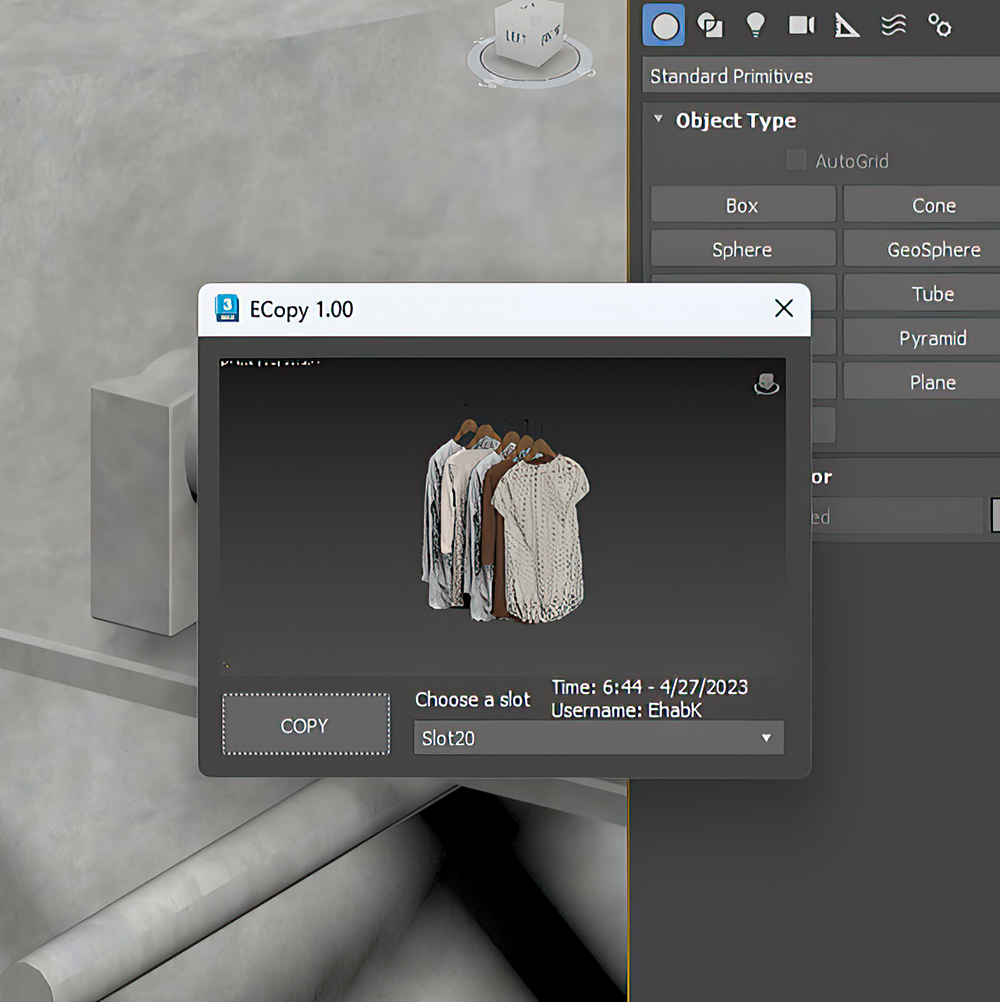
It registers in to the main menu of 3DsMax and comes with a user interface that you can go through the slots using mouse scroll.
That allows you to copy and paste in 20 different slots.
You can use this script to copy and paste objects between different files and computers on your network. This can be useful when you are working on a project that requires collaboration with other people.
ECopy also registers the timestamp of your copy with a large object centered preview and the username of the user who took the copy.
ECopy also allows you to choose the copy path anywhere even of a network location.
With ECopy you can copy between two max instances on the same time showing preview once you made a copy from one another.
Try ECopy today and experience the power of seamless collaboration!
ECopy
Downloads
Version 1.03Listed version
Listing updated
Visit author’s download pageehabkdesigns.com
Release notes
changelog 1.03
Earlier releases (2)
Version 1.02
Release notes
changelog 1.02
Version 1.01
Release notes
changelog 1.01
- 3ds Max compatibility
- Unknown
Community compatibilityNo compatibility reports yet
No reports yet for the available releases.
Community reviewsNo reviews yet.
Listing details
- Version
- 1.03
- Author’s update date
- Legacy votes
- 2
- Listing created
- Homepage
- https://ehabkdesigns.com/shop/
How compatibility works
Compatibility comes from the author’s supported range or requirements in the original listing. A tested version records what the author tried.
“2020 unconfirmed” in the catalog means support for 3ds Max 2020 is still unknown.
Community reports record successful tests on specific releases.
More by this author
Description
Setup & notes
Each license of this script can be activated on one computer only (With many max versions* and instances as you want) and this license covers ver 1.++ and it’s minor updates below ver 2.00.
ECopy 1.00 is now compatible with 3ds Max 2016 to 2025*.
ECopy1.00 release note:
Follow the intsallation instructions carefully.
Only one max instance should be open during installation and activation.
You can safely Update on the one installed already.
Use same key as the last version.
changelog 1.03
It’s now supporting 3ds max 2025, note that the new menu system is not helping us to show the empty slot as an empty slot in the menu only in 2025, it’s working perfectly in older versions of 3ds max, also, the slots in the script UI are not scrollable using the mouse scroll anymore “Due to the new UI system of 2025” but you can still scroll using up and down keyboard keys.
Changed the HW lock data avoiding lan information, so please don’t activate any older version. Activating an older version after this release will make you unable to activate any new releases after 1.02.
changelog 1.02
Fixed a bug where first slot refuses to paste sometimes.
changelog 1.01
Added timestamp and username stamp to your copies.
Comments (0)
Comment policy