Tagged 'delete'

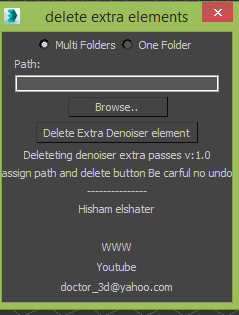
Delete Vray Denoiser extra elements

1 vote

Vray introduced Vray Denoiser lately which is post rendering process using extra passes which is mostly you won't need it on composting and for production its taking too much space

this simple script will delete it for you.


Delete UnRemovable Layer

2 votes

You might encounter a situation where you want to remove an empty layer that you created earlier, but the delete option is grayed out in the layer manager. and you are unable to remove that layer. After all you have to remember that 3Ds Max never allows you to delete a layer while it contains nodes or the default layer called “0”. But in some rare situations, even an empty layer that you created and then finished with, may not be deletable in 3Ds Max. This happens because of some unclassified nodes that come with your imported models from other programs. These nodes are not visible in the viewport or the layer manager. The only way to eliminate them is to select those nodes using MaxScript and delete them manually, so the layer’s delete option becomes available again.

Delete Unselected

0 votes

Delete all non-selected objects in 3dsMax scene, including hidden and frozen ones, leaving just the ones you need in the scene.

This simple script is very handy when you need to re-save only one or a few models from a complex scene, but keeping all the scene setups. It’s also good for exporting objects to external software that requires scene data from 3dsMax.

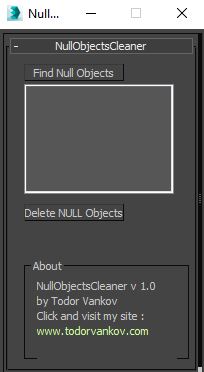
Null Objects Cleaner

2 votes

Null Objects Cleaner is a 3ds max script to help you to find the null objects in your scene, show you a list of these objects and give you the possibility to delete them. Null Objects in studio max are poly objects without faces - empty objects.

Script category: “#todorScripts”.

You can see an example, how to install my script per Drag and Drop and tutorial for the Null Objects Cleaner: