Tagged 'Plugins'

Multi Mesher

17 votes

This is a quick FREE tool.
it acts like the Mesher, but instead of picking only one source object you can have a list of them.
And with some boolean options to intersect or subtract the meshes.

there is a add list for the boolean addition objects
and another one for the subtract objects

it keeps the animation...modifiers, and the uv's.

and the Source objects remains separate, so it'll not collapse it in one, like the boolean does.

you can also pick splines

installation :
1 : put the file in your script, startup folder.
2 : restart max

jbLib

14 votes

Contains a collection of new functions for use in MaxScript, including
ApplyVertexColors, ElementFromFace, GetClosestVertex,
GetSpaceWarpForce, GetUNCPath and IsParticleSystem

Character_set

3 votes

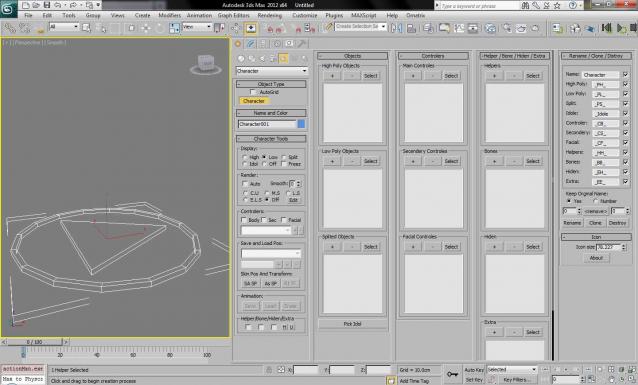
This Script helping you to manage your characters.

01.Hide/Unhide entity by one click.
02.Easy to layering.
03.Auto replace on render.
04.Prerender script run.
05.Easy rename all relate entity.
06.Directly clone(and rename) character one scene.
07.Destroy all relate entity by one click.
08.Auto link.
09.No problem whit nodes rename.
10.Network render support.

Modifier Clone Pack

1 vote

The Clone Modifier Pack include basic Linear Clone, Radial Clone, and Grid Clone. These modifiers create copies of an object and incrementally translate, rotate and scale the input object. These modifiers allow users to animate the offsets and number of duplicates over time. Artists can also add multiple modifiers to create complex results.

Users can also enable the Weld feature which welds all vertices along the clone edge that are within a specified tolerance.

Smooth Bridge v2.1

3 votes

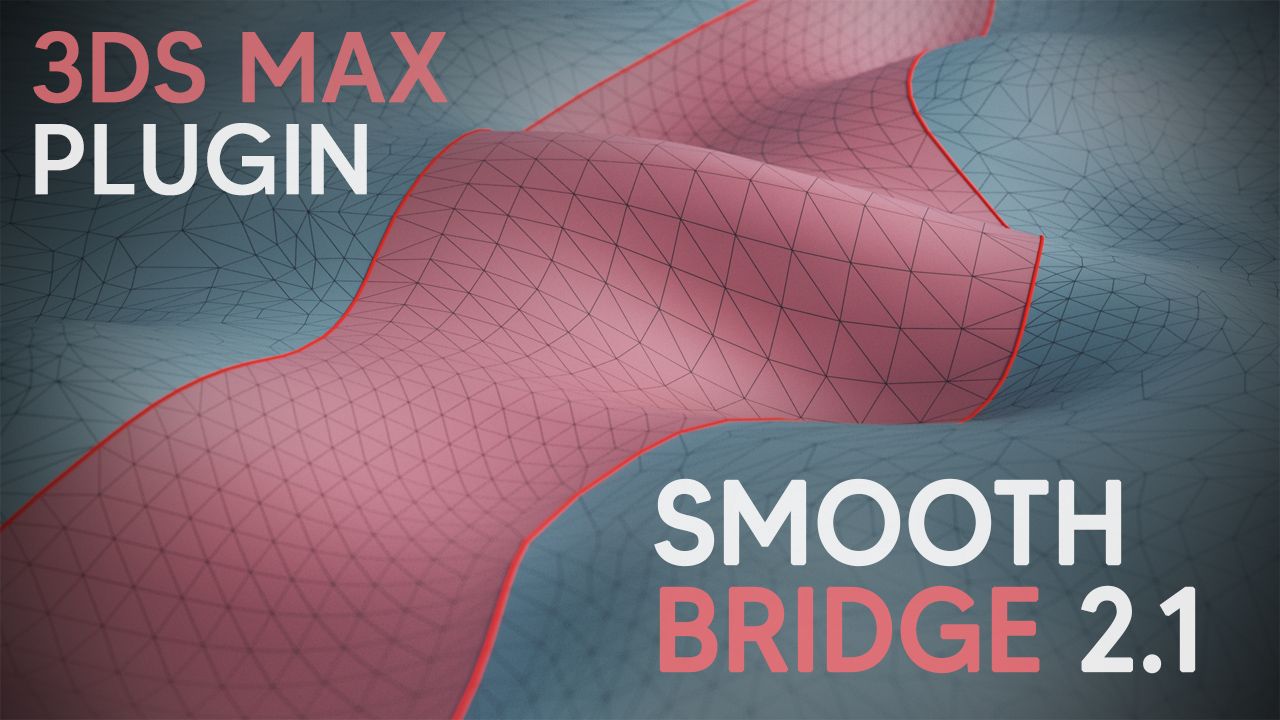
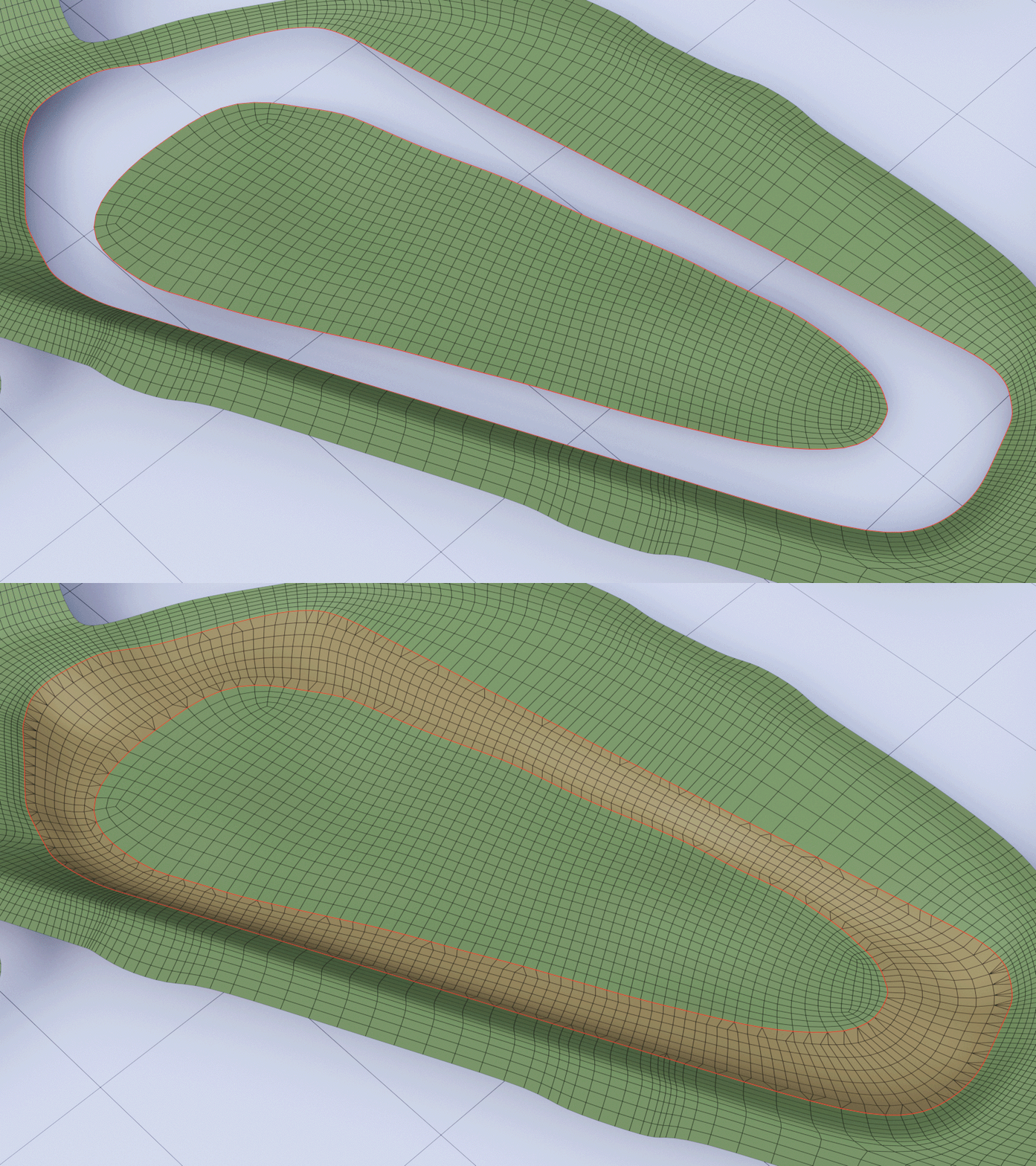
Smooth Bridge 2.1 modifier is able to bridge two open edgeloops in a very smooth way, even with uneven edge count. Version 2.1 presents a completely new joining algorithm, which can seamlessly bridge two loops with notably different shapes.

Previously it was only a part of Smooth Boolean plugin, but with this update you can also buy it as a separate plugin.


View Slammer 9000 — one-handed view snap for 3ds Max

1 vote


Stop fighting the ViewCube.

If you've ever wanted to "just look at the front of this thing" mid-orbit

and ended up clicking the ViewCube, hunting for a numpad key, or fumbling

through the View menu — View Slammer 9000 fixes that.

Hold Alt + Middle Mouse Button like you already do. Orbit a meaningful

Avguard MAXScript Extension Package

18 votes

The legendary Avguard extensions have been improved even more, adding
dozens of incredibly useful methods/globals for the maxscript
programmer…
See included text file for complete change notes…

UI toolkit

5 votes


UI Toolkit, is a serie of new 3dsmax scripted plugins, to quickly create modern & sci fi UI and motion graphics directly in 3dsmax.

With a lot of procedural parameters and ways to animate and link them together.

More tools to come, you can email us to suggest some new features/objects.

Features :

Techline

-1 vote

The Techline plugin offers the ability to easily create a mechanical, linear line with varied notches, segments, gaps, thickness and more. Check it out and see what you can create!

3ds Max Compatibility:
– 2008 or later

VdbRemesh Modifier Plugin by PolyDesign

0 votes

VdbRemesh

VdbRemesh is a C++ based Multi-threaded, openvdb based remeshing modifier plugin for 3dsMax.
It comes with a procedural filter stack that has 10 filters ready to be applied in any order.
Since it is a volume based modifier, it works much different than the traditional surface modifiers.
Since it is a procedural modifier, you can add more than one vdb remesh to an object with different settings.
It produces only quads if the adaptivity settings is zero.
It can be used to
smooth the edges of hard surface cad models.