Tagged 'Plugins'

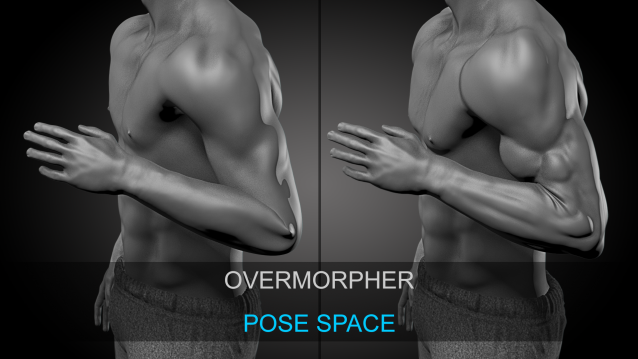
OverMorpher PoseSpace

2 votes


OverMorpher PoseSpace is a 3Dsmax plugin dedicated to Pose Space Deformation.

It is pretty similar to the SkinMorph, Corrective poses driven by your Rig.

Except the poses interpolation is more reliable.

The SkinMorph modifier drives the poses depending on the angle between 2 bones.

Varo + SocketMXS

-13 votes

AutoModeller Pro

21 votes

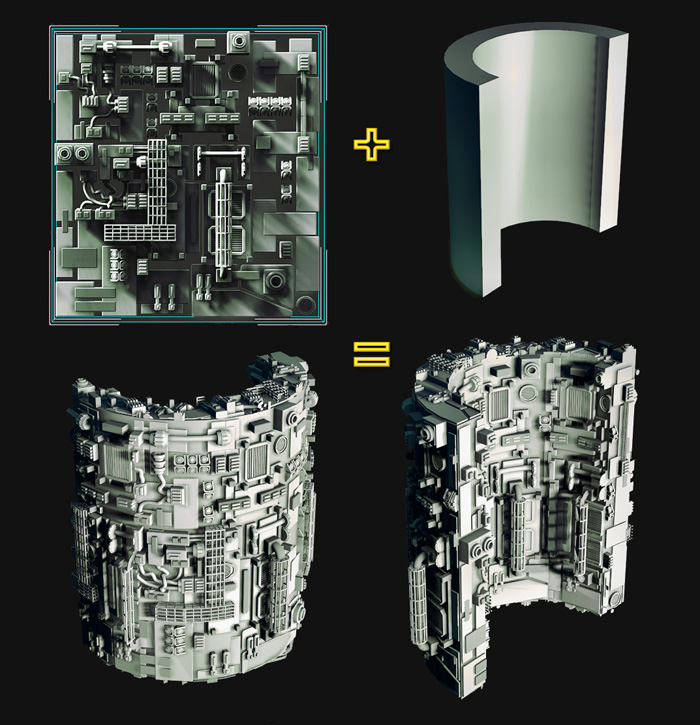
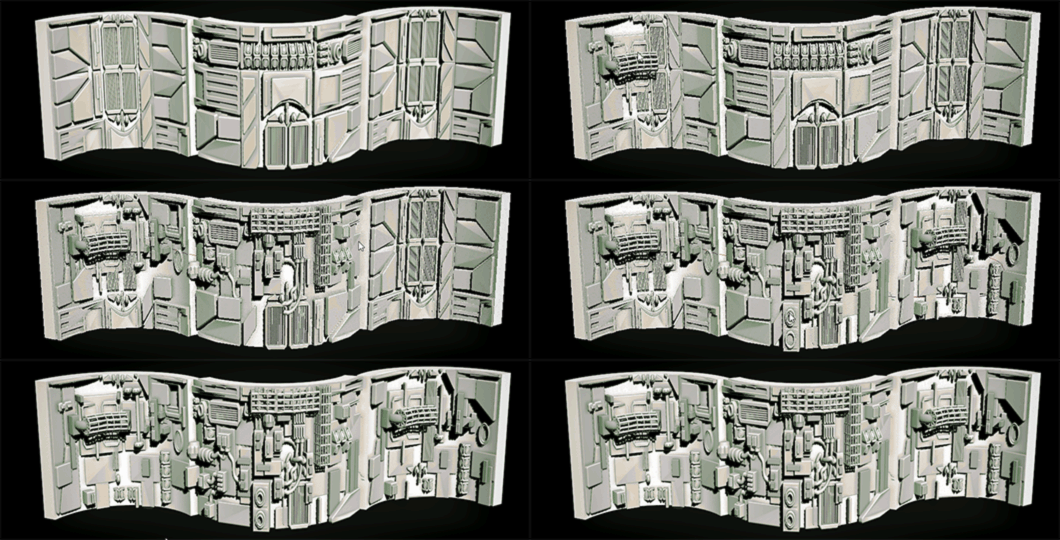
AutoModeller Pro is an incredibly advanced, game-changing, native and heavily multi-threaded plugin(C++) for 3ds Max (2010-2022). It allows you to apply or paint a group of meshes as "geometry texture" onto your existing 3ds Max scene geometry.

XrayUnwrap 2.0 - Cowdfunding campaign help to founding

1 vote


Hello everybody, we launched a crowdfunding campaign to develop XrayUnwrap 2.0 for Autodesk Maya and 3ds Max. In the video we show the new features we would like to add to this great plugin! thanks for your support! Please visit our crowdfunding campaign here: https://www.indiegogo.com/projects/xrayunwrap2-0-quicker-auto-unwrapping...

Weight Pro v2.0

1 vote

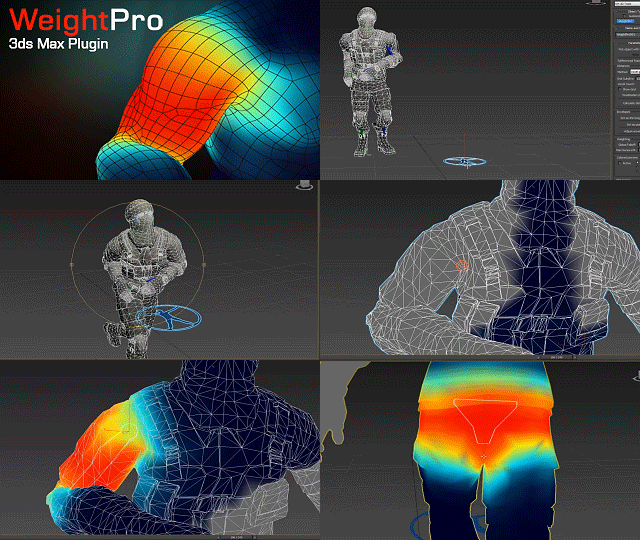
WeightPro is a 3ds Max c++ plugin for automatic, fast and smooth Skin modifier weighting, no matter if the mesh has good or messy topology. It voxelizes the mesh with the skeleton using GPU to calculate the shortest distances between bones and vertices.
It allows you to make adjustments during posing in realtime.

Available for 3ds Max versions: 2013, 2014, 2015, 2016.

F.A.S.T

6 votes

Fast Animation Surface Tool Inspired by what Pixar showed on Presto, this tool will really speed up your rigging workflow, but most of all your animation efficiency. You don't need anymore to create additional object to control your rigs, everything is triggered by predefined mesh zones and your mouse movements. So the advantage here is that it doesn't slowdown your scene by adding more elements, and most of all, you can control your rig directly on the mesh, without any visual interference, painful Controller selection or separate UI. So everything becomes very obvious and intuitive.

3D Studio Max - Plug n Play Toolbox

2 votes

The plug and play toolbox allows you to easily browse and run scripts and plugins within your browser.

No need for complicated installs, simply browse click and play.

When you restart max non of the tools exist, only when you run them, so there's no chance you can get any startup errors or slow-downs.

To see the toolbox in action check the video link below :-
http://youtu.be/ZKMw1UtcOjU

Check out the site below for download information.
http://www.3dsmax.ninja

ProjectShowcase

5 votes

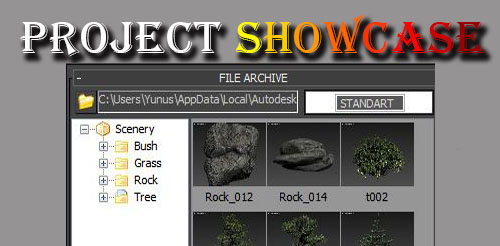
You can fast archive with projectshowcas and you can recall the scene visually archives.

Multi Mesher

17 votes

This is a quick FREE tool.
it acts like the Mesher, but instead of picking only one source object you can have a list of them.
And with some boolean options to intersect or subtract the meshes.

there is a add list for the boolean addition objects
and another one for the subtract objects

it keeps the animation...modifiers, and the uv's.

and the Source objects remains separate, so it'll not collapse it in one, like the boolean does.

you can also pick splines

installation :
1 : put the file in your script, startup folder.
2 : restart max

Labyrinth

-9 votes