Tagged 'edge'

Select Every N-th-no UI

37 votes

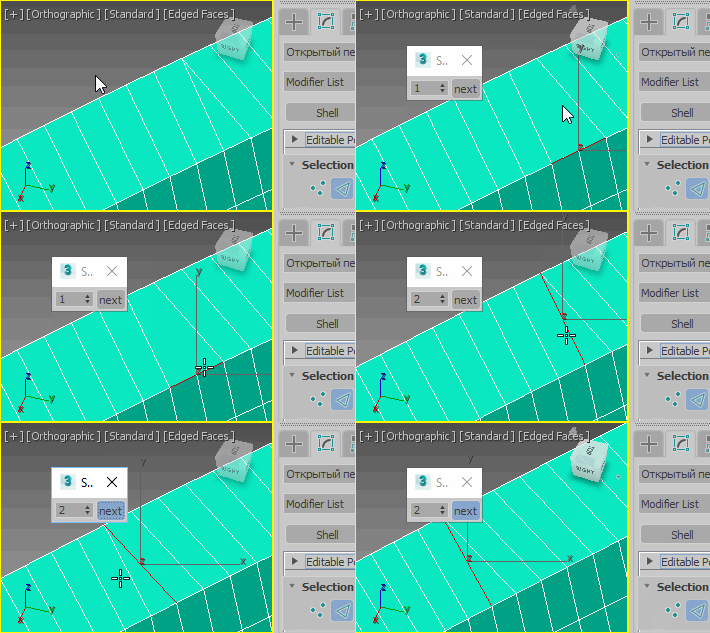
If you want to select every 2nd or 3rd or 4th, etc edges, just select the first edge, skip the desired number of edges and select the second edge, then execute the script.

If you want to see the time that script needs to make a selection, just start MAXScript Listener.

Instalation: Drag 'n drop two mzp files in 3ds max, then go to Customize - Customize User Interface. Under "miauu" category you can find "Gap Loop" and "Gap Ring" scripts.

On the video below the script works 3 times slower, because of Camtasia and my old, single core PC.

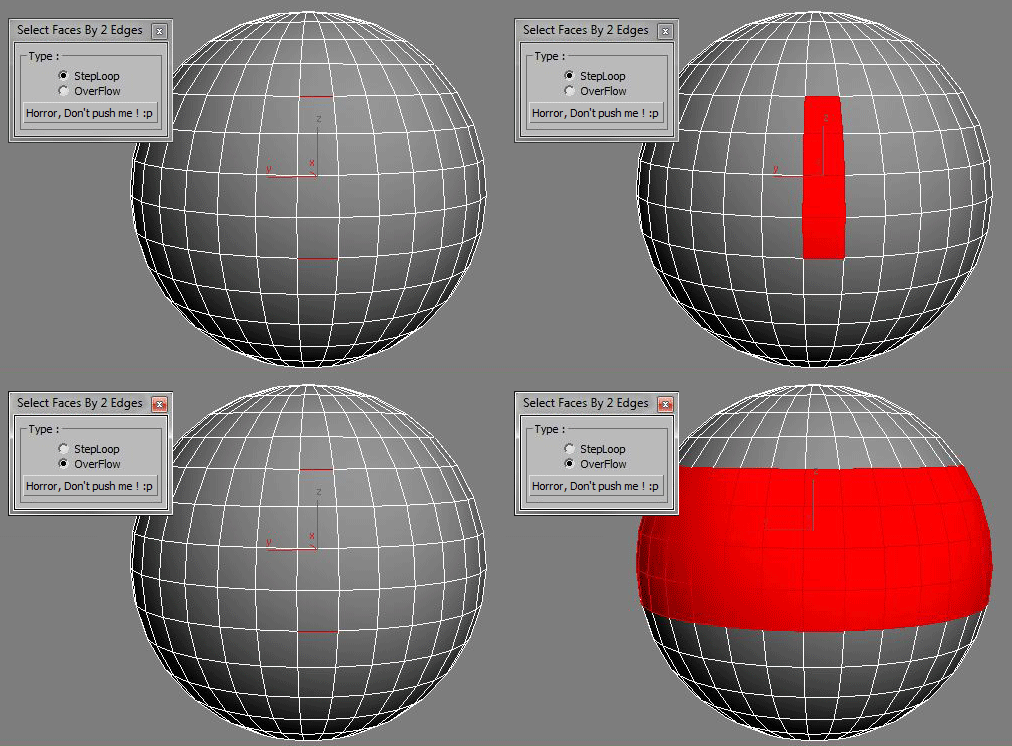
Select Faces By 2 Edges

2 votes

Select a Loop Faces between two selected Edges.

Skip Every N-th

61 votes

Skip every vert/edge/face. In Loop mode, you can skip edges and polygons. In Ring mode you can skip vertices,edges and polygons. To make poly loop select 3 faces(the middle one is starting face), check PolyLoop checkbox, set "Skip V-E-P" spinner to value greater then 2 and start skiping. You can't skip one face, only 2 or more. Ring mode does not have this limitation. "For Steps" spinner works only with edges. If you want to skip every 2 edges five times, set "Skip" spinner to 2 and "For Steps" spinner to 5. Instalation: Drag-n-drop SkipEveryNthVEPRingLoop.mzp to 3ds max.

SpinEdgeSpiner

0 votes

Step Gap Edge Loop - like modo selection

12 votes

Modo selections style in 3ds max, but only for edges.

Assign a hotkey(or button), select 2 verts/edges/faces woth desired gap between them and start pressing your hotkey.

Work only with Editable Poly objects

Instalation:
Drag-n-drop "StepGapEdgeLoopLR.mzp" and "StepGapEdgeLoopLR.mzp" in 3ds max. Go to Customize-Customize User Interface. Under "miauu" category you will find "Step Gap Edge Loop Right-Left" and "Step Gap Edge Loop Right-Left".

Big thanks to Anubis for his help.

Step Gap Vert/Edge/Poly Ring (like modo selection)

73 votes

Modo selections style in 3ds max. Assign a hotkey(or button), select 2 verts/edges/faces woth desired gap between them and start pressing your hotkey. :)

Instalation: Drag-n-drop StepGapVEPRingLR.mzp and StepGapVEPRingLR.mzp in 3ds max. Go to Customize - Customize User Interface. Under "miauu" category you will find "Step Gap VEP Ring Left-Right" and "Step Gap VEP Ring Right-Left"

Big thanks to Anubis for his help.

Straighten Edge

69 votes

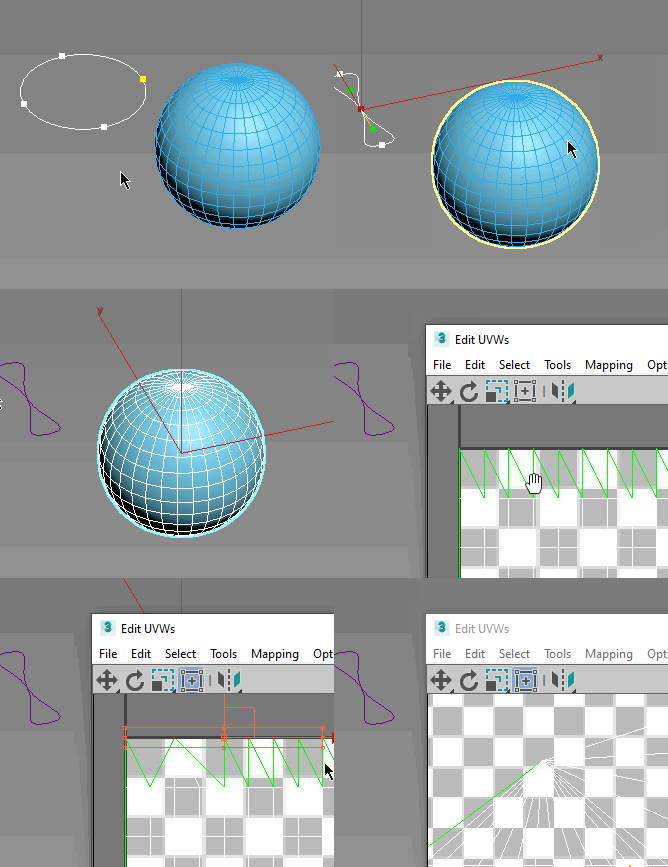
Straighten Edge (maxscript) allows projecting and placing selected vertices/edges on the given straight line on the Editable Poly object, Edit Poly modifier, and Editable Spline & Line objects.

When the SHIFT key is pressed, vertices/edges will be straightened with axis constraints

Subobjects Converter

9 votes


v3.07
Fixed Shift+1 Shift+2

v3.01
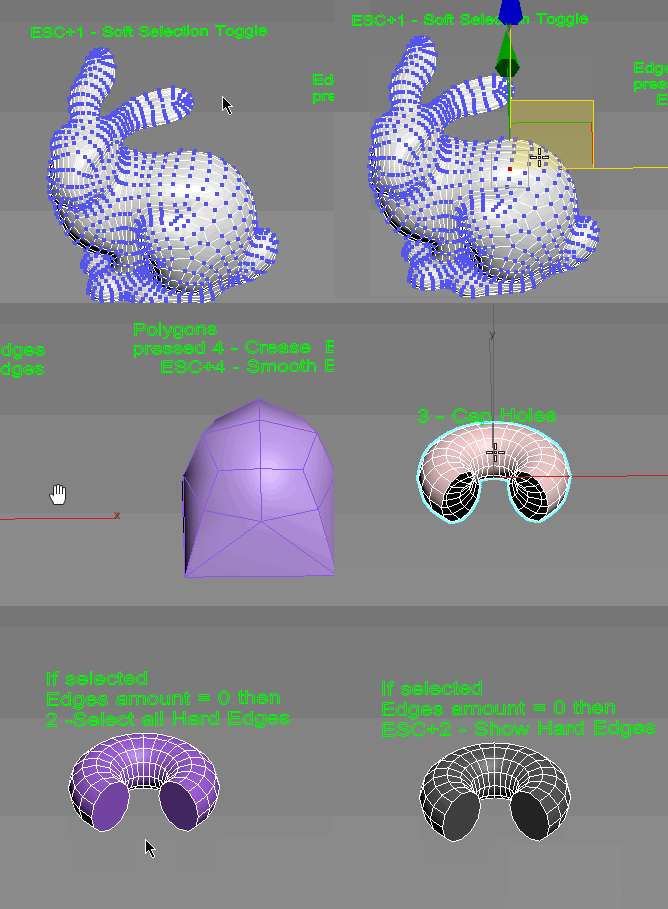
If Esc+Key of script keyboard pressed and current subobjectlevel is 4 or 5 (Face or Element) and selected all faces then will run Smoothing Groups floater (a separate special window)
Если нажата Esc+кнопка скрипта и текущий подобъект 4 или 5 (Грани или Элементы) и все грани выделены, то будет запущен Smoothing Groups floater (отдельным специальным окошком)

Fixed bug of switch from subobject 5 to 4
Added Extended Subobjects:

Uni-Chamfer

6 votes

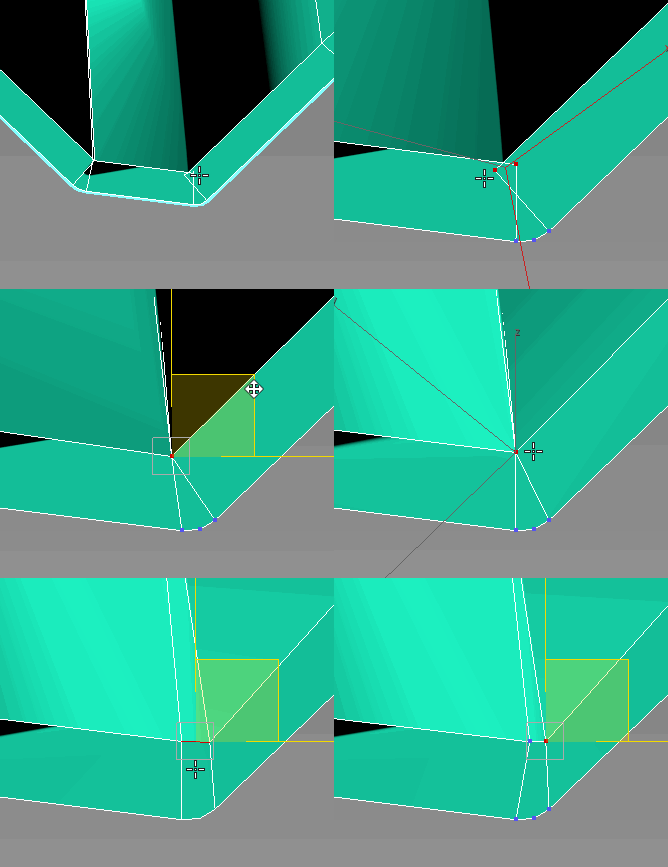
Using single one hotkey of Chamfer, works with:
Используя единственную горячую кнопку для Chamfer, работает с:
Edit_Poly: [Vertices, Edges, Faces(inset)] 
Editable_poly: [Vertices, Edges, Faces(inset)] 
Edit_mesh: [Vertices, Edges] 
Editable_mesh: [Vertices, Edges] 
Edit_Spline: [knots (Fillet), 
Spline sub-obj (Outline)] 
SplineShape: [knots (Fillet), Spline sub-obj (Outline)] 
line: [knots (Fillet), 
Spline sub-obj (Outline)] 

UniCollapse

12 votes


ESC+KEY SCRIPT

v2.6: Collapse on Edit_Poly modifier using Scale Transform Type-In

And all this works by single button

Syndicate content