Tagged 'clean'

Cleaner

88 votes

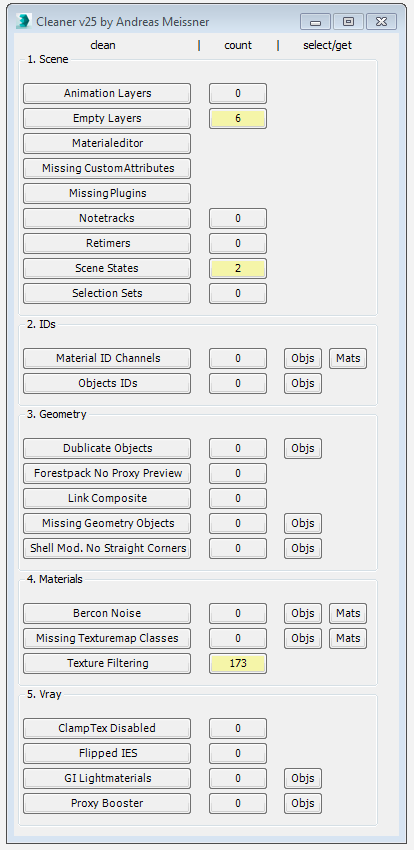
This tool can help you to clean and speed up your scene. Hover with your cursor over the clean-buttons to see tooltips for further information.


UniRemover

24 votes

And all this works by single button

v.10.61 изменена для быстродействия функция удаления рёбер вместе с вершиной. the function of removing edges along with a vertex has been changed for speed.
v.10.6 Fixed bug of convert to poly (Previously, on highpoly objects, after the conversion, there was a terrible braking in vertex mode)

StrTools

14 votes

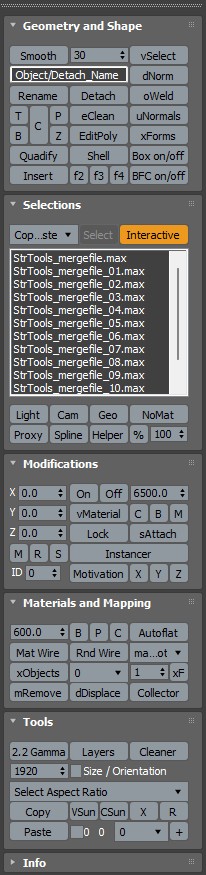
Quick tools in one place. Dockbar!

Clean Retimers

3 votes

A little scipt for removing retimers from scene, because they cause huuuuuuuuuge performance slowdown.

ChannelCleaner

4 votes

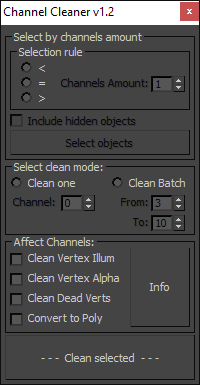
Hello, it's a simple script which make life easier for game-dev 3d artists.

Channel Cleaner 1.2

Channel Cleaner:

-Clean selected UV channel

-Clean several UV  channels "From: N-channel To: N-channel"

-Clean Vertex Color/Illumination/Alpha channels

-Works with editable poly and mesh

-Works with one and multiple objects

Thats all.

UPDATED to version 1.2:

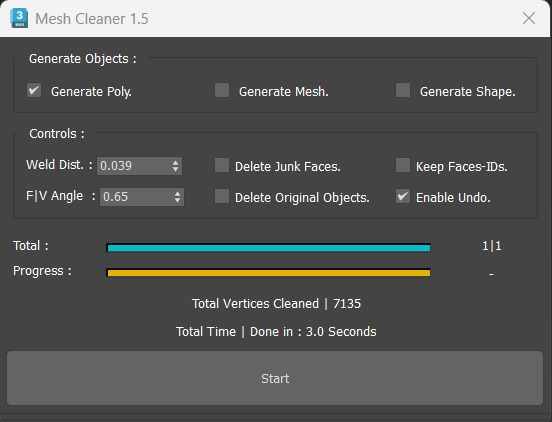
Mesh Cleaner

1 vote

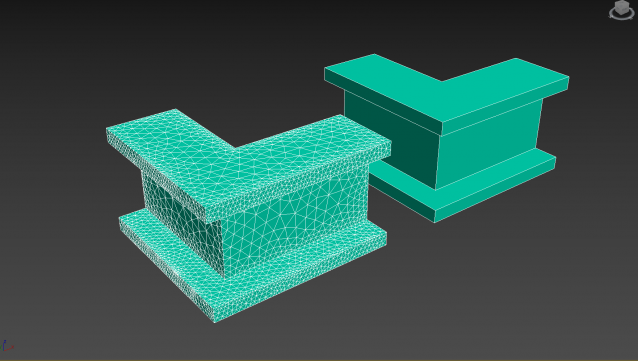
A 3dsMax Script for Cleaning Objects Topology.

*Please Save your Work before using the Script (just in case!).

Cleaning PhysX Menu Duplicates

13 votes

If you customize your UI a bit and have installed the "3dsMax 2011 Subscription Advantage Pack" or the NVidia PhysX utility for 3dsMax, you should notice that it adds menus to the Customize Dialog every time you run 3dsMax. In a month or so, you will probably have to scroll over a thousand duplicates in the Customize Menus Dialog.

I had a quick look in the PhysX MaxScript files, but I don't want to mess with it. Instead, I made this simple script, that will remove all PhysX menus when 3dsMax shuts down. Don't worry, they'll be added again next time you start.

antiNURBS chamfer

6 votes

Usefull tool for antiNURBS modeling technique.

It can chamfer whenever other vertices or edges on the way, the script will eat them all and you'll nice and clean regular geometry along the edge.

For evaluation of the script you'll need to:

1. Select ONLY ONE edge loop of one EditablePoly object. When you've done, run the script and adjust a radius of a chamfer.

2.Then press OK and get the result.

MeditCleaner

12 votes

Cleans unassigned materials out of the Material Editor, replacing them with a gray standard material with default name. Leaves assigned materials intact.

CAD Cleaner

12 votes

A utility script to weld vertices and clean up smoothing in imported/converted CAD models. Works on Editable_Mesh objects in selection. Does not work on objects with an Edit_Mesh or Edit_Poly modifier applied. I use this to do a first-pass quick cleanup on imported SolidEdge models; it helps eliminate duplicate faces and odd smoothing groups.