ScriptSpot is a diverse online community of artists and developers who come together to find and share scripts that empower their creativity with 3ds Max. Our users come from all parts of the world and work in everything from visual effects to gaming, architecture, students or hobbyists.
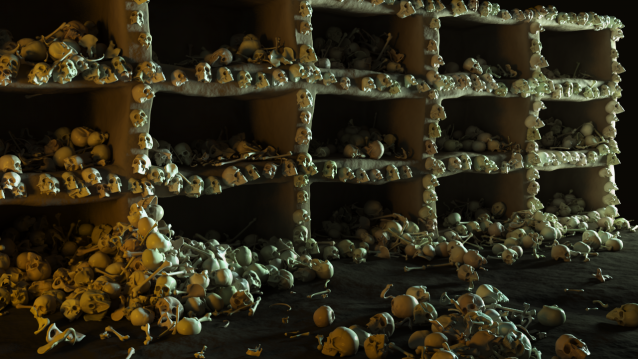
This script was requested in this thread by @obaida. What script do: Get selected object and scatter created clones with random scale but without collision. The created clones can be attached to the source object - miauuscattertool_v11.ms.
Installation: Drag and drop in 3ds max. Go to Customize-Customize User Interface- "miauu" category and find "miauu's Scatter Tool".
Scatter a list of objects across a surface, you can make them randomly change the scale, rotation and tilt. For example placing trees, plants, rocks, etc.
Submitted by LittleLordPotala on Mon, 2011-11-21 11:08
5
votes
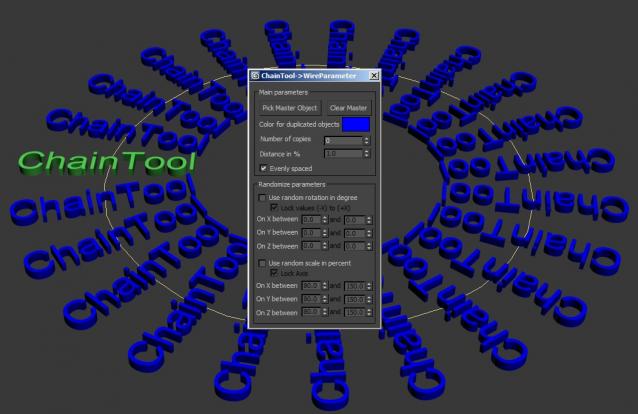
This script allows an easy distribution of an object along a path and adds a Wire-Parameter between the objects. it allows you to controll the whole animation on the path with the master object.
You can also change the wire-color and randomize the parameters of rotation and scale.
the purpose of this script is to place objects by painting with mouse. like advanced painter, but advanced painter uses max's paint interface which is somewhat slow on complex models. my script paints objects over the active grid. after you place objects, you can put them down to ground, apply random transforms, apply random materials (all these things with other scripts). so you can quickly make landscapes.





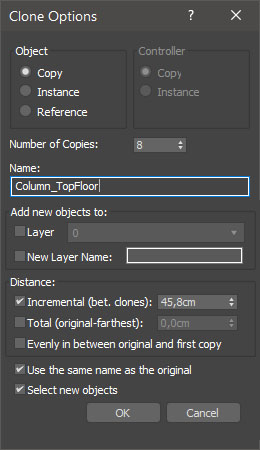
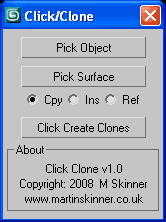 Click Clone v1.0.ms