Tagged 'bake'

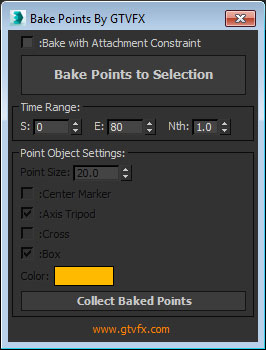
GTVFX-ANM_bakePointHelperToObject

1 vote


Updates:

08-16-2014:

Added additional options for baking and point helper display


Bakes out a point helper to each object in your selection.

If you have objects that are point cached or have WSM modifiers, then use the "Bake with Attachment Constraint" option.

Bake Splines Animation

0 votes

Bakes the animation of one or more selected shapes to vertex animation, with a series of options.

Set: animation range (start/end), sample rate, action over original shapes (hide/delete/none).

Support for: modifiers animation / hierarchy animation / transform (position/rotation/scale) animation.
Pending support for space warp animation.

Compatible with 3dsMax 2012 and higher.

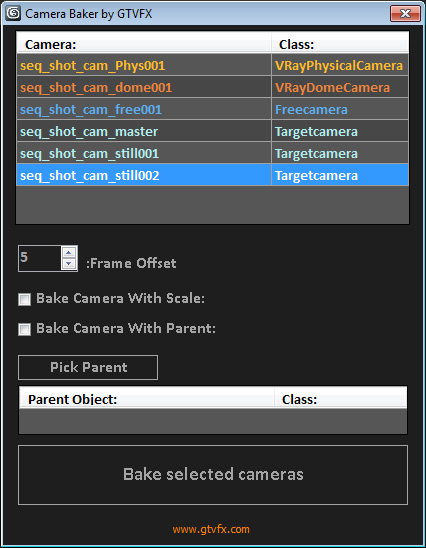
GTVFX-ANM_cameraBaker

1 vote


Bakes cameras per frame with optional transform, and optional frame range buffer.

By default this bakes the camera in World Space which is generally what you want. There is an option to bake the camera in Parent space if you check the box "Bake camera in selected objects space".


02/01/2014:

World-Space to Local Animation

1 vote

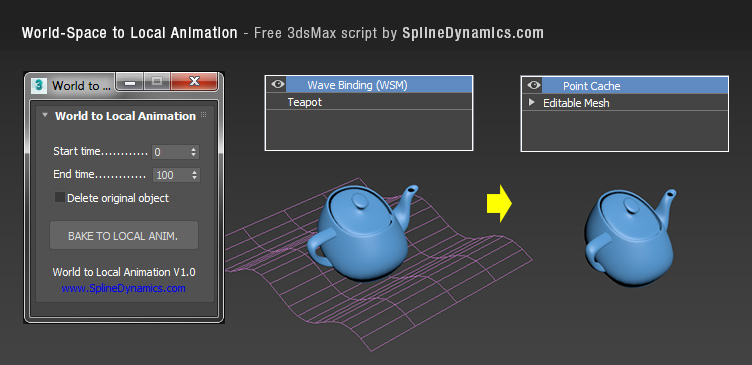
Bakes an objest's World-Space/Space Warp animation to a copy, using local Point Cache modifier. Then you can apply local modifers on top to continue animating the object's deformation locally.

Note: this is a preliminary version. It saves always a temporary .xml file for the Point Cache, wich you can rename, relocate and reload, to preserve it. In future versions, this could be set at the script’s UI by the user.

Compatible with 3dsMax 2012 and higher.
Mapping Operations

1 vote

Mapping Operations is designed to help you apply various relational functions, by relating directly one set of user selected objects to another set as a mapping text file.

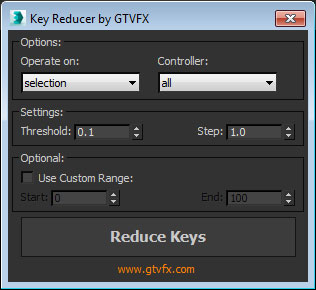
GTVFX-ANM_keyReducer

-1 vote


Reduces the keyframes on animation controllers while maintaining overall animation.

Best when used on animation controllers that have been baked out on every frame.

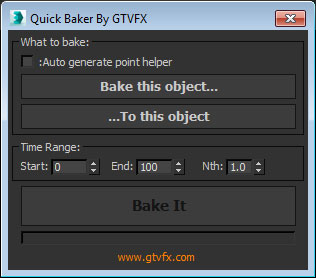
GTVFX-ANM_quickBaker

0 votes


Bakes the transform of one object to another. There is an option to auto-generate a point helper to bake.

There are options for baking within a specific time range and only baking Nth frames.


MR_Proxy_BakeAll

27 votes

This scripts enable you to change selected objects(with animation) to mr_Proxy objects.
And you can change some parameters of selected objects all at once.
Caution: If you wanna use property "AnimOffset", you have to apply Skin modifier or
other deformation modifier to an object, whose animation is just drived by linked hierarchy.

How to use: Just put this script to \3ds max root\ui\macroscripts\. Then, start up 3ds max,
and go to "Customize"->"Customize User Interface". You can find this script in a category "DSTRUEVISION".

Animation Baker

15 votes

not long ago i have animated object by expression connected to timeline and i need bake this animation but every baker i found was not be able to bake this animation so i wrote this baker myself so if you have problem with baking animations this script maybe helps you

- fixed some bugs

xNormal Batch Baker

0 votes

xNormal Batch Baker for 3ds Max - Version BETA 1.4

xNormal Batch Baker tool for 3ds Max.

This tool will help 3D artist to improve the workflow between 3ds Max and xNormal baking maps.

Main Features