Tagged 'edge'

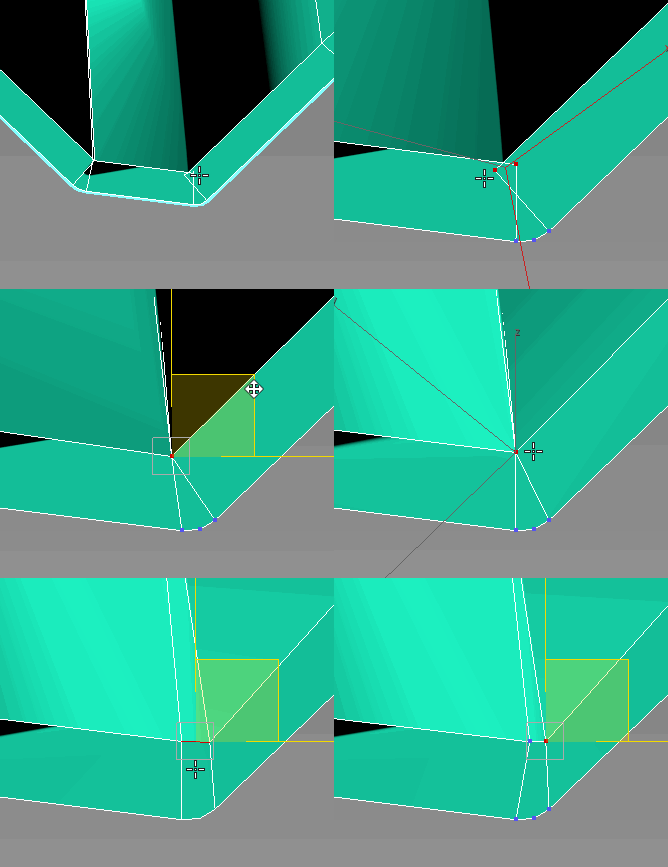
maxUnChamfer

7 votes

maxUnChamfer will help you produce low poly objects in less time with less amount of effort .

Here are some of the benefits you get:

Heuristic Edge Select

10 votes

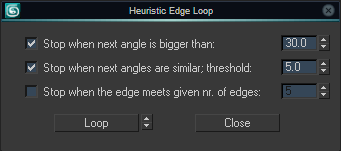
Select a loop of edges both on quad and non-quad geometry. Both a command without GUI and a settings dialog to fine-tune the stop cases are available.

Heuristic Edge Select Dialog

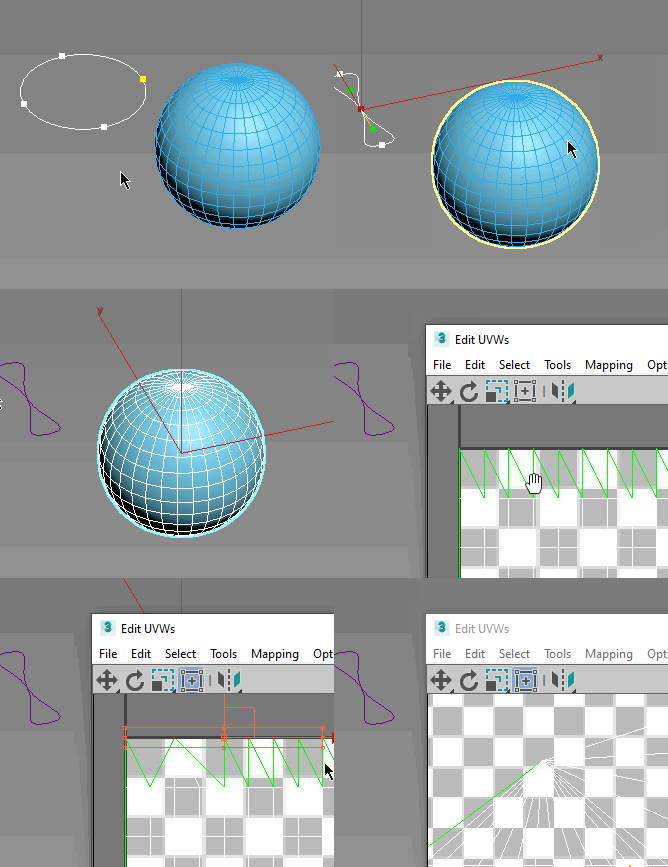
UniCollapse

12 votes


ESC+KEY SCRIPT

v2.6: Collapse on Edit_Poly modifier using Scale Transform Type-In

And all this works by single button

Override -Selection Mode- & -Convert Selection- in EditablePoly/UnwrapUVW

19 votes

This script override selection mode in EditablePoly/UnwrapUVW AND allow to Convert subobject selection to an another in EditablePoly and Unwrap

Hit 1 or 2/3/4/5 ==> go in vertex/edge/..() mode
Re-hit 1 or 2/3/4/5 ==> go in object mode and you can select another object!
I have added a line, with "Max modify mode", like this, if your are not in "modify panel" when you select an object and hit 1 to set vertex mode, the script go automatically in the panel "modify"

Install:
Go in Customize User Interface, Group "Main UI", Category "zOffTy Tools" and set
1 for epoly_vertex

Step Gap Edge Loop - like modo selection

12 votes

Modo selections style in 3ds max, but only for edges.

Assign a hotkey(or button), select 2 verts/edges/faces woth desired gap between them and start pressing your hotkey.

Work only with Editable Poly objects

Instalation:
Drag-n-drop "StepGapEdgeLoopLR.mzp" and "StepGapEdgeLoopLR.mzp" in 3ds max. Go to Customize-Customize User Interface. Under "miauu" category you will find "Step Gap Edge Loop Right-Left" and "Step Gap Edge Loop Right-Left".

Big thanks to Anubis for his help.

Edge Loop Straighten with Constraints

4 votes

Edge Loop Straighten with Constraints works like this:
Selected one or more partial loop(s) of edges, run the script, and it will straighten all the verts between the end verts of the loop(s). What makes this script different from others of its kind is that it fully supports all three geometry constraint modes; edge, face, and normal constraints.

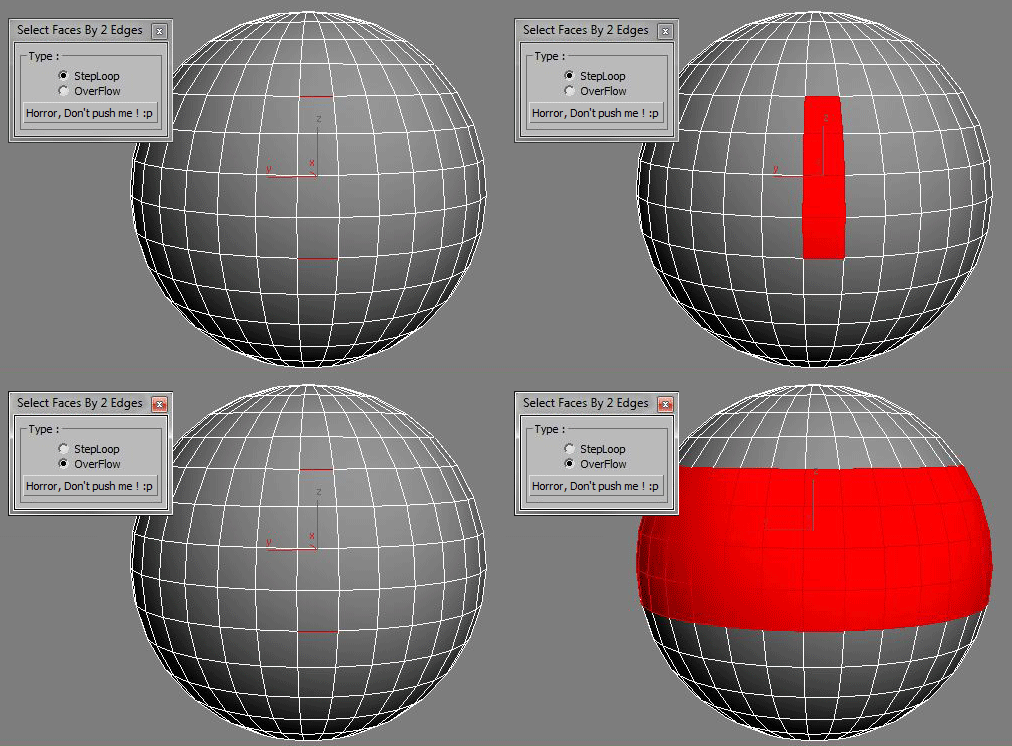
Select Faces By 2 Edges

2 votes

Select a Loop Faces between two selected Edges.

miauu's Select Edges by lenght

52 votes

With this script you can select edges which is less, equal or grater than the value that you want. Also, you can measure the lenght of single or multiple edges.

Instalation: Drag-n-drop mzp files in 3ds max. Go to Customize-Custumize User Interface, under "miauu" category you will find the script.

Connect Edges

1 vote

Just a simple modifier to connect edges selected with the previous "edit poly" "editable poly" or "poly select" modifier. Currently I tested my script on 3dsmax 2020, I will try to test it on older version of 3ds max and update this page if I can. If you have any question or any requirement, don't hesitate to ask me or to contact me. I will be happy to answer you.

Connect Always

14 votes

By default, Max has two separate commands for Connecting Edges and Connecting Vertices. You had to have two menus for both of them.With Connect Always, you just have to select the vertices/edges and hit "Connect Always"

Here is the code if you dont want to download:-

macroscript Connect_always
Category: "Butt tools" buttonText: "Connect Always"
(
$.EditablePoly.ConnectVertices ()
$.EditablePoly.ConnectEdges ()
)

The category and buttontext is needed if you want to put it in a menu or quad.

[CREDIT}

Syndicate content