Tagged 'scene'

Prune Scene (Cleaner/Antivirus)

11 votes

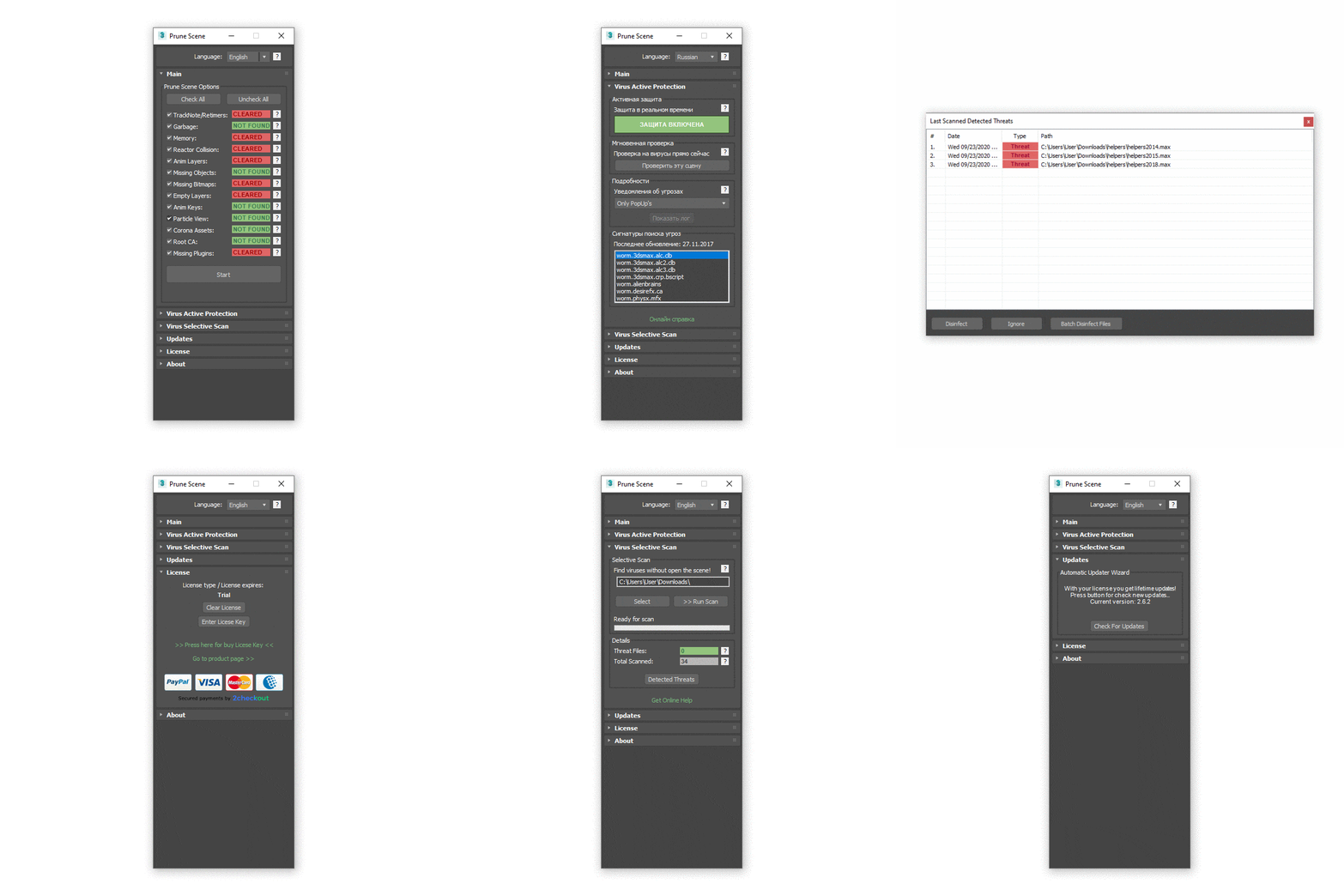
With Prune Scene you can clear your 3Ds Max scene from scripted viruses and accumulated garbage. This allows in some cases to greatly reduce the size and accelerate saving of scene.


More Info


Before usage read manual: Read Full Manual

NukeOps

39 votes

A set of functions wrapped into a minimalist single-click button to help 3ds Max and Nuke artists to bring the 3ds Max 3d scene assets into Nuke's powerful 3d compositing scene.

This tool allows:

1) Copy cameras and any other objects (as points) and their animation into clipboard for an easy Copy+Paste action inside Nuke.

2) Generate .chan files from selected cameras and any other objects (as points) and save them either many at once or one at a time to selected destination.

Badger

2 votes

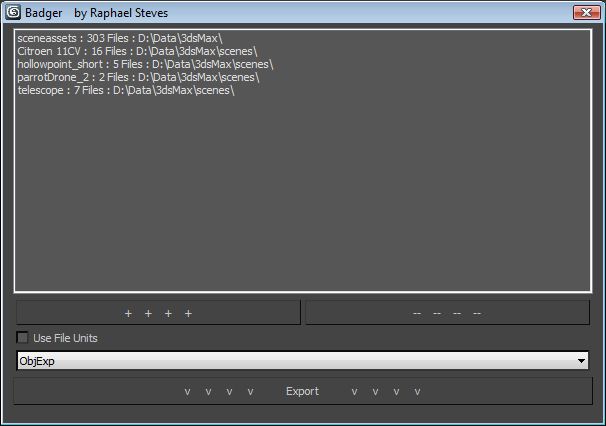
A Batch Exporter that let's you select different Root folders and will export all files in those and their subFolders.. and so on for every .max scene. Apparently there isn't anything out there that can do this kind of thing so here you go:

 have phun 

Map Loader

26 votes

1. Run script

2. In Max goto "Customize->Customize User Interface...->Toolbars
tab->Category: ColinScripts->Map Loader
" and drag "Map Loader" to a toolbar, click to run.


Loads maps into the material editor that exist in the scene.  Very straightforward. Support for special Mental Ray Maps and VRay Maps included.


zwischendrin.com HDRI Scene Setup

39 votes

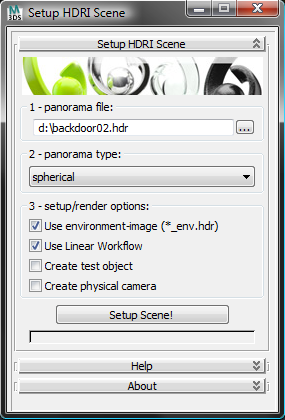
This tool creates a scene setup for HDRIs downloaded from www.zwischendrin.com and adds a test object (with materials), a camera and uses linear workflow if you like to.

interface screenshot 01

Xrefs Selection Sets

3 votes

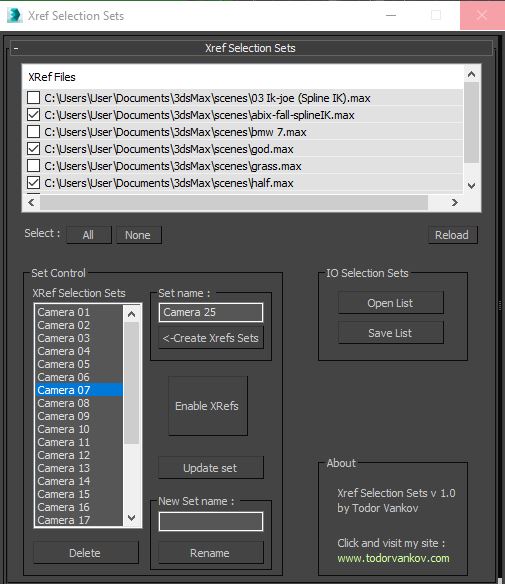
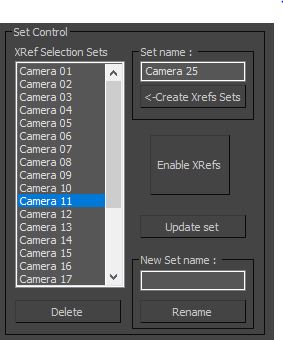
I made this script to save time when I send cameras in my renderfarm.

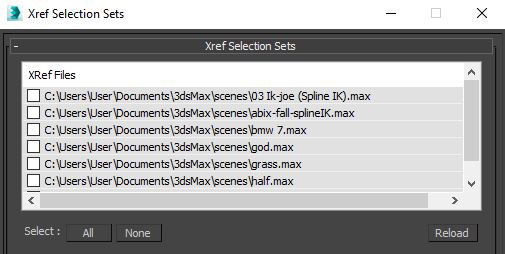
1.You can choose your XRefs in this window.

2.Create a list of XRefs selection sets for every camera in your scene.

Quick Layer Organizer

31 votes

Simply create a layer and name it specific to what should go into the layer, for example "CHAR" for character geometry. Any character geometry you make you just need to remember to include "CHAR" in the object's name and when the Quick Layer Organizer is run it will find any objects with "CHAR" in the name and put them into the "CHAR" layer. Any objects that don't match the name a layer will remain in whatever layer they are currently in and the default layer is ignored during the organization.

XRef Scenes update

47 votes

I experienced problem with updating XRefs scenes during main scene load. I can hit "Update Now" button on workstation but I can't do this during renderfarm rendering. This script forces XRefs update during main scene load. It should be installed on every single render node. I expreienced this problem at 3ds Max ver 9, script was tested on ver. 2009 also (will propably work at v. 2008). Problem disappeared at 3dsMax 2010.

waRp Slate

2 votes

Inserts into Material Editor sets of 24 SCENE materials.
If there are more than 24 materials in the scene you can choose, which set of 24 you want to load to the Material Editor (slate number one means get the first 24 scene materials, set number two means get the second set of 24 materials and so on).

Scene Notes Pro @ Show Notes Only

0 votes

Scene Notes Pro Show Notes allows you to read the notes saved with Scene Notes Pro.

You can't add and/or edit the notes, only to read them in case that you do not own Scene Notes Pro.