Tagged 'face'

Skip Every N-th

61 votes

Skip every vert/edge/face. In Loop mode, you can skip edges and polygons. In Ring mode you can skip vertices,edges and polygons. To make poly loop select 3 faces(the middle one is starting face), check PolyLoop checkbox, set "Skip V-E-P" spinner to value greater then 2 and start skiping. You can't skip one face, only 2 or more. Ring mode does not have this limitation. "For Steps" spinner works only with edges. If you want to skip every 2 edges five times, set "Skip" spinner to 2 and "For Steps" spinner to 5. Instalation: Drag-n-drop SkipEveryNthVEPRingLoop.mzp to 3ds max.

Step Gap Vert/Edge/Poly Ring (like modo selection)

73 votes

Modo selections style in 3ds max. Assign a hotkey(or button), select 2 verts/edges/faces woth desired gap between them and start pressing your hotkey. :)

Instalation: Drag-n-drop StepGapVEPRingLR.mzp and StepGapVEPRingLR.mzp in 3ds max. Go to Customize - Customize User Interface. Under "miauu" category you will find "Step Gap VEP Ring Left-Right" and "Step Gap VEP Ring Right-Left"

Big thanks to Anubis for his help.

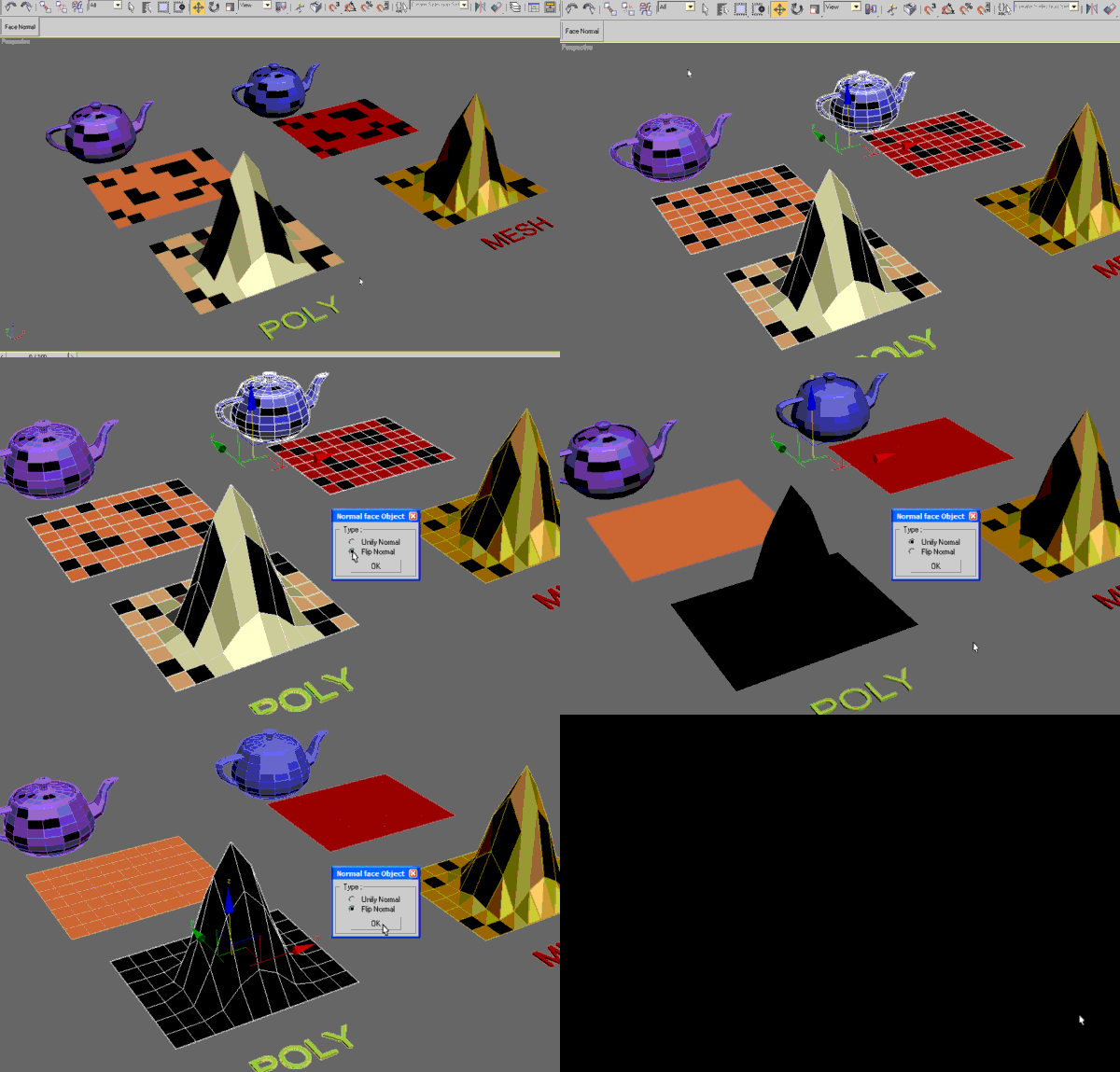
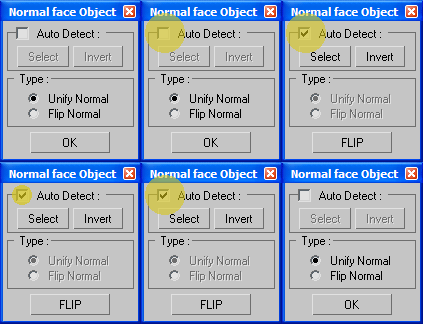
Unify / Flip normal polygons

85 votes

Use this script to make normal polygon of the objects.
Unify or flips all the faces of multiple selected objects with/without accses to SubObjects level.

New UI

PolyRotor

23 votes

PolyRotor is a modeling script that based on drag & drop.

PolyRotor make it possible to select vertex, edge and faces automatically.

But it should be in Editable Poly Mode.

Billboard manager

14 votes

A billboard manager!
by billboard I mean a 2dface with an opacity map from an alpha channel.
Quickly create 2d faces from bitmaps, make them follow camera, change their opacity and visual appearance, etc...

Syndicate content