3ds Max | MCG

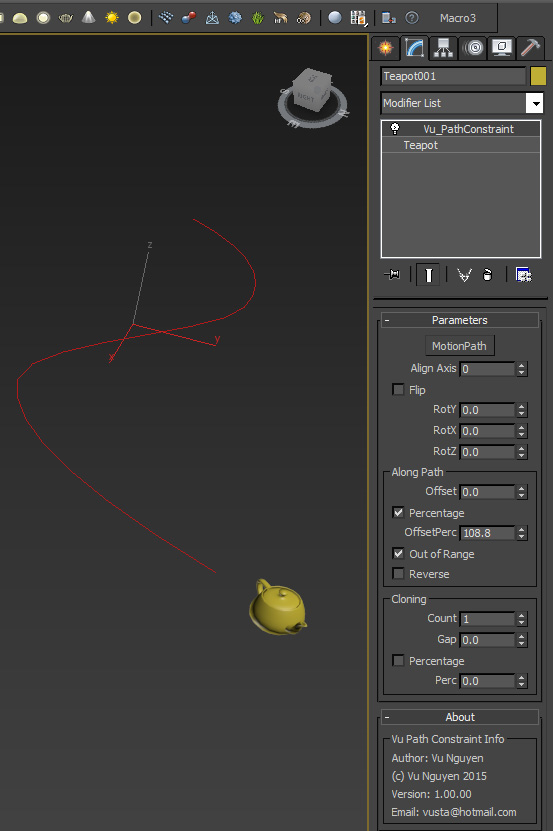
MCG Path Constraint a.k.a IncrCloneOnCurve

12 votes

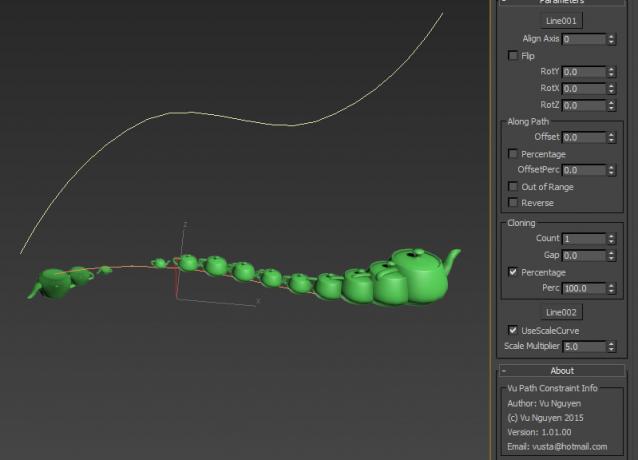
This MCG constraints your object motion to a path. The motion can be repeated forever beyond the curve.

It can also be used to incrementally clone object along a curve and there is no need to adjust the distance

between the clones and count when length of curve changes.


Ver 1.01.00: You can now use a curve to control scaling of the clones.

MCG Path Finder

1 vote

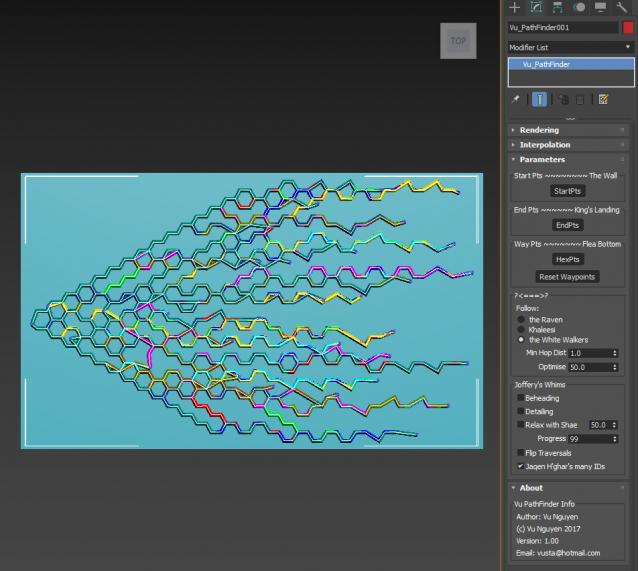
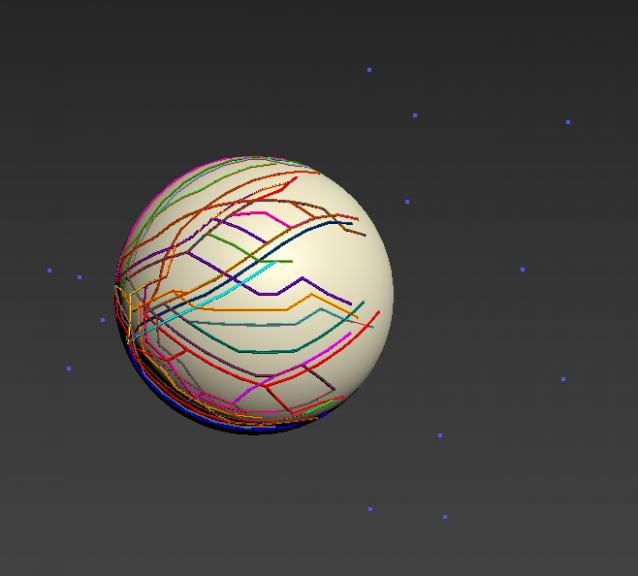
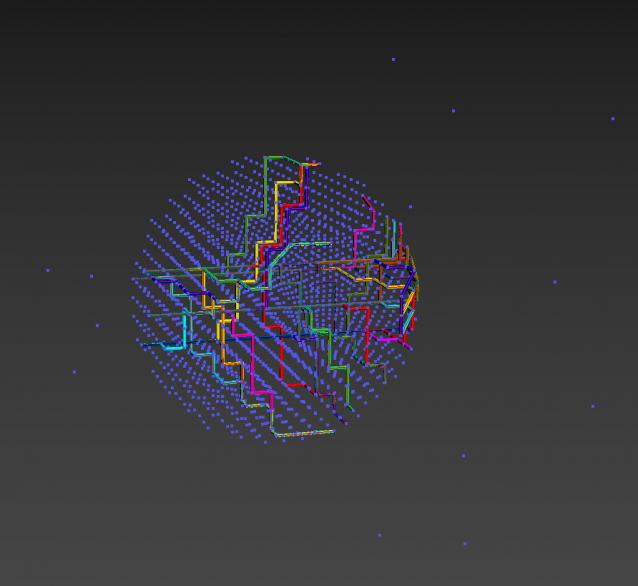
This MCG finds Paths between Starting Points and End Points using Waypoints.

Installation:

https://knowledge.autodesk.com/support/3ds-max/learn-explore/caas/CloudH...

Then can be found in Create>Shape>Vu

MCG PathConstraintAxis

3 votes

This MCG gets rid of the flipping problem as with the default Path Constraint. It also allows the constraint to be based on an axis of a controlling object.

Supports multi-spline path.

Installation:

https://knowledge.autodesk.com/support/3ds-max/learn-explore/caas/CloudH...

Then controller can be found in Motion Panel>Assign Controller

Ver 1.01: now includes Arc Length (Distance) mode

MCG PerVertInfo

1 vote

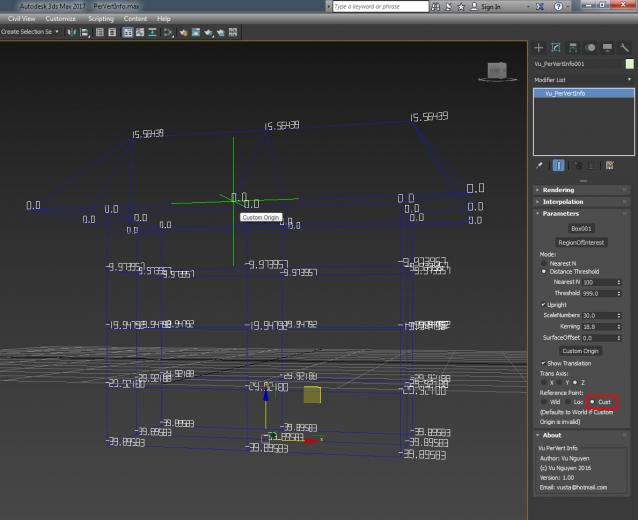
This MCG displays your Mesh Vertex ID and positional info. There are 3 coord modes, World Origin, Local (Mesh Pivot) and Custom Origin. For dense mesh , you can isolate Region of Interest to display only a selection of verts.

Installation: Scripting, Install Max Creation Graph...


You can use a free version for Vert ID here:
http://www.scriptspot.com/3ds-max/mcg/mcg-vertid


MCG PHelix

1 vote

Control a simple Helix with a Profile curve

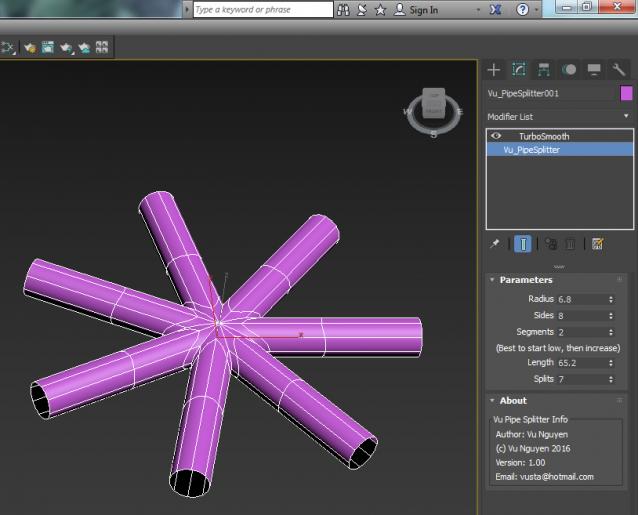
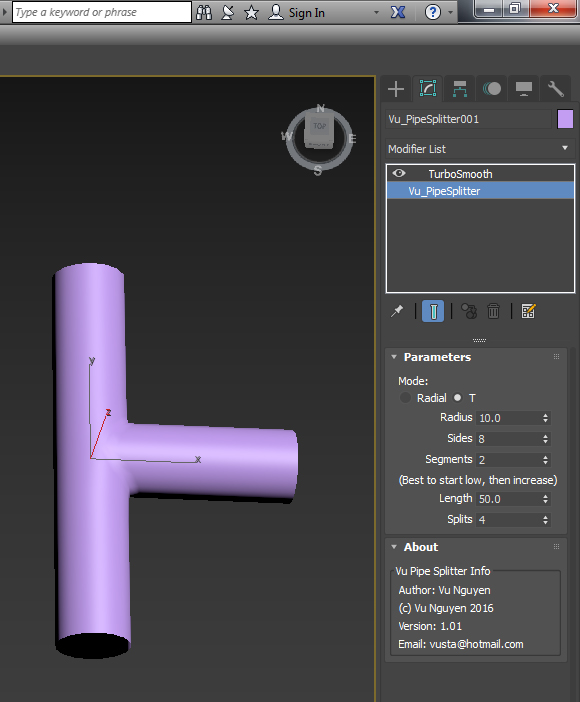
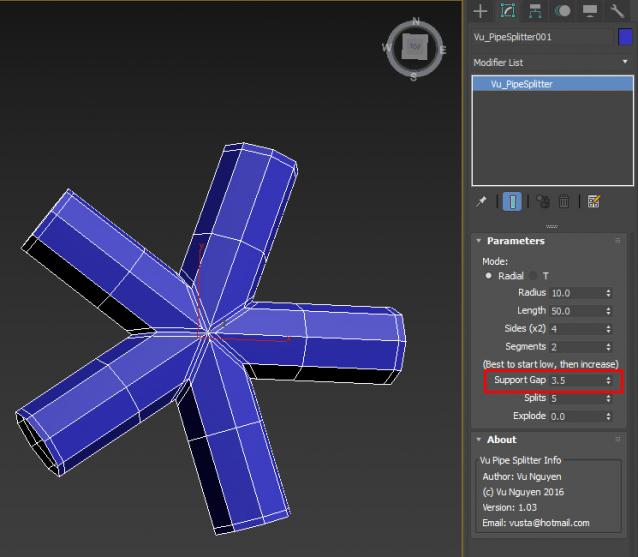
MCG Pipe Splitter

4 votes

MCG Pipes

4 votes


Installation: Scripting, Install Max Creation Graph...

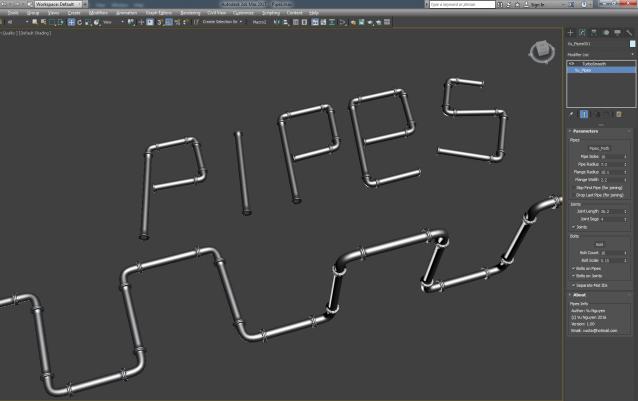
Creates industrial pipes on a spline path. $5 USD, you know the drill, email me, [email protected]

Works with multi-curves.

MCG Pivot2Pivot Distance

1 vote

This screams...."me too" as Distance has been done to death...but I simply want to show how to use my MCG Spline Float Number display utility, is all.
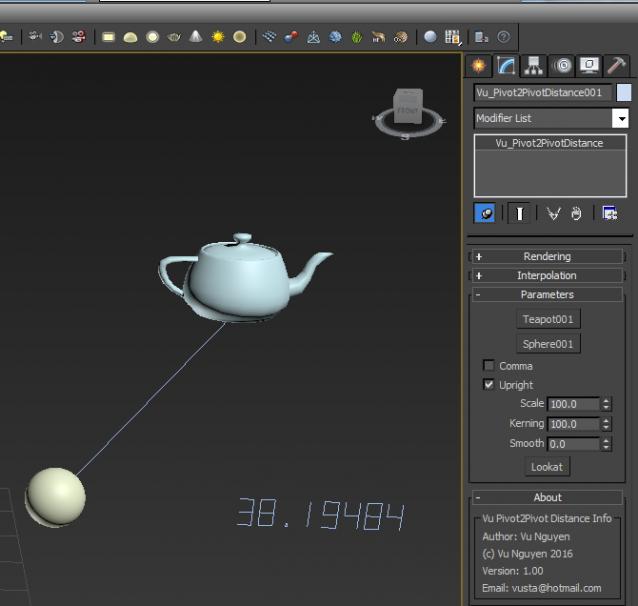
 

Ver 1.01: fixed whole number display bug

There is no change to the tool, the fix is in the compound Vu_GetSplineFloatArray so if you're lazy, just rename the mcg to zip and extract manually.

MCG Pixelize Bitmap

0 votes

This would most likely be completely useless...but do I care about what you think....not really. It was an exercise in how to process 2D array (the bitmap) in 'clusters'...so you can learn the technique from here if you can be bothered.

Installation:

https://knowledge.autodesk.com/support/3ds-max/learn-explore/caas/CloudH...

(2018 can be drag & drop mcg into viewport)

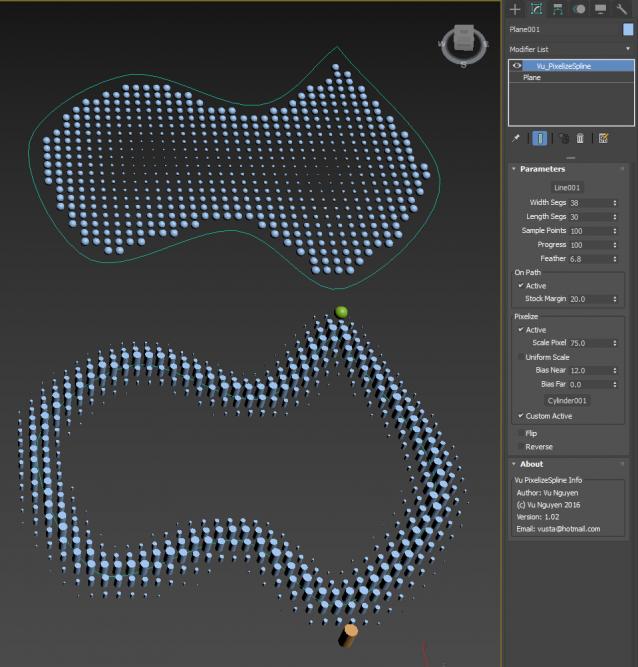
MCG Pixelize Spline

4 votes

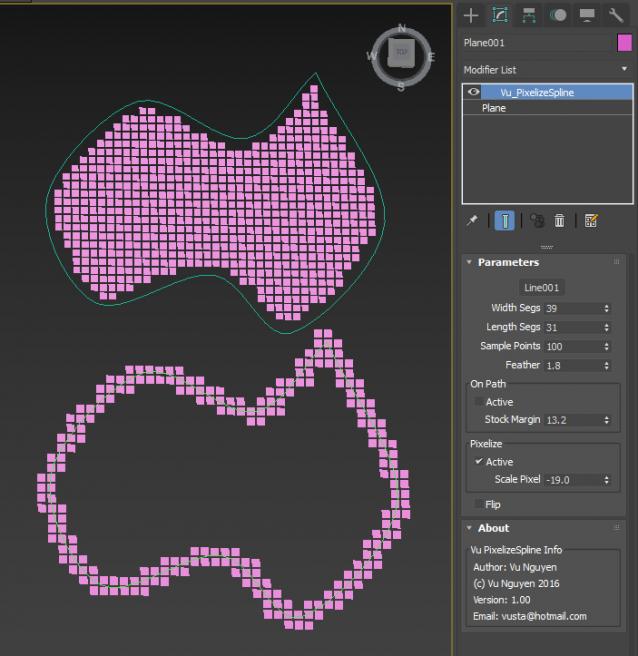
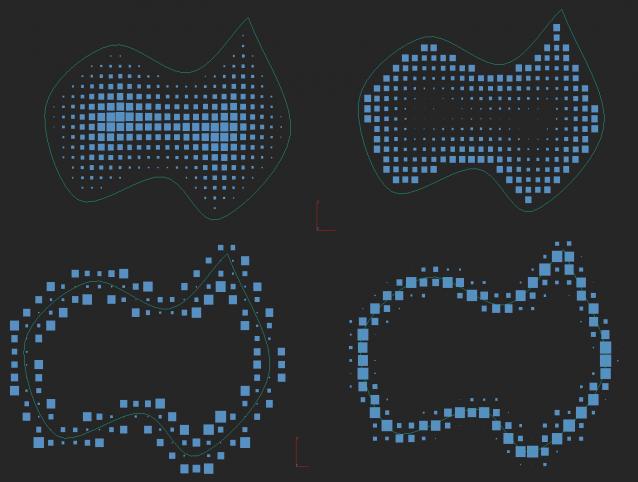
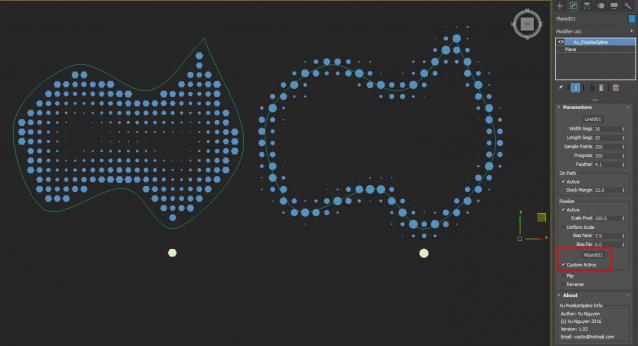
Ver 1.02: allows Custom Pixel. This version is available for $5 USD. Please email [email protected]

Syndicate content