Tagged '3d'

Model Quality Checker

5 votes

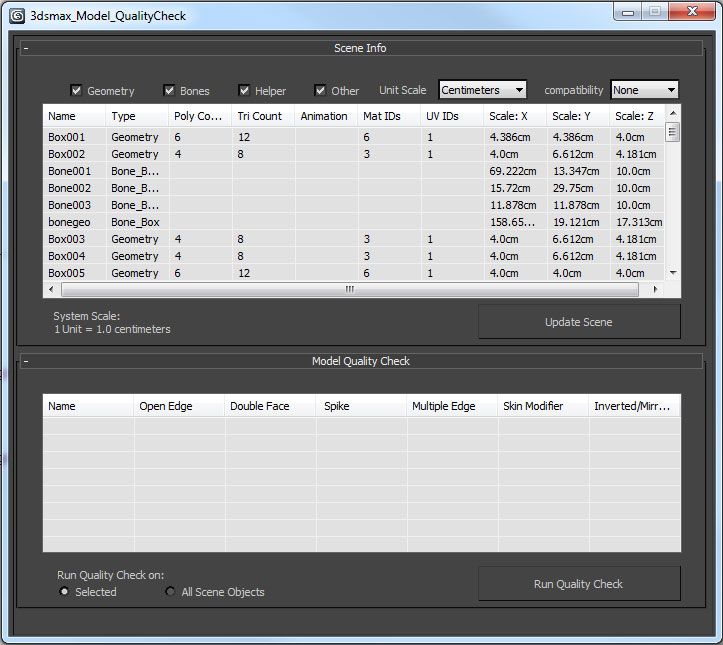
Designed for 3ds max 2012 and up, the 3ds Max Model Quality Check is a tool to help the user while modeling in 3ds Max. This tool contains two elements: Scene Info and a Model Quality check.

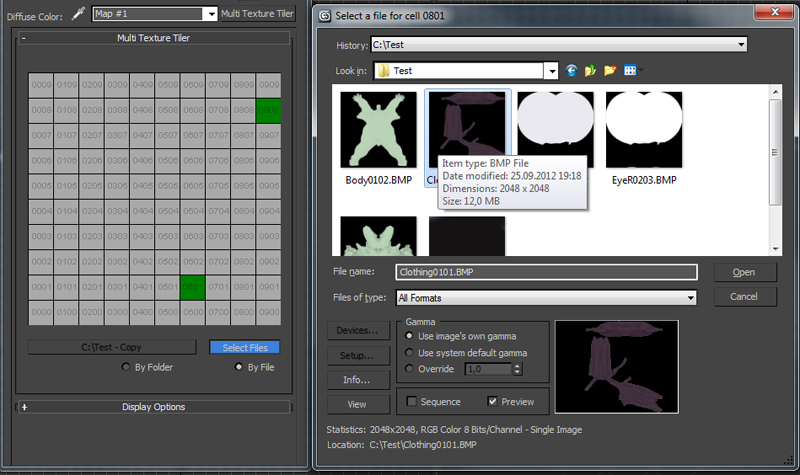
Multi Texture Tiler

4 votes

New version update: Possibility to use files without any prefix choosing them manually (thanks to Branko Živković for pushing me in that direction).


The Multi Texture Tiler (MTT) is a plugin for 3DS Max 2008 - 2013 to apply multiple textures to multiple UV-Tiles immediately.

px3DDisplacer

37 votes

I give this scripted plugin for FREE at TurboSquid.com


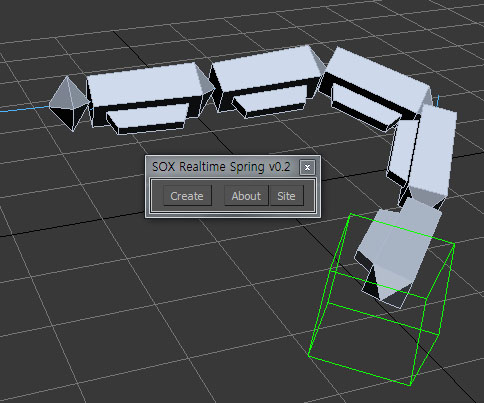
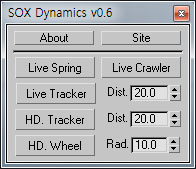
SOX Dynamics

3 votes

Sorry, The management of the tool will stop temporarily.


Quad Cap

35 votes

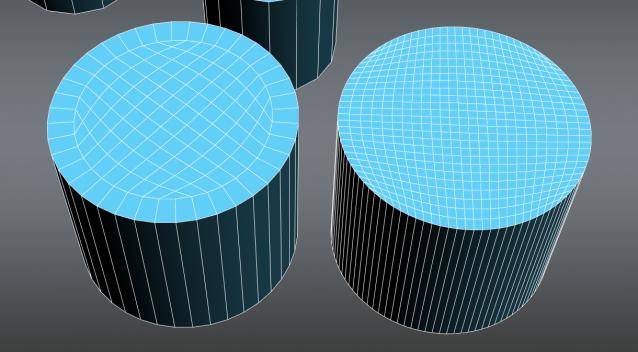
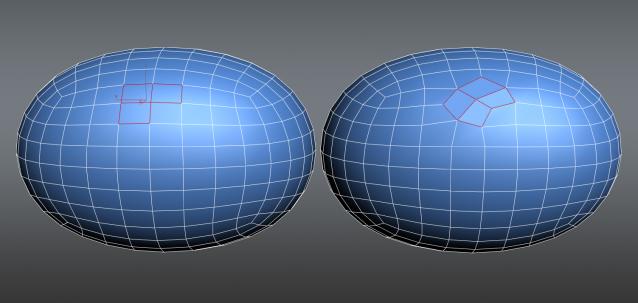
Quad Cap is a 3Ds Max script that is designed to produce fast quad caps for even sided polygons saving you time and energy. Why do it manually if you can do it automatically?

Here are some of the benefits you get:
• Save time and energy to model what’s really important
• Perfect quad topology for you cylinders and spheres
• Subdivides perfectly
• Improves hard surfaces modeling and even organic modeling • Plus many more I can’t think of know

Poly Flow

22 votes

Poly Flow is a set of scripts designed to help the modeler with the everyday boring task of rearranging edges. It makes predictable changes to the topology giving you want you want.

Animated Grass Generator Script

63 votes

Animated Grass Generator, by MaVCArt

this script generates grass that grows in an animated fashion around a certain point, all defined by the user.

you can edit:

growth radius
growth speed (now available!)
type of grass strand (4 types!) (only two types are yet available)
size of grass strand (available!)
randomness of the grass placement (available to a certain amount, not yet user defined though)
grass strands spacing (not yet available)
strand detail (4 modes!) (not yet available)

NukeOps

39 votes

A set of functions wrapped into a minimalist single-click button to help 3ds Max and Nuke artists to bring the 3ds Max 3d scene assets into Nuke's powerful 3d compositing scene.

This tool allows:

1) Copy cameras and any other objects (as points) and their animation into clipboard for an easy Copy+Paste action inside Nuke.

2) Generate .chan files from selected cameras and any other objects (as points) and save them either many at once or one at a time to selected destination.

Slate - View Selected

21 votes

This free MaxScript instantly displays the material of the selected object (or objects) in a new view in the Slate Material Editor. Currently, Slate does not have a quick and easy way to do this. Slate View Selected allows you to create multiple views as well. You can close the script dialog box and the script will continue to run until you re-run the script where you can stop it. In the dialog box you can also set a "display max" so that if you select a large number of objects, Slate won't waste time collecting and displaying all the materials used by objects in the selection.

Syndicate content