Tagged 'Preview'

Preview Stamper

16 votes


Rename Preview+ UI

v1.1.0 (03.03.2010    - Added "Rename Preview+" macro.

v1.0.1 (04.06.2009) - When creating preview, script auto hides viewport buttons (max2010).

Preview Tools (With Mp4 Option)*

0 votes


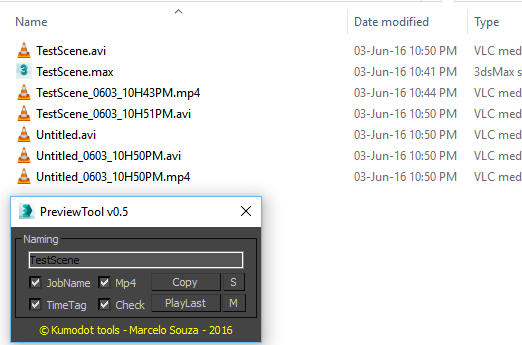
      I need to create previews on a daily basis. I am tired of copying the preview file manually and rename it. So. I did a very simple Tool to Auto-Copy and AutoRename the Preview files to the same place where my scene is. This works for me, but maybe not for you. It´s very simple to edit the script for your needs. But i plan to add new features like Folder setup in the future...

Environment Lighting HDR Studio (MR)

3 votes

 NEW VERSION 0.9

This Script allows to insert a Environment map HDR in the scene and simluate a virtual set for rendering "white". Also useful in the preparation of illuminated images in HDRi.

New features (work in progress):

Change Log v.0.9

FFX Render

70 votes

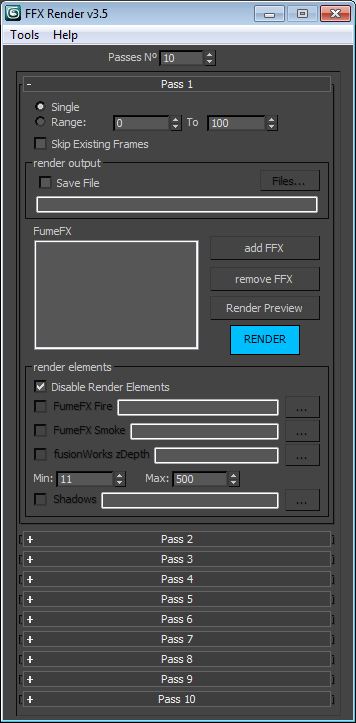
This script allows you to split your FFX containers in several passes. You can also add objects in the Matte tab, and they will get the matte/shadow material. It supports up to 10 passes. This script makes changes only at render time.

Version 4.0 updates:
-Added "Snapshot before Render" feature.

Version 3.5 updates:
-Added load/save system.
-Fixed minor bugs.

Version 3.0 updates:
-Added the Render Manager tool which allows you to choose which pass to render consecutively.
-Fixed Render Preview alpha problem.

Content Browser

2 votes

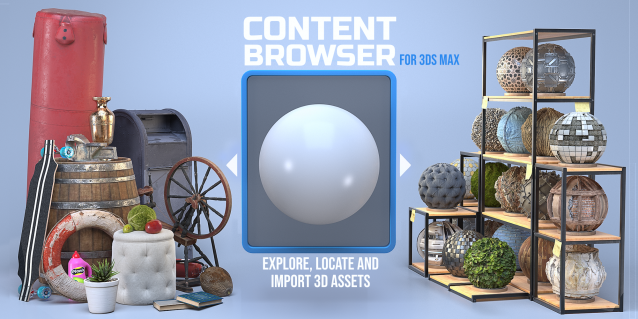
The Content Browser helps you quickly browse and import 3D assets on your computer.

Load any folder accessible on your machine and the Content Browser will find any materials, hdri’s, models, and max files. It will group, organize and display these files as assets, recognizing previews, LODs, mapping channels, resolutions and other important information automatically. 

It simplifies the importing and merging process for 3d models, max files, material creation and hdri environment maps by allowing you to directly browse, filter and drag all of your 3D assets from sources like MegaScans, PolyHaven, gameTextures, Poliigon, Arroway into 3ds max viewport or material editor. 

Main Features

  • Load any folder and find 3D models, max files, materials and hdri’s.
  • Show grouped files as assets, group matching assets and find preview images.
  • Drag and Drop asset into the 3ds max viewport or the Slate Material Editor
  • Import assets to Slate and Compact Material Editors
  • Default Merge and Import 3d files and max scenes, with automatic relinking filepaths
  • Choose LODs/resolution/variations and Import multiple assets at once
  • Folder hierarchy, File list and Preview Gallery

FumeFX ModernUI

0 votes

FumeFX ModernUI is a tool for 3ds Max that helps reducing repetitive tasks when simulating with FumeFX. It has a clear interface (therefore the name) and comes with an easy to use installer.

VZ Mood

0 votes

VZ Mood is a 3ds Max script to optimize your work process. You can create 3 sets of your favourite images that insipre you, or images that helps you edit your scene. Images open in 3ds Max interface.

Qpreview

12 votes

This script will make preview renders from the viewport using the default 'make preview' dialog, when completed it renames the preview file to match the camera's name.

This makes it easier to generate preview files for a ruff edit, without having to manually rename the preview files again and again.

View Grabber

20 votes

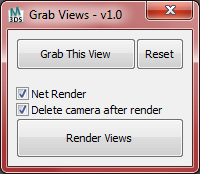
The purpose of this script is to help grab a bunch of still shots based off of the perspective viewport, or other cameras in the scene and to prepare them for rendering.

savePreviewToMaxfile

16 votes

Saves a jpg file containing your last render everytime you save a max file. Helps to keep track of your changes.

Syndicate content