Tagged 'clean'

Show Main Notes

39 votes

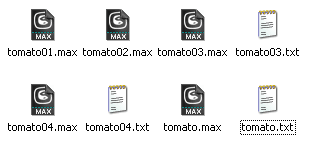
This 'bean script' just open notes from text file.
May looks like as 'popup notes' kind of scripts,
but it not create or add something to the scene file.
Come in handy then you need quick access (to read/edit)
some major notes without opening the scene file.

-- What it does --
When open/load a scene file, it check for a text file
with the same name at the same dir, and if found it,
just open it in your default text editor (e.g. NotePad).

-- Purpose-built --

Cleaning PhysX Menu Duplicates

13 votes

If you customize your UI a bit and have installed the "3dsMax 2011 Subscription Advantage Pack" or the NVidia PhysX utility for 3dsMax, you should notice that it adds menus to the Customize Dialog every time you run 3dsMax. In a month or so, you will probably have to scroll over a thousand duplicates in the Customize Menus Dialog.

I had a quick look in the PhysX MaxScript files, but I don't want to mess with it. Instead, I made this simple script, that will remove all PhysX menus when 3dsMax shuts down. Don't worry, they'll be added again next time you start.

EBatcher/Econverter

2 votes

EBatcher is a max file cleaner, assets collector, Corona converter with legacy materials support that enhances your file’s performance. It can clean up your files and save them to previous versions in batch mode. EBatcher also provides a controllable subdirectory environment and has the ability to collect your assets and rename it to a desired folder.

Each license of this script can be activated on one computer only (With many max versions* and instances as you want) and this license covers ver 1.++ and it’s minor updates below ver 2.00.
Change log:

Syndicate content