Tagged 'Plugins'

Realtimer

7 votes

Realtimer main poster

The Realtimer plugin allows you to capture your object manipulations as an animation with ability to change smoothness and speed. You can record it slow for more accuracy or you can make it fast as a timelapse. Use your imagination faster than ever before. It's an animation by your rules! Watch trailer for more details.

ImpressObjects

6 votes

ImpressObjects is a plugin for 3ds Max that allows two intersecting meshes to be pressed against one another so that their respective vertices do not overlap.

HOW TO USE:
1) Use the "Select Node A" and "Select Node B" pickbuttons to choose two overlapping meshes.
2) Press the "Create Target" button to create a target helper. This determines the directions in which intersecting vertices will be moved.
3) Adjust the target helper as desired.
4) Click "Impress".

FEATURES:
- Non-destructive to mesh topology

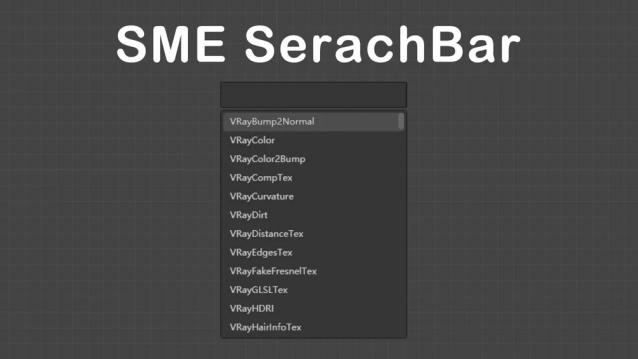
SME SearchBar 1.7.1

6 votes

In slate material editor Quick creation of maps and materials by searchbar

V1.7.1 released

1.Making mzp installation package has solved the problem of max2024 installation failure.

notice:Please delete the SMESearchBar.dll file in maxrootfolder\bin before installation.


V1.7 released

1.Allow saving and using custom nodes

F.A.S.T

6 votes

Fast Animation Surface Tool Inspired by what Pixar showed on Presto, this tool will really speed up your rigging workflow, but most of all your animation efficiency. You don't need anymore to create additional object to control your rigs, everything is triggered by predefined mesh zones and your mouse movements. So the advantage here is that it doesn't slowdown your scene by adding more elements, and most of all, you can control your rig directly on the mesh, without any visual interference, painful Controller selection or separate UI. So everything becomes very obvious and intuitive.

ProjectShowcase

5 votes

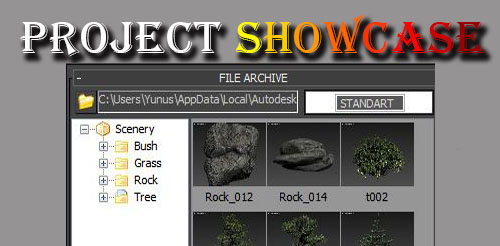
You can fast archive with projectshowcas and you can recall the scene visually archives.

UI toolkit

5 votes


UI Toolkit, is a serie of new 3dsmax scripted plugins, to quickly create modern & sci fi UI and motion graphics directly in 3dsmax.

With a lot of procedural parameters and ways to animate and link them together.

More tools to come, you can email us to suggest some new features/objects.

Features :

PolyCloth ClothBrush Plugin for 3dsMax

5 votes


PolyCloth is a multi-threaded & C++, physics based cloth brushes plugin for 3dsMax developed by PolyDesign.

Physics based PolyCloth allows you to:
Add wrinkles and folds to your meshes with a powerful brush.
Move your mesh like a cloth and simulate cloth behaviour
Use shrink brush to pinch surface of cloth
Use expand brush to increase surface area of cloth and add wrinkles
Use smooth brush to smooth out wrinkles on cloth

AdvArray

5 votes

The AdvArray modifier is an advanced parametric array type modifier for Autodesk 3ds Max. Being that 3ds Max does not ship with any sort of parametric array modifier, I’ve programmed this modifier to fill that void as well as add a number of advanced array features not found in 3ds Max by default, and even some that cannot be found in other third party modifiers.

Cloth Deform

4 votes

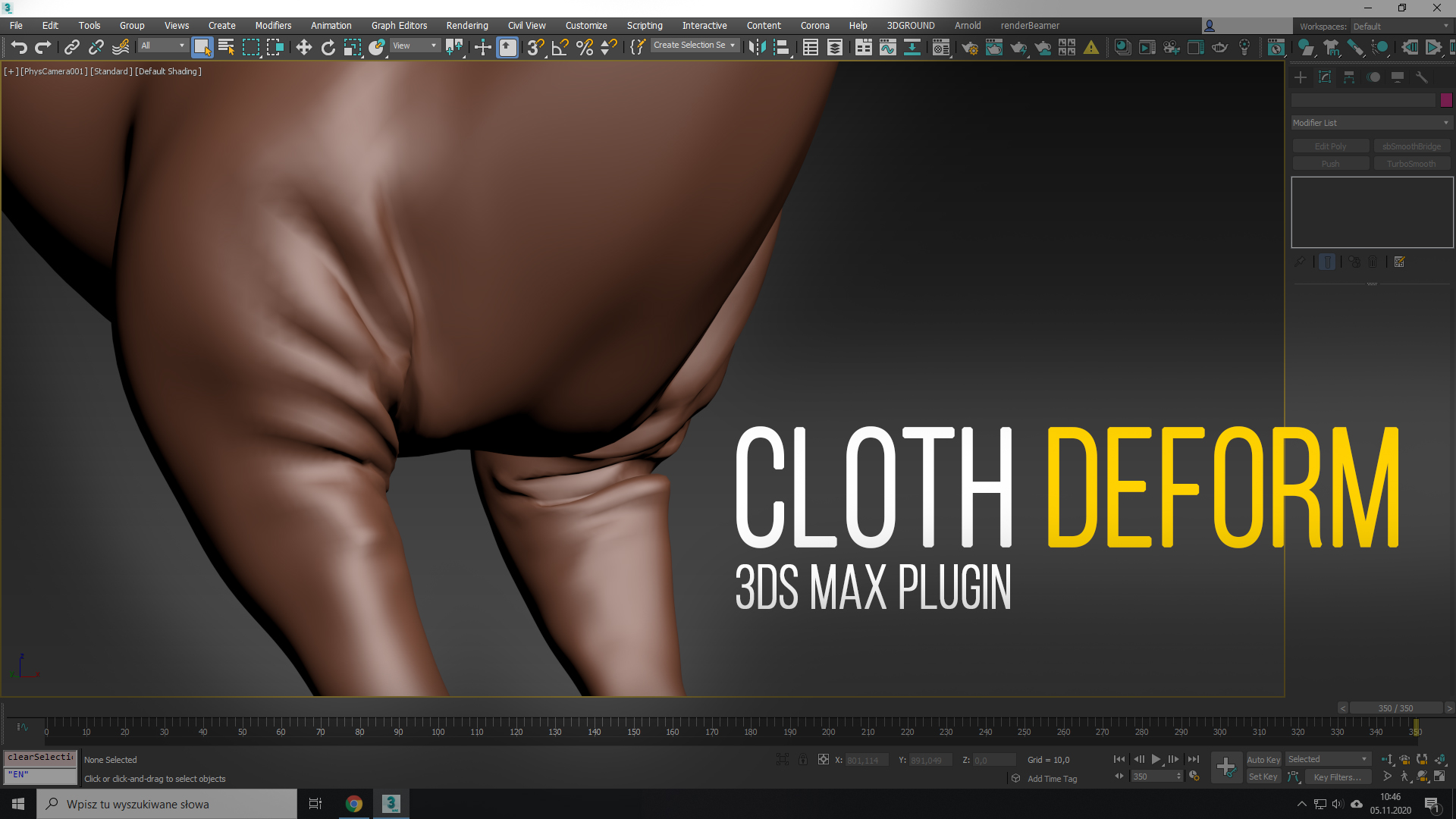
Cloth Deform is a modifier which creates cloth-like wrinkles on top of any mesh deforming modifier, which squashes/stretches its edges (e.g. Skin). It is history-independent, so it gets a single mesh as an input and transform it into a wrinkled-state based on its rest pose. It doesn’t do any simulation, so to see the result at frame 100 you don’t have pre-sim the (0-99) range, like in any other cloth simulators.

Available for 3ds Max: 2015, 2016, 2017, 2018, 2019, 2020, 2021, 2022.
tyFlow Helpers&Modifiers

4 votes

Add your desired Helpers/Modifiers on your Toolbar
https://i.imgur.com/yDv1Euh.png

v1.2 update
v1.3 update
v1.4 update

Syndicate content