Tagged 'Plugins'

Corona Physical to Legacy (free)

4 votes

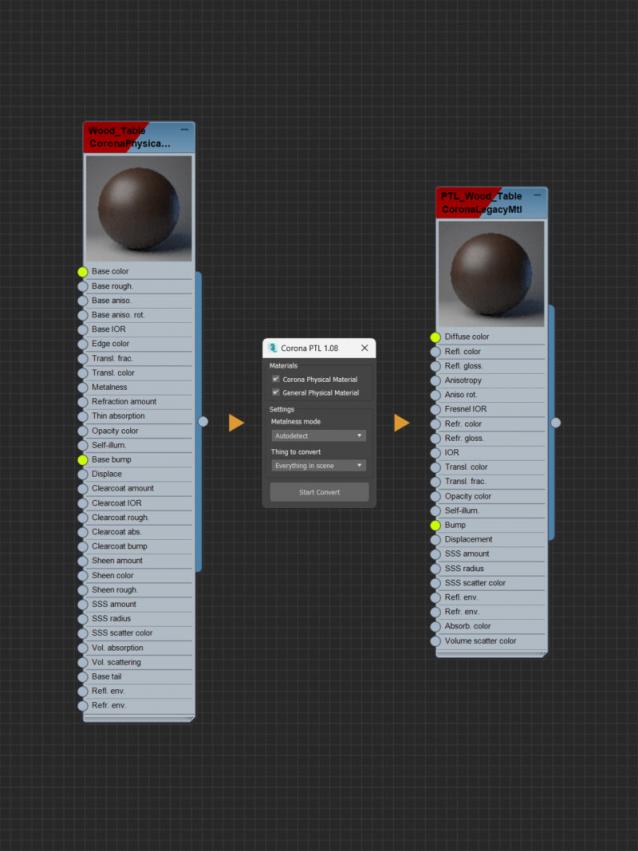
Another name: Corona PTL (Physical to Legacy). A small script to convert Corona Physical Material or General Physical Material to Corona Legacy Material (old material). It will help you to import the current scene into other software that only supports legacy material, or for those who just like the simplicity of old materials.

Cityscape Pro

4 votes

ONE 3DS MAX® PLUGIN TO BRING YOUR ARCHITECTURAL SITE PLAN TO LIFE - https://www.simpolium.com/

• Visualize your project with an immersive, vibrant city environment

• Concentrate on creative work by automating repetitive tasks

ImagineCGTools

4 votes

I've just put online and avaible for free download a series of useful scripts I wrote.
You can download ImagneCGTools at this link

http://www.imaginecg.it/2017/08/19/imaginecg-tools-script/

ImagineCGTools v 2.7.2 are a group of useful 3DSMax and VRay plugins that make your life easier: in fact most of the implemented operations are some repetitive actions but often required to obtain a good final result.

Voxel Remesh

4 votes

Voxel Remesh is a multi-threaded & C++, volume based remeshing plugin for 3dsMax developed by PolyDesign.

- Volume based Voxel Remesh allows you to:
Create closed surfaces from self intersected meshes,
Create a high-poly mesh for baking with round edges,
Create a lowpoly mesh from highpoly,
Generate a better topology for 3d scan meshes,
Create level designs,
Create organic meshes in 3dsMax,
Create an evenly distributed polygonal mesh for physics simulations,
A dynamesh like workflow,
- And much more depending on the artist's creativity :)

RelaxBySG (Relax By Smoothing Group)

3 votes

Modifier to smooth meshes without destroying hard edges defined by smoothing groups.

RelaxBySG works on the same principle as the standard Relax modifier, but offers a greater degree of control.
Rather than relying on the modifier to find boundaries and corners and hoping for the best, you can use smoothing groups to define them yourself.


Smooth Bridge v2.1

3 votes

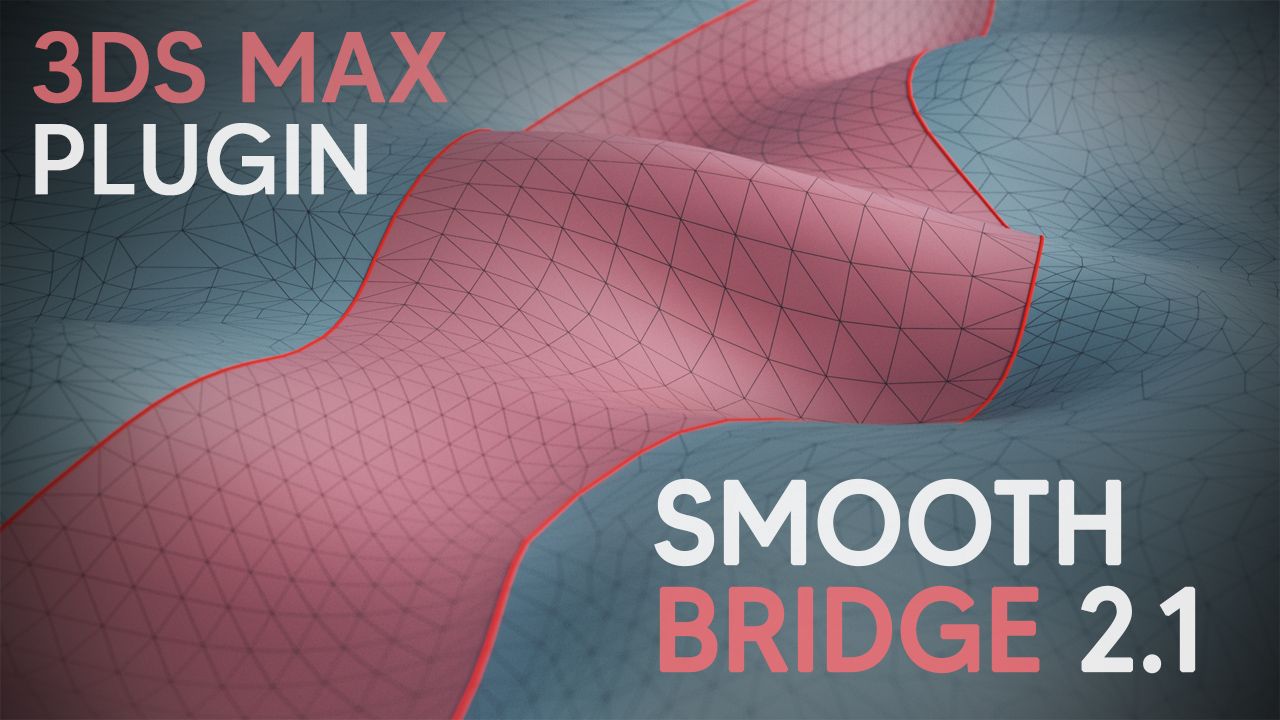
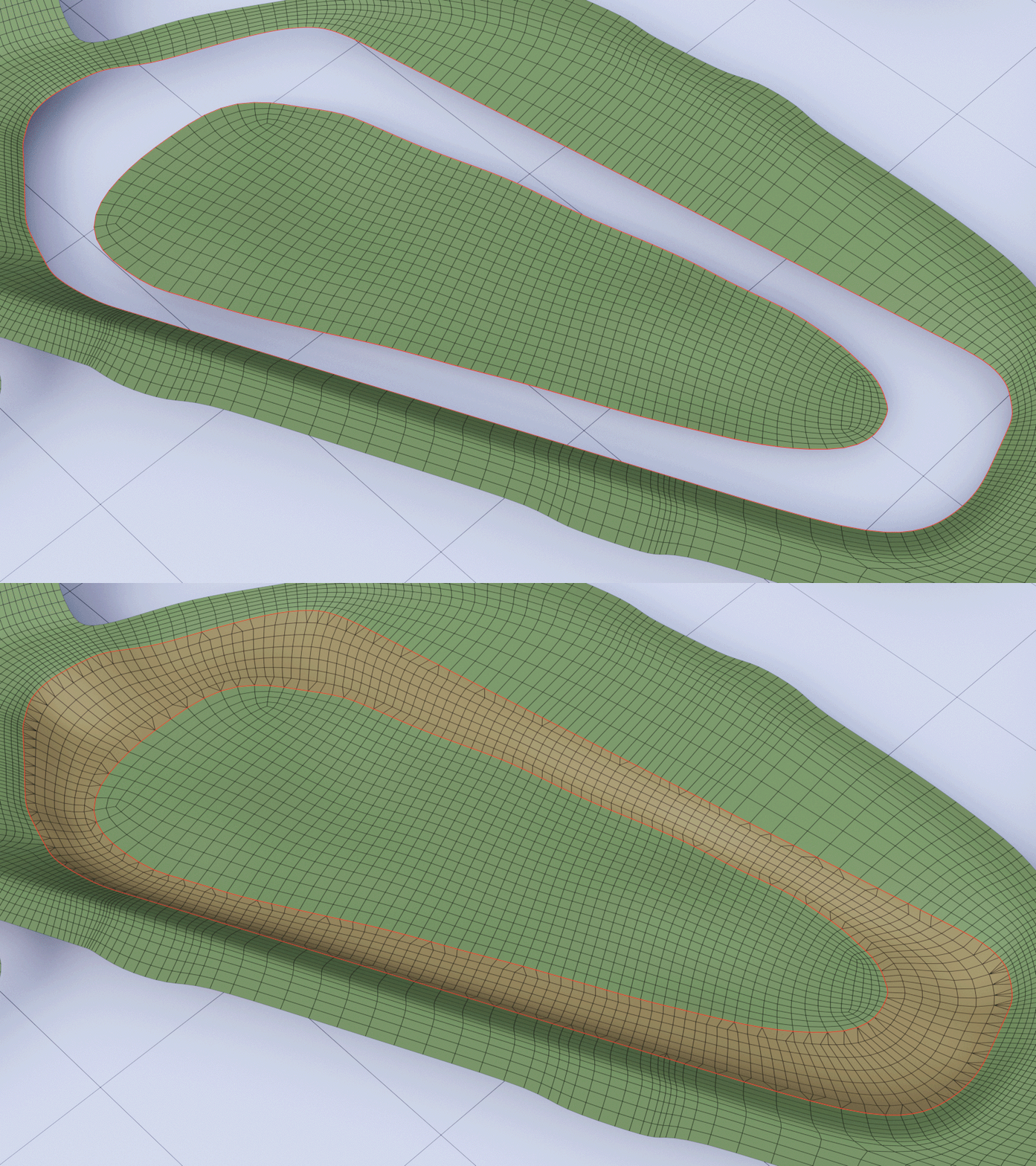
Smooth Bridge 2.1 modifier is able to bridge two open edgeloops in a very smooth way, even with uneven edge count. Version 2.1 presents a completely new joining algorithm, which can seamlessly bridge two loops with notably different shapes.

Previously it was only a part of Smooth Boolean plugin, but with this update you can also buy it as a separate plugin.


msKonektus

3 votes

msKonektus v0.1 - plugin for 3ds max 2017-2026.

msKonektus allows you to create effects similar to those known from the Plexus plugin for After Effects.

msKonektus is fast and efficient, and provides many parameters to customize the final result. Works with geometry and particles (standard particles, Particle Flow, tyFlow).

INSTALLATION
Simply copy correct version msKonektus_20xx.dlo file into your 3ds max 20xx plugins folder.
You should find it under Geometry rollout -> msTools -> msKonektus.

Procedural map creation

3 votes

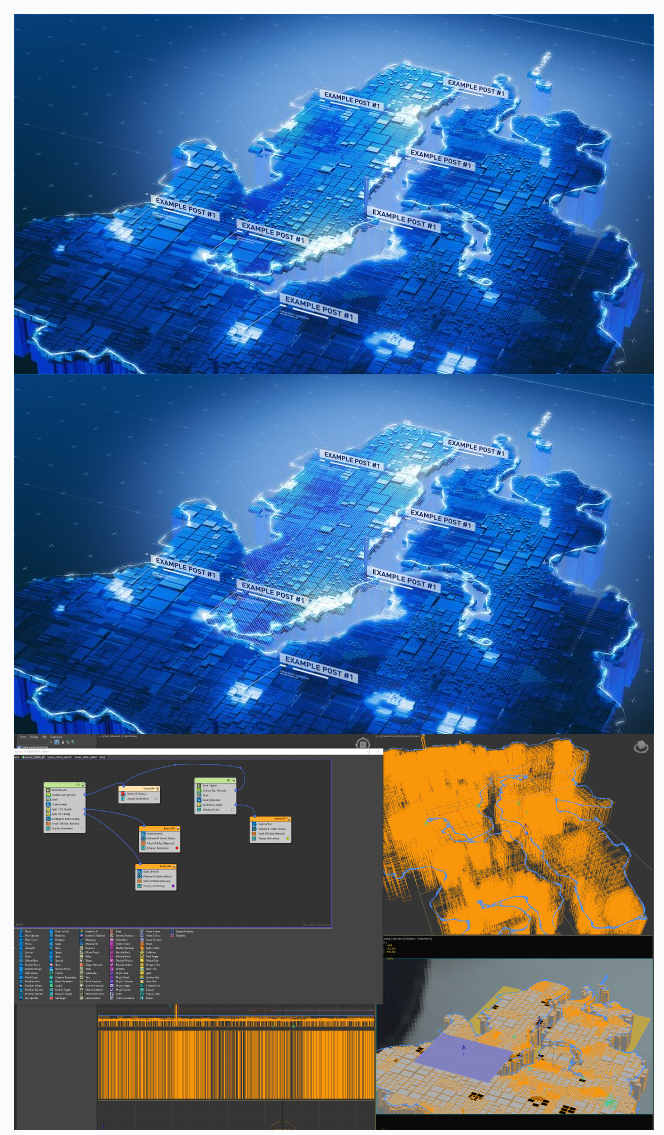
A procedural project that allows you to create beautiful maps of regions (and any shapes) without modeling.

Just prepare three raster maps in the Photoshop program, put them in the project folder, open the project and that’s all! An after effects project is also included to make the compositing process easier for you. But you can use any software to edit the render.

Project created under redshift early version 2.5.xx. 3ds max 2017

Radial Symmetry by PolyDesign

3 votes

Radial Symmetry by PolyDesign3D

Radial Symmetry is a C++ based modifier plugin for 3dsMax. Create complex designs in a few seconds.

Features:

A powerful animatable gizmo.
Preserves UVs and other face properties.
Option to add planar symmetry for perfect matching seams.
Slices the geometry along the mirror planes.
Weld seams
Mirror axis options for quick alignment.
Visual gizmo helps you adjust easily.

Supported 3dsMax Versions:

3dsMax 2016
3dsMax 2017
3dsMax 2018
3dsMax 2019
3dsMax 2020
3dsMax 2021

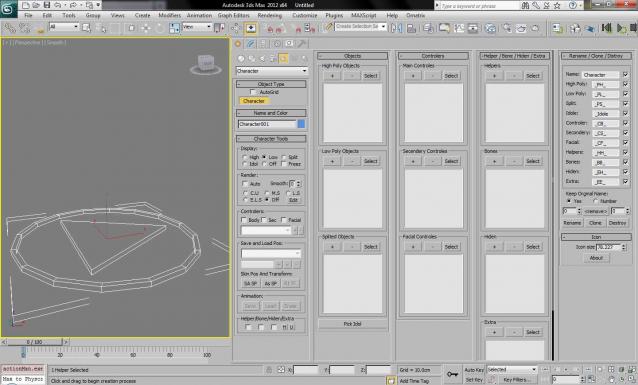
Character_set

3 votes

This Script helping you to manage your characters.

01.Hide/Unhide entity by one click.
02.Easy to layering.
03.Auto replace on render.
04.Prerender script run.
05.Easy rename all relate entity.
06.Directly clone(and rename) character one scene.
07.Destroy all relate entity by one click.
08.Auto link.
09.No problem whit nodes rename.
10.Network render support.

Syndicate content