Tagged 'instance'

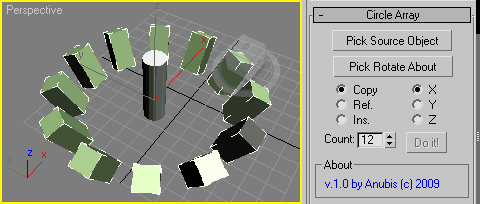
Circle Array

27 votes


Like 3ds Max Array tool but with custom picked rotate axis.
The rest you can see in the screenshot.

Enjoy!

Select instances objects

2 votes

Small but very useful script for selected instances objects

- select only visible instances objects
- work fast, support undo
- work of script would be broken by pressing Escape button

for install you should drag&drop script into 3ds Max
Find it in Customize -> Customize user interface -> Toolbars.
Category: # Scripts

Tested on 3ds max 2012

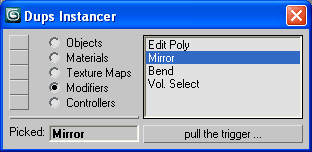
Dups Instancer

95 votes

Instance duplicate nodes, materials, texture maps, modifiers, controllers.

Dups Instancer

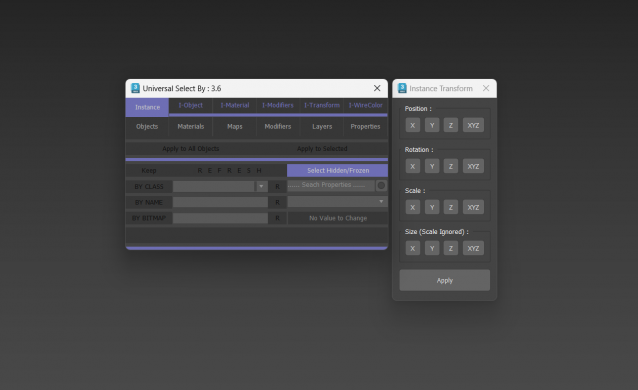
Universal Select By

9 votes

Clone & Align On Faces

12 votes


This simple tool will helps when you need to distribute any "source" object on "target" object selected faces.
Requested on this thread by ice-boy.

Modifier Instancer

28 votes

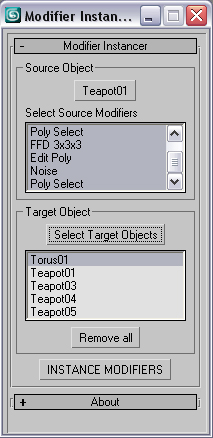
This simple scripts allows you to instance some or all modifiers of an object into large number of objects.

- just pick the source object

- select the modifiers that are going to be instanced. Press CTRL for multiple selection.

- select target objects

- Hit to the INSTANCE MODIFIERS

version history:

version 0.5

-Selected objects automatically will be added to the target list.

miauu's Extended Clone Tool

2 votes


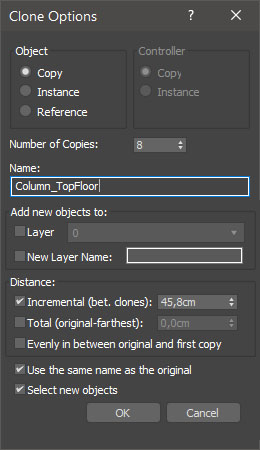
miauu's Extended Clone Tool adds new options to the standard Clone Options dialog.

The main goal - save time using these features:

- move the created objects to a new layer,

- move the created objects into existing layer

Instancer

4 votes

A toolbar button that replaces the selected objects with instances of the object you pick after hitting the button. In other words - a UI version of maxscript's InstanceReplace command.

Instance-Align

4 votes

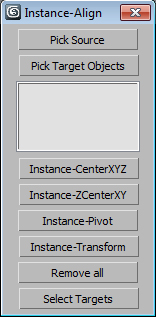
Very useful script for interior visualisation (cafe, bars, restaurants): add lights, change chairs/ tables, put tableware on many tables, e.t.c.

1. Pick object to clone

2. Select targets, click pick targets -> ok

3. Choose align method:

- CenterXYZ

- ZCenterXY (Align minZ of source to maxZ targets)

- Pivot align

- match all transform

After execute new objects will be selected. U can select target objects (to hide or delete).

Make iT Instance

0 votes

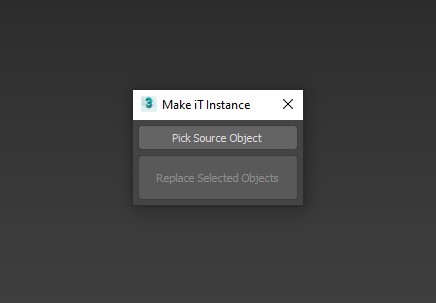
A Script for Replacing Selected Objects with Picked Object , BUT with Group Support .


Note : When Replacing Groups its better to be closed .

INSTALL : drop it to max viewport or run it from Scripting Menu/Run Script , You'll Find it in "_My Scripts_" Category .

UPDATE 1 :

Syndicate content