3ds Max | MCG

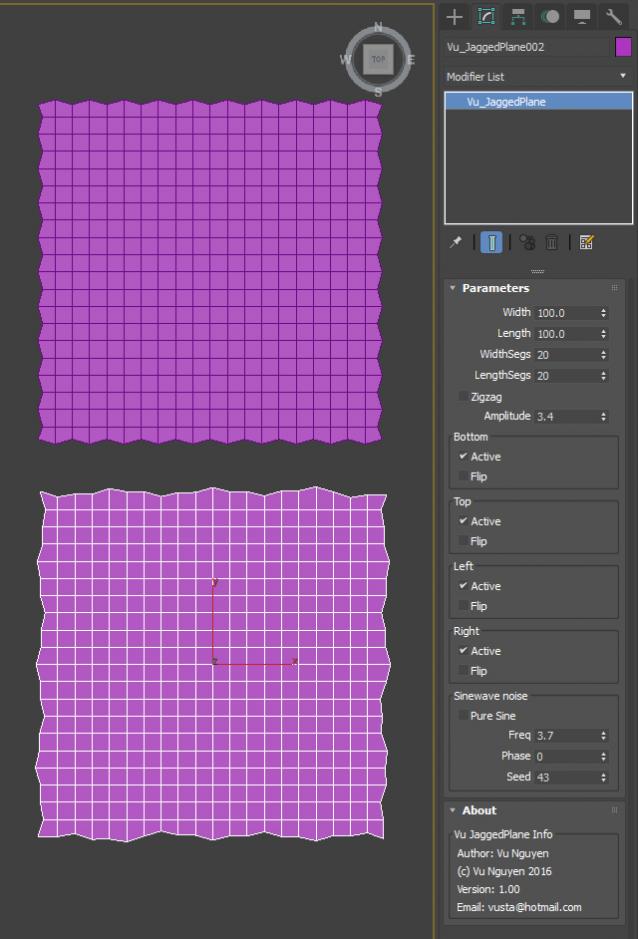
MCG Jagged Plane

-1 vote

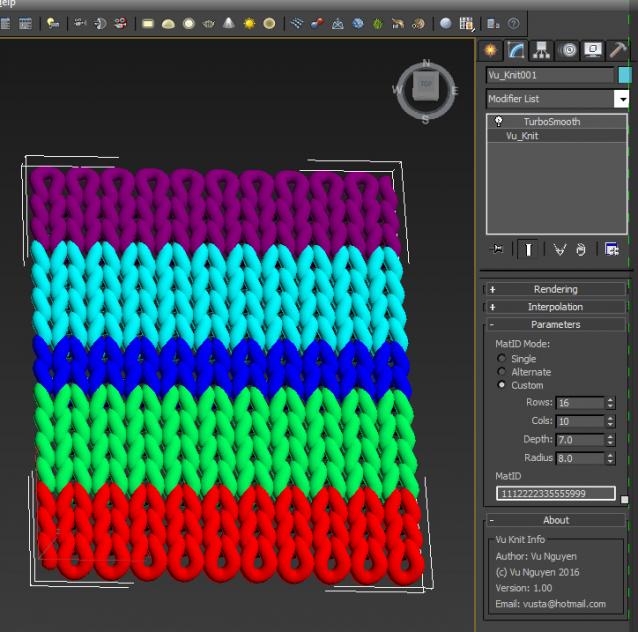
MCG Knit

4 votes

Simple knitting pattern with MCG.

Ver 1.01: with Grow available for the price of a beer....MY beer...

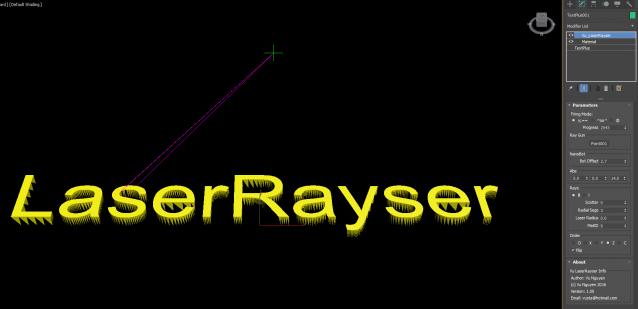
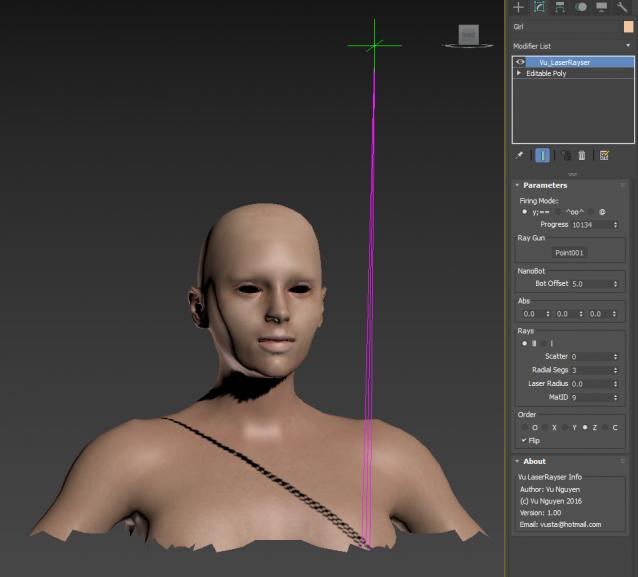
MCG LaserRayser

1 vote

This MCG creates a laser printing effect...no not on paper method...but more like a 3D printer.

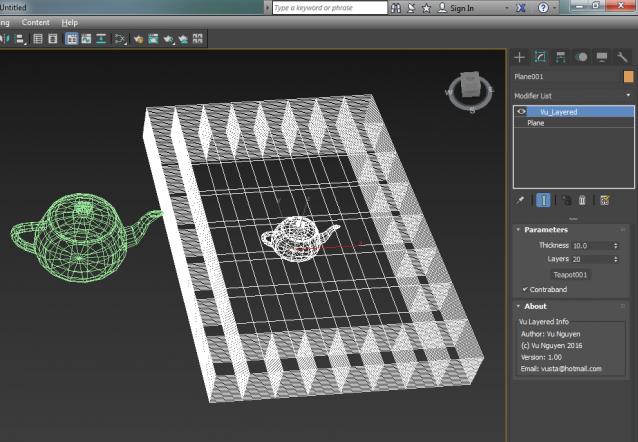
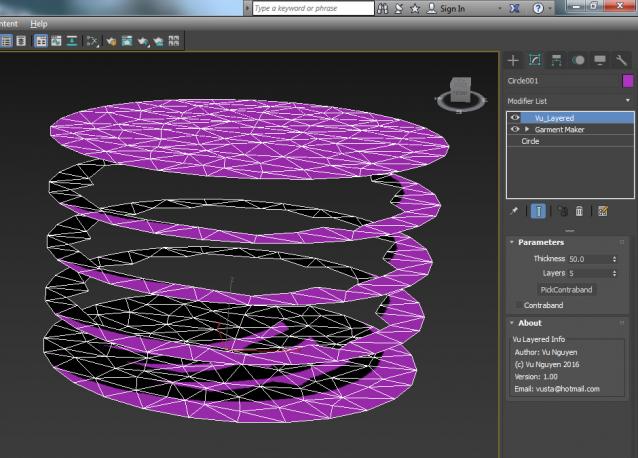
MCG Layered

0 votes

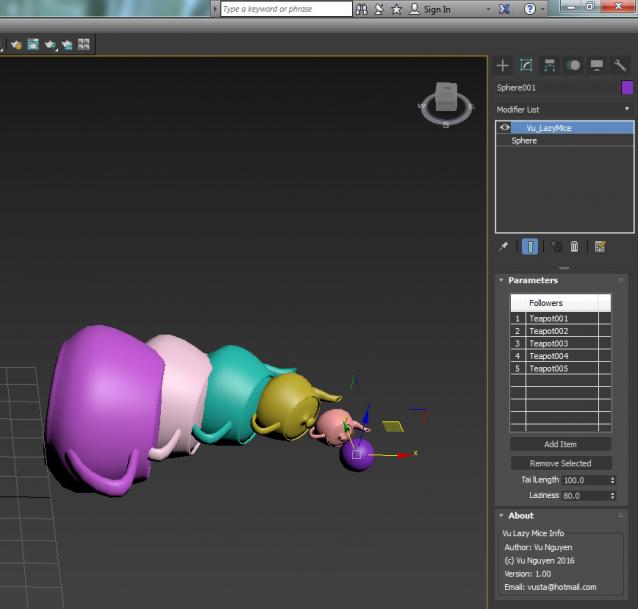
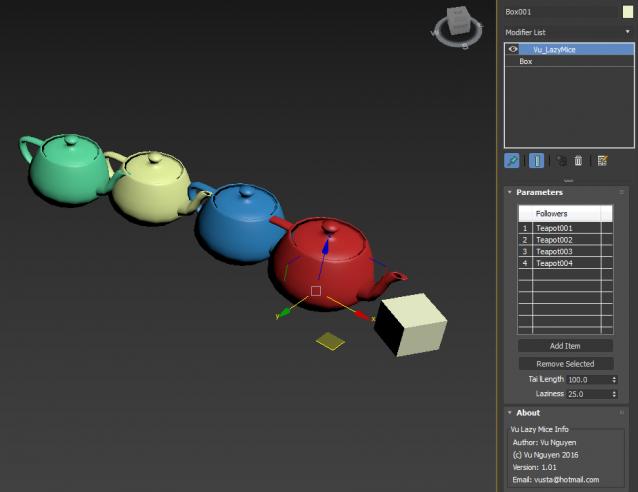
MCG LazyMouse

0 votes

Lazy Mouse as seen in WindowWasherSim http://www.scriptspot.com/3ds-max/mcg/mcg-pushpull-windowwashersim

Added a Multi version.

ver 1.01: aligned with X axis as forward axis rather than Z. Yes, if you do loop the loop, it will flip but ehhh for an amateur like me....it's a 'minor' issue...you are welcome to mod it if you like...

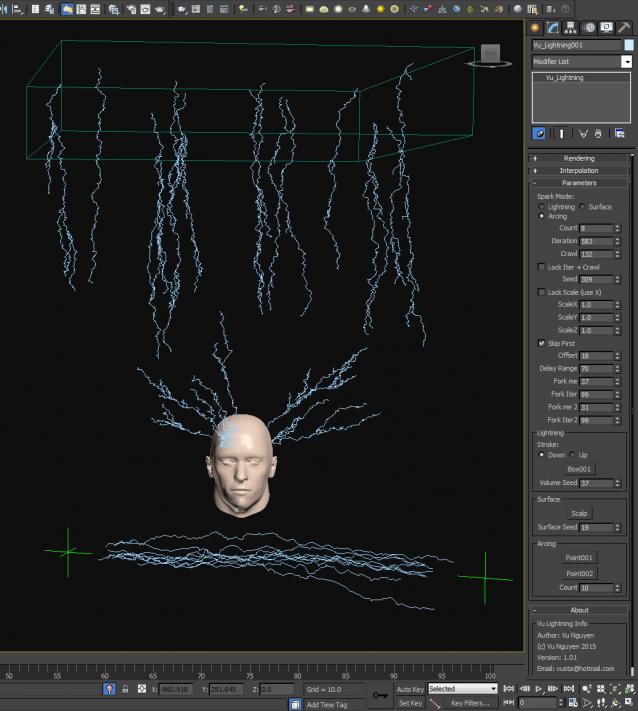
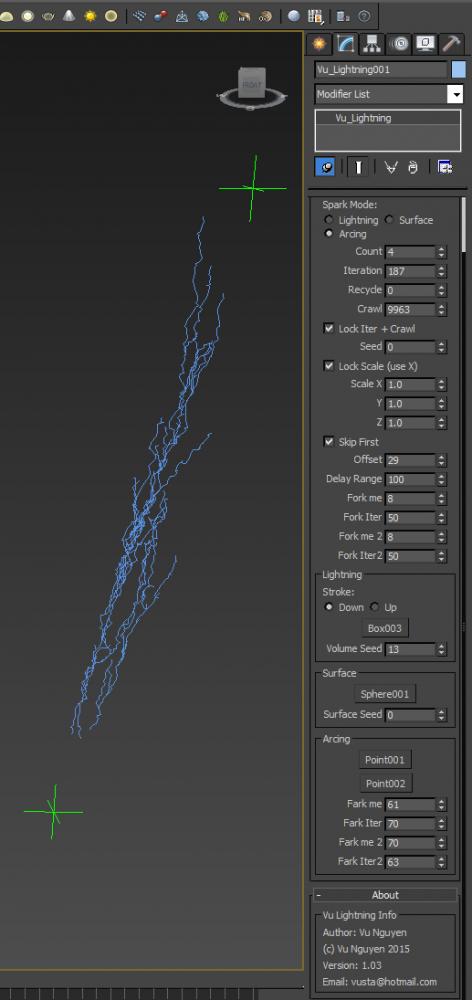
MCG Lightning

6 votes


http://1drv.ms/1OkwWsL

...bring out the Dead

Ver 1.03: you got free Forking...but not for the Arcing mode. I was going to release a 'for sale' version with......Farking....but eh...I feel good with humanity today so everyone should get free Farking...

Also added Recycle option as your Lightning grows..it lags....so use Recycle to help...


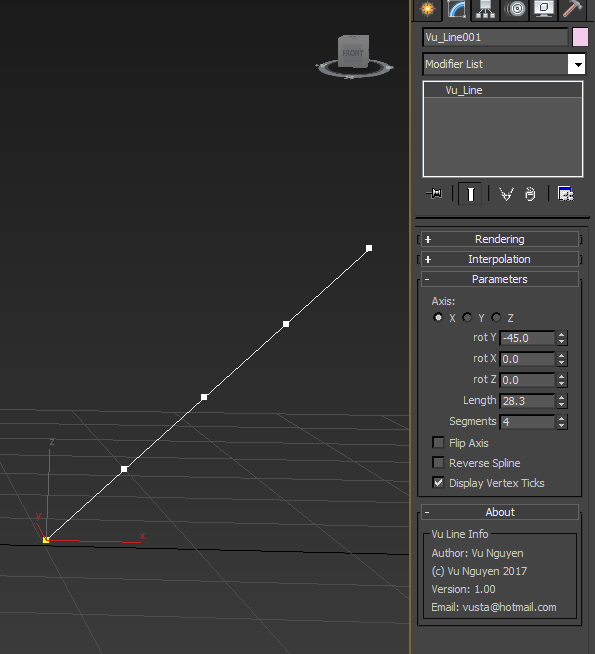
MCG Line

4 votes

Simple straight line....well it was for a simple request so no need to flame me.

Installation:

https://knowledge.autodesk.com/support/3ds-max/learn-explore/caas/CloudH...

Then can be found in Create>Shapes>Vu

https://youtu.be/0W59gOdPfHM

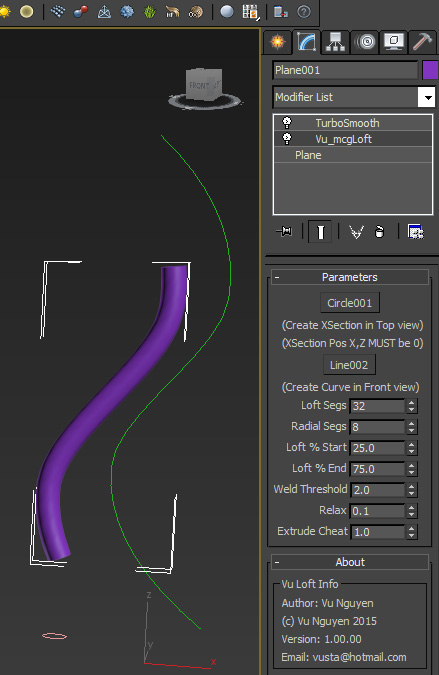
MCG Loft/Extrude

2 votes

This MCG allows you to loft a spline along another spline, ie. extrude.

NOTE: Use a dummy Plane, just 1 poly will do, then apply the Vu_mcgLoft modifier on that Plane, not the Xsection or the Curve.

MCG Looper

1 vote

Requirements: Max 2016 + Ext1/2 + SP3. Max 2017/18

This MCG will blend the last few frames of your (vertex) animated mesh so that it will create a seamless loop. Works directly on your mesh as a modifier, no need for 'cloning' around. You can also adjust Start/End of animation easily.

Installation:

https://knowledge.autodesk.com/support/3ds-max/learn-explore/caas/CloudH...

Then can be found in modifier dropdown list.

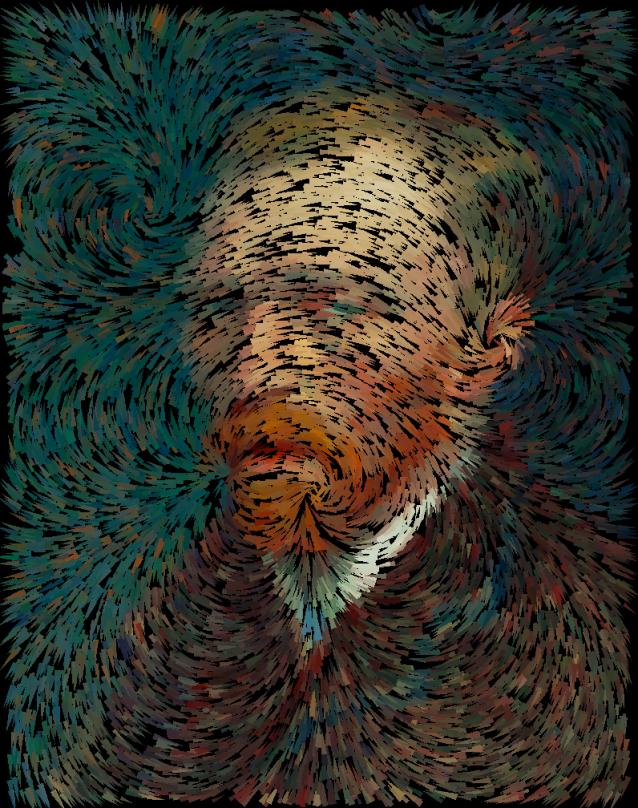
MCG Magnetic Filaments + DCP Van Gogh

6 votes

Extract DCP to: C:\Users\xxx\AppData\Local\Autodesk\3dsMax\2017 - 64bit\ENU\en-US\plugcfg\DataChannelPreset

After MCG installation, Filaments can be found in Create>Geo>Vu
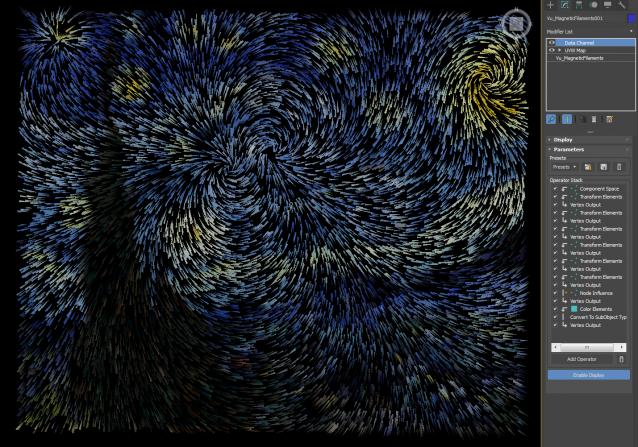
Added MCG Magnets Advanced: going where DCM couldn't...(if you got my zip file from OneDrive previously, please get latest from here now...it now has Offset so you can get the Swirl effect)

Syndicate content