3ds Max | All

MCG Preserve Components

2 votes

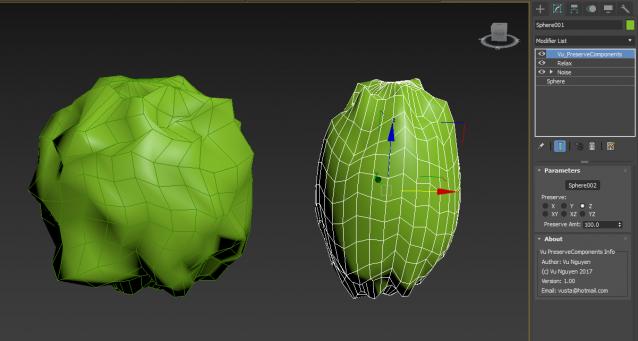
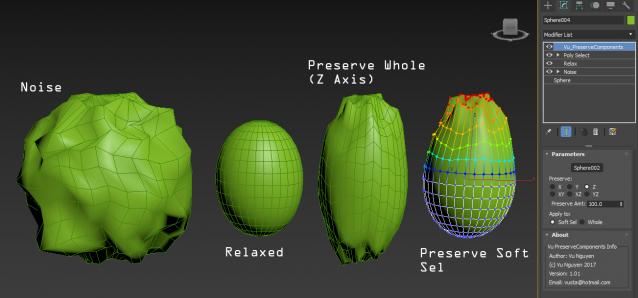
Preserve (aka. Restore) Components of your geo. Like Preserve but with Axis controls.

Use this above a Relax is effectively a Relax with Axis controls.

ver 1.01: added Soft Sel option

Delete All Keys

4 votes

Deletes all the position - rotation - scale and custom attribute keys on all objects in the scene.

MCG ConnVerts

0 votes

(if anyone even contemplates suggesting me calling it Plexus...you can GAGF)

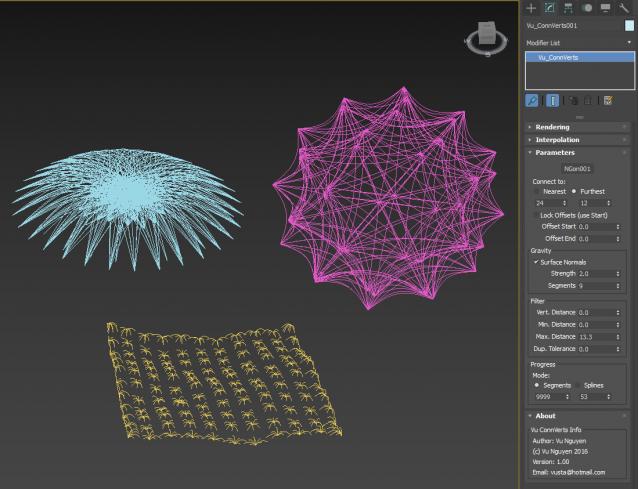
PF + Mesher + Connverts:

https://www.facebook.com/vustarama/videos/1727204060941423/

ver 1.01: for use with Particles (whether PF or Sprays) + Mesher, use Every Nth so that you treat each mesh as a 'particle' rather than multiple verts in a mesh.....but there's nothing to stop you from using it on a normal mesh like plane, box, teapot.....to achieve different effects...

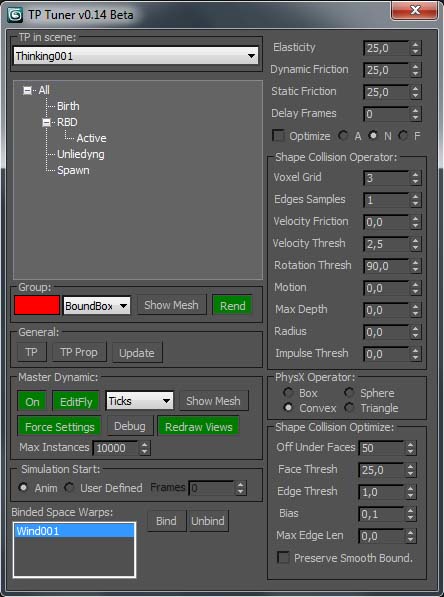
TP Tuner

3 votes

JigsawMaker

9 votes

(Copypasta from my webpage)
Jigsaw maker

For fun I made a little jigsaw script. Just specify how many pieces you want and optinally draw a template spline for your pieces to generate a fully random jigsaw.

SIGERSHADERS VCarpaint2

67 votes

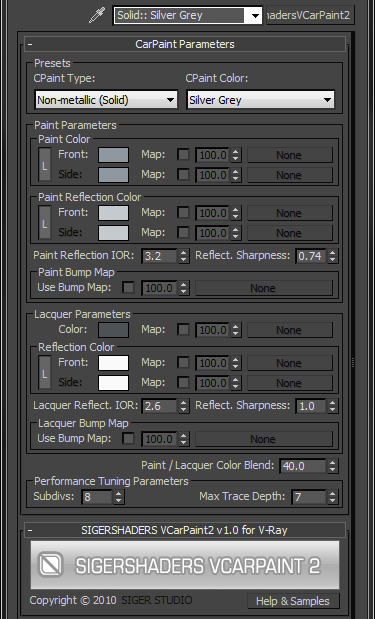
The SShadersVCarpaint2 is integrated right into 3ds Max and becomes one of the Material options available within the Material Editor. It is expertly programmed Shader that control many components of the V-Ray Material based on specific Material criteria. You can customize everyone Preset flexibly and, the main thing, quickly, to adapt for the needs. This Shader exposes only the settings that are important to creating a highly realistic and optimized material.


MCG Centre of Mass

2 votes

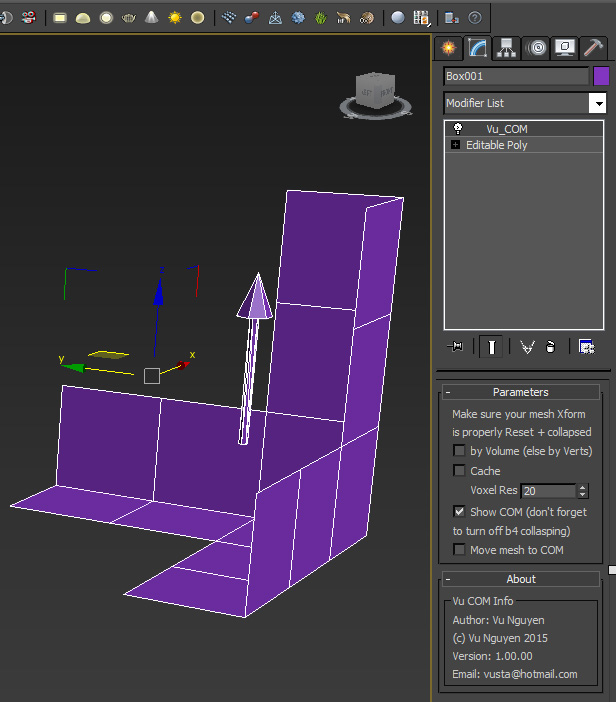
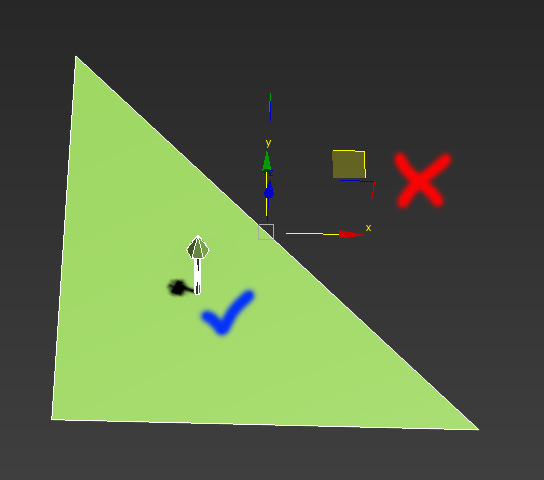
This MCG calculates the Centre of Mass for an odd/asymetrical shape object. The Max centre to object uses a bounding box that does not suit odd shapes. This will find the COM by Volume or Verts distribution.


MCG PosConstraint XYZ

0 votes

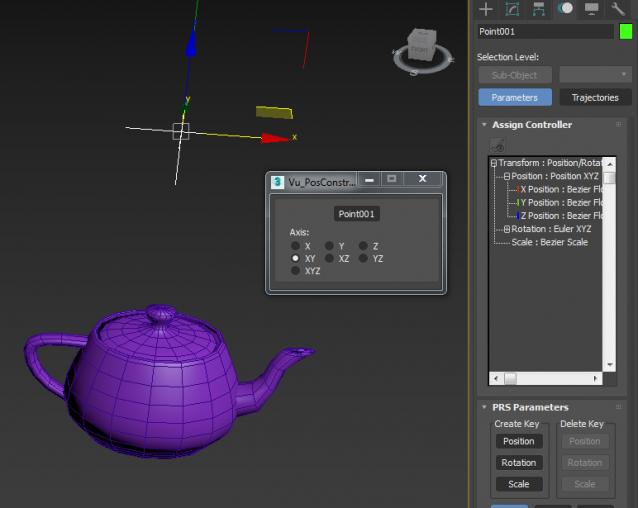
Position Constraint....with Axis controls...

If you want an Offset, simply add a PositionList first, then in Available slot, add Vu_PosContraintXYZ...then even tho it is constrained, you can still move your object to whatever 'offset'position you like.

MCG Push with Axis Controls

2 votes

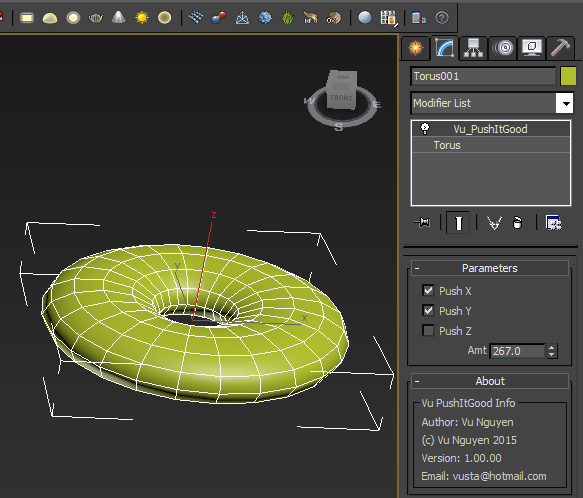
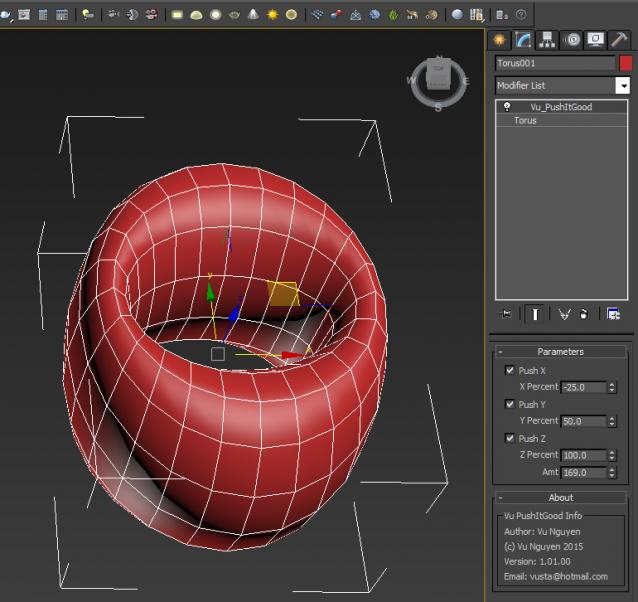
This MCG Push gives you axis controls so you can restrict which axis to push rather than a uniform push. I didn't implement a Relax in there as I found the default Relax modifier is better than the MCG Relax.

Ver 1.01.00: For ultimate control, I've added the ability to push AND pull at the same time with different axis. You can also vary different amount of influence for each axis.

biped picker

1 vote

shows biped bounding box for selection. even if it's hidden.
run the file or drag it into max and register hotkey.
category: HJ Tools
action: Bip Picker

Syndicate content