Tagged 'Material Editor'

[Another] Get Material from Selected

-13 votes

Well everybody already know what it is . its put selected object (many object) material to medit [material editor]. I make the script as small as posible so the script work faster n efficient as posible. check the script for the source.

thanks and happy scripting.

Edit : Thanks as always to anubis to give me a support

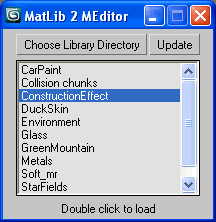
ML2ME (Material Library To Material Editor)

27 votes

Quick load Material Libraries to the Material Editor.
Quick code just from scratch as well.
Generally useful for all people that found 24 ME slots for not enough.

ML2EM

Populate MEdit Zorb

22 votes

Populates the Material Editor with the scene materials, or selected object materials. Has option to offset the materials placed in the material editor (usefull if there is more than 24 scenematerials). NEW: Added Material Editor Offset so it will dump materials starting at the specified slot

RH Map Node Renamer

27 votes

It takes the material assigned to the selected object and assigns the name of the object to it. Then it checks if there is a bitmap texture assigned to "Diffuse", "Specular Level", "Opacity" and "Bump". If it finds a bitmap texture in the slot it renames the bitmap texture node to "Color", "Specular", "Opacity", "Normal". Then it also renames the textures asigned using the pattern "NameOfTheObject_NameOfSlot.*" ex. SmallBox_Color.bmp

MeditCleaner

12 votes

Cleans unassigned materials out of the Material Editor, replacing them with a gray standard material with default name. Leaves assigned materials intact.

Open Clean Material Editor Zorb

13 votes

Very simple little script. Put this next to your "open material editor" button and you can now open a pre cleaned material editor. Saves you waiting for big maps to load if you have some chunky materials in your editor.

MatShift

22 votes

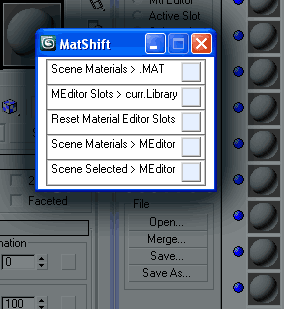
MatShift is a thin pack of ops for shifting materials
between Scene, Material Editor slots and current Library.

RH Opacity to Alpha

11 votes

This script will collapse the opacity and diffuse textures into one 32bit texture. It works with multi materials and standard materials. Just select an object and run it.

Select Objects By Sub-Material

0 votes

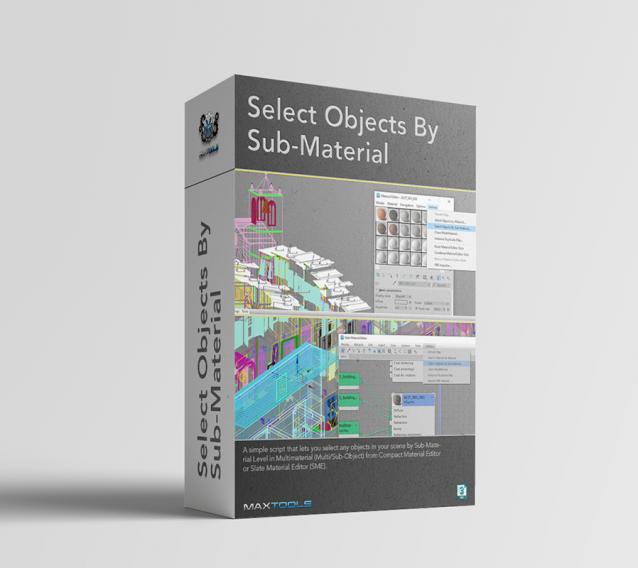
Select Objects By Sub-Material (SOBSM) is a simple free script that allows you to quickly select all objects in your scene that use a selected sub-material from a Multi/Sub-Object material.

Unlike the native "Select Objects By Material" tool, which only selects objects by exact main (parent) material match, this script analyzes material IDs assigned to faces/polygons. This allows you to select objects by a specific sub-material, even when a Multi/Sub-Object material is assigned to the entire object and the desired sub-material is only used on a portion of its faces.

The script works with both material editors in 3ds Max - the Compact Material Editor (Medit) and the Slate Material Editor (SME). Select a sub-material in any editor, run the script, and all objects that use this sub-material (on faces with the corresponding ID) will be selected.           

Syndicate content