Tagged '3ds'

miauu's Tab Panel

1 vote


miauu's Tab Panel allows you to organize all of your toolbars into tabs.

What you can do:

NukeOps

39 votes

A set of functions wrapped into a minimalist single-click button to help 3ds Max and Nuke artists to bring the 3ds Max 3d scene assets into Nuke's powerful 3d compositing scene.

This tool allows:

1) Copy cameras and any other objects (as points) and their animation into clipboard for an easy Copy+Paste action inside Nuke.

2) Generate .chan files from selected cameras and any other objects (as points) and save them either many at once or one at a time to selected destination.

ProjectPath - 3dsMax

0 votes

This script is used for switch between projects quickly

Quick Z-Depth (mental ray)

1 vote

With this useful and simple script, you can create a non-destructive quick map Z-Depth in mental ray.

rollout Quick Z-depth

Enjoy!!


Rapid Edit

8 votes

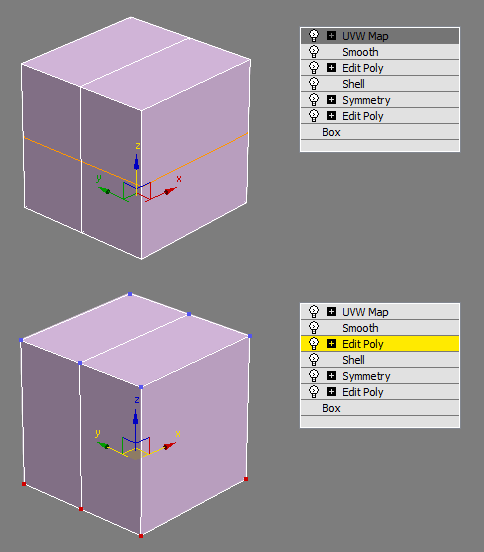
Automaticly selects the first editpoly/editspline modifier in the list. If no editpoly/editspline modifier can be found it asks you if you want to add one. Also works with groups, if activated it will either open the instanced editpoly/editspline modifier of the group or add one automaticly.

RegionRender

4 votes

Simple script. Self explanatory really. See screen shot above. Script found under the category '3dwannab' (drag the .mzp file into the max window to see further instruction, if you added the icon please restart max to see it in the toolbar) also a script to allow toggling the Region with a keyboard shortcut.

Relax Pro

3 votes

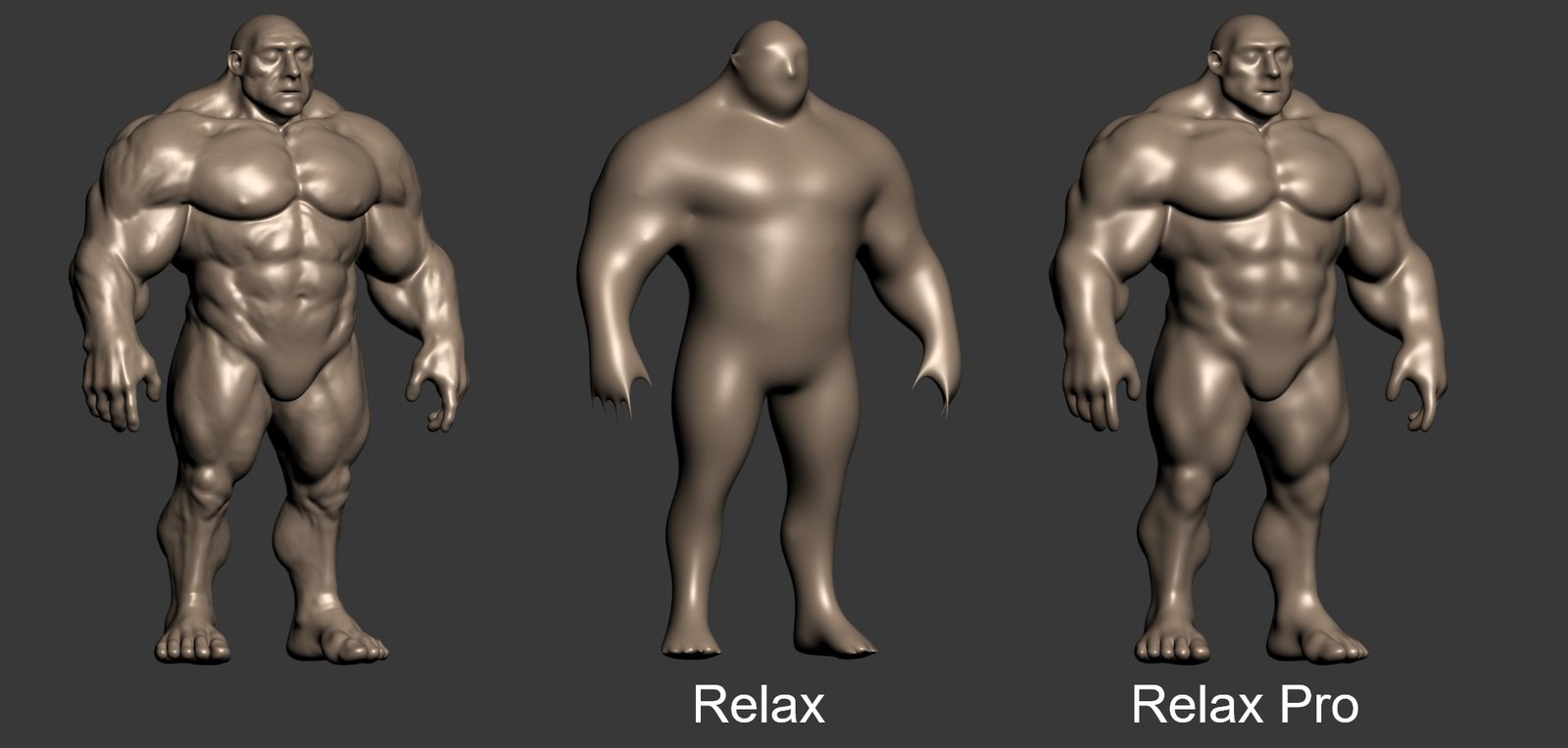
Relax Pro is a modifier for 3ds Max that smooths meshes while preserving their volume unlike the standard Relax which shrinks them a lot. You can set it to slide vertices over the surface so no volume loss happens. Get it from https://mariussilaghi.com/products/relax-pro

Scene Light Multiplier By POPA_3D

2 votes

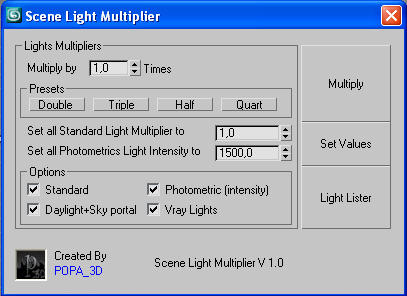
Scene Light multiplier let you manage all your scene lights by multiplying their multiplier by a defined value or set all light multiplier to a defined value...

you can chose which lights will be taken in consideration

#Standard will affect:

 target Spot 

free Spot 

Target Directional ight 

free Directional light

Omni light 

Skylight 

mr area omni

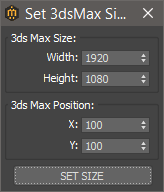
Set 3ds Max window Size & Position

0 votes

With this script you can set the position and size(in pixels) of 3ds Max window.


How to install:

drag and drop the miauuSet3dsMaxSizeAndPos.ms onto any 3ds max viewport.

Go to Customize -> Customize User Interface -> miauu category and you will find the "Set 3ds Max Size and Pos" script.

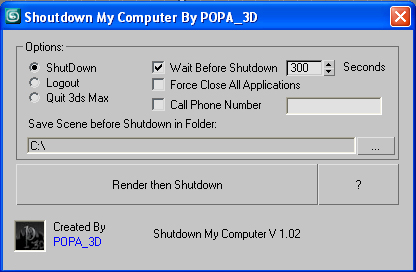
Shutdown Computer after render with automatic phone call

4 votes

If you have a render that take a long time and you want to go to sleep or to go out your office this script will shutdown your PC after the render is completed.

- Shutdown will shutdown the computer

- Logout will Log off the user

- Quit 3ds Max will exit 3ds Max

- Force Close All Applications will forces running applications to close without warning

- Wait Before Shutdown will let you Set a given time for shutdown, in seconds


Addtional Notes:

 

Syndicate content