Tagged '3ds'

Scene Light Multiplier By POPA_3D

2 votes

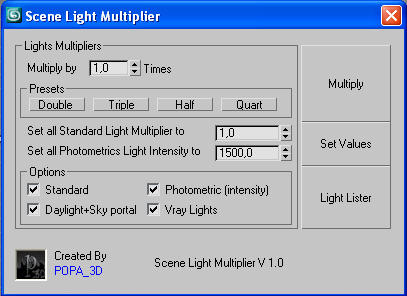
Scene Light multiplier let you manage all your scene lights by multiplying their multiplier by a defined value or set all light multiplier to a defined value...

you can chose which lights will be taken in consideration

#Standard will affect:

 target Spot 

free Spot 

Target Directional ight 

free Directional light

Omni light 

Skylight 

mr area omni

Contrast Pro

2 votes

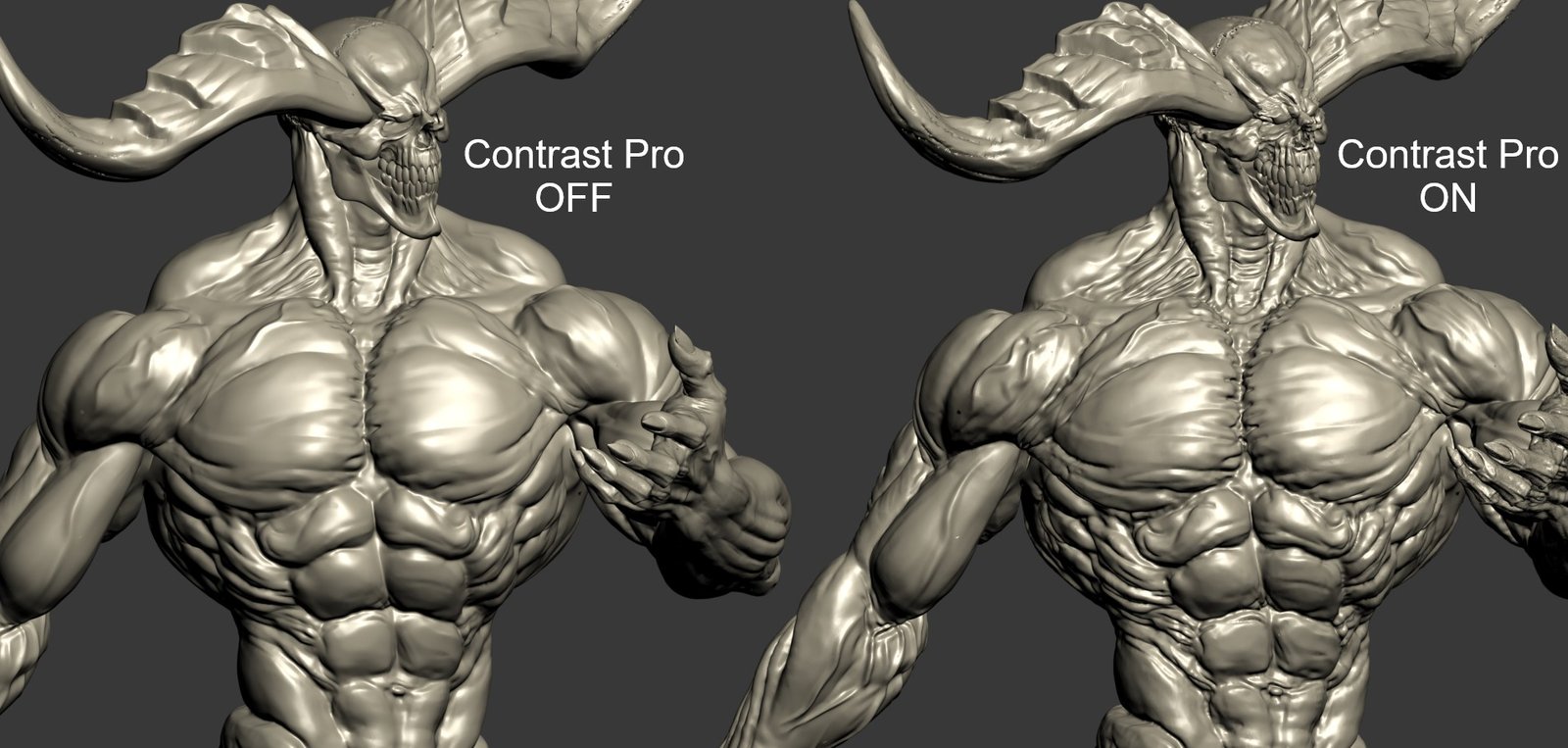
Contrast Pro is a modifier for 3ds Max that enhances the details of 3d models. It allows you to quickly add contrast to whole models or to highlight only some specific areas. Areas with large and small polygons can be set to receive the same amount of contrast with the "Uniform" option. Get it from https://mariussilaghi.com/products/contrast-pro

Relax Pro

3 votes

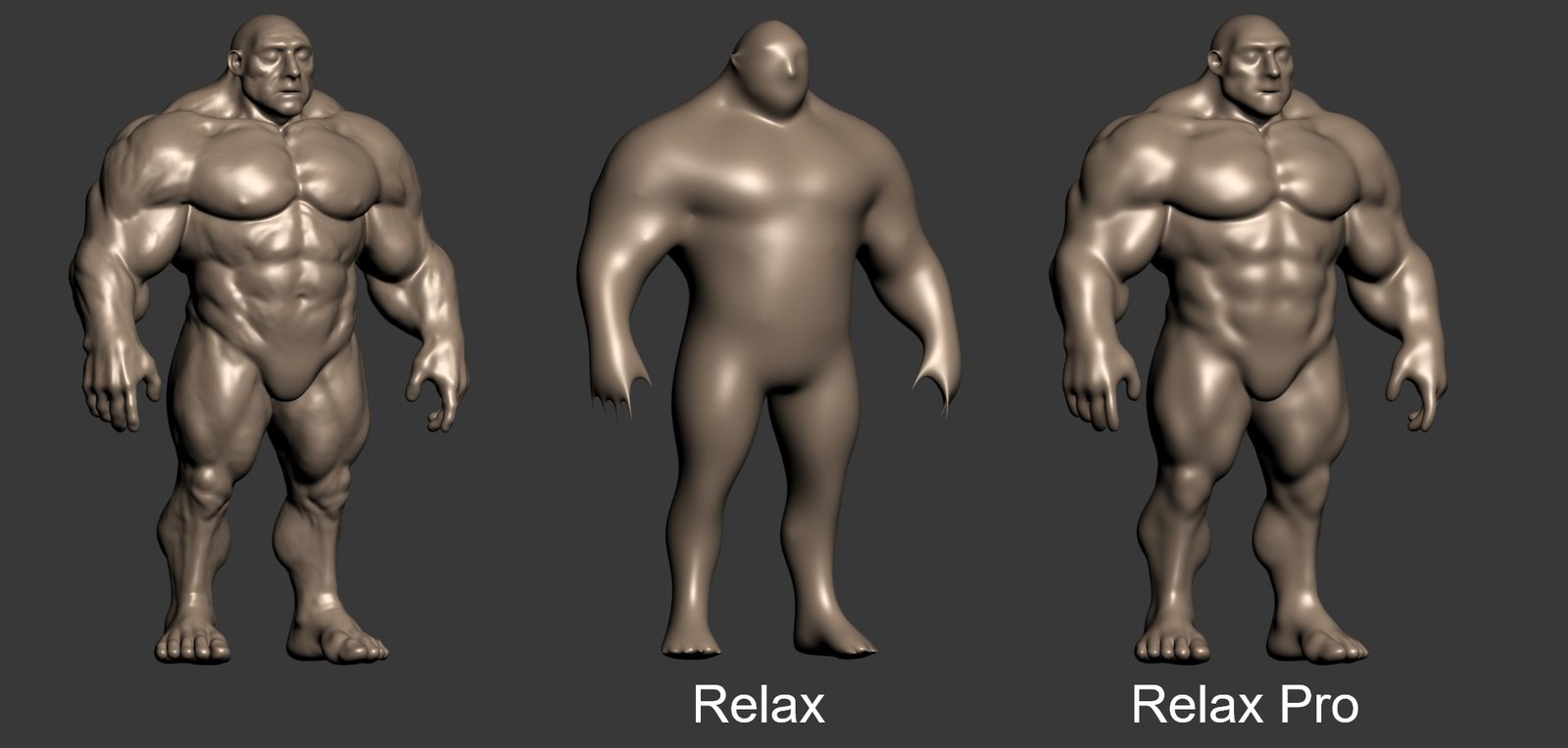
Relax Pro is a modifier for 3ds Max that smooths meshes while preserving their volume unlike the standard Relax which shrinks them a lot. You can set it to slide vertices over the surface so no volume loss happens. Get it from https://mariussilaghi.com/products/relax-pro

Set 3ds Max window Size & Position

0 votes

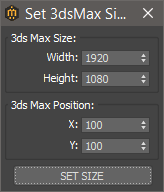
With this script you can set the position and size(in pixels) of 3ds Max window.


How to install:

drag and drop the miauuSet3dsMaxSizeAndPos.ms onto any 3ds max viewport.

Go to Customize -> Customize User Interface -> miauu category and you will find the "Set 3ds Max Size and Pos" script.

DeltaMushToSkin

7 votes

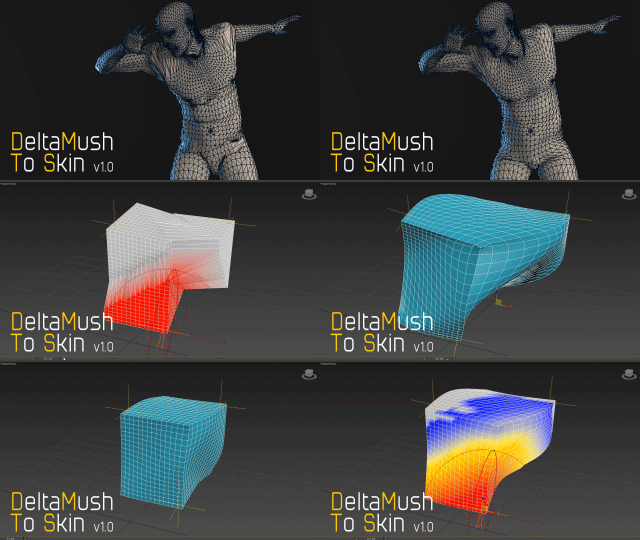
DeltaMush to Skin is a c++ 3ds Max modifier which smooths deformations while preserving details with "converting" to Skin feature - the plugin solves Skin weights matched as close as possible to the DeltaMush result. It enables the user to export such rigg to the game engine like Unity, Unreal etc. The whole process is incredibly fast thanks to multithreaded optimization.


UV Cage Rendrer

0 votes

#

This script is now a part of CheckMate tools by POPA_3D

 please checkout 

http://www.scriptspot.com/3ds-max/scripts/checkmate-tools-by-popa-3d-tur...

Batch Export Any Format

1 vote

To Batch export use it script with "Batch It Max" script. "Batch It Max" can run any script on multiple files with single click.

Link for Batch It Max : http://paulneale.com/scripts/batchItMax/batchItMax.htm

ProjectPath - 3dsMax

0 votes

This script is used for switch between projects quickly

IDs Finder

1 vote

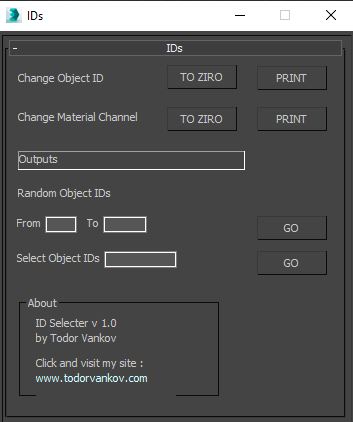
With this script you can Find what kind of object and material IDs you have in your scene.

- the Buttons „to zero" reset all material and object IDs
- random object ID
- select the objects with one special ID

Script category: “#todorScripts”

You can see an example here, how to install my script per Drag and Drop: