Tagged 'Browser'

OutFiler file browser

8 votes

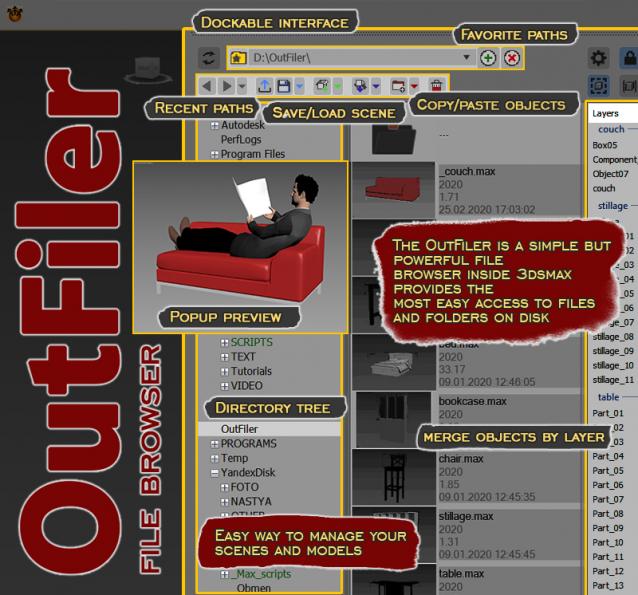
The OutFiler is a simple but powerful file browser inside 3dsmax that completely replaces standard save/load/save selected/merge/import/export dialogs. I believe folder tree much more comfortable and transparent.

The OutFilers provides the ability to quickly find the necessary folders, save the history of movements along them with back/next buttons and recent list and the favorite paths for quick access to working scenes.

Project Manager

597 votes
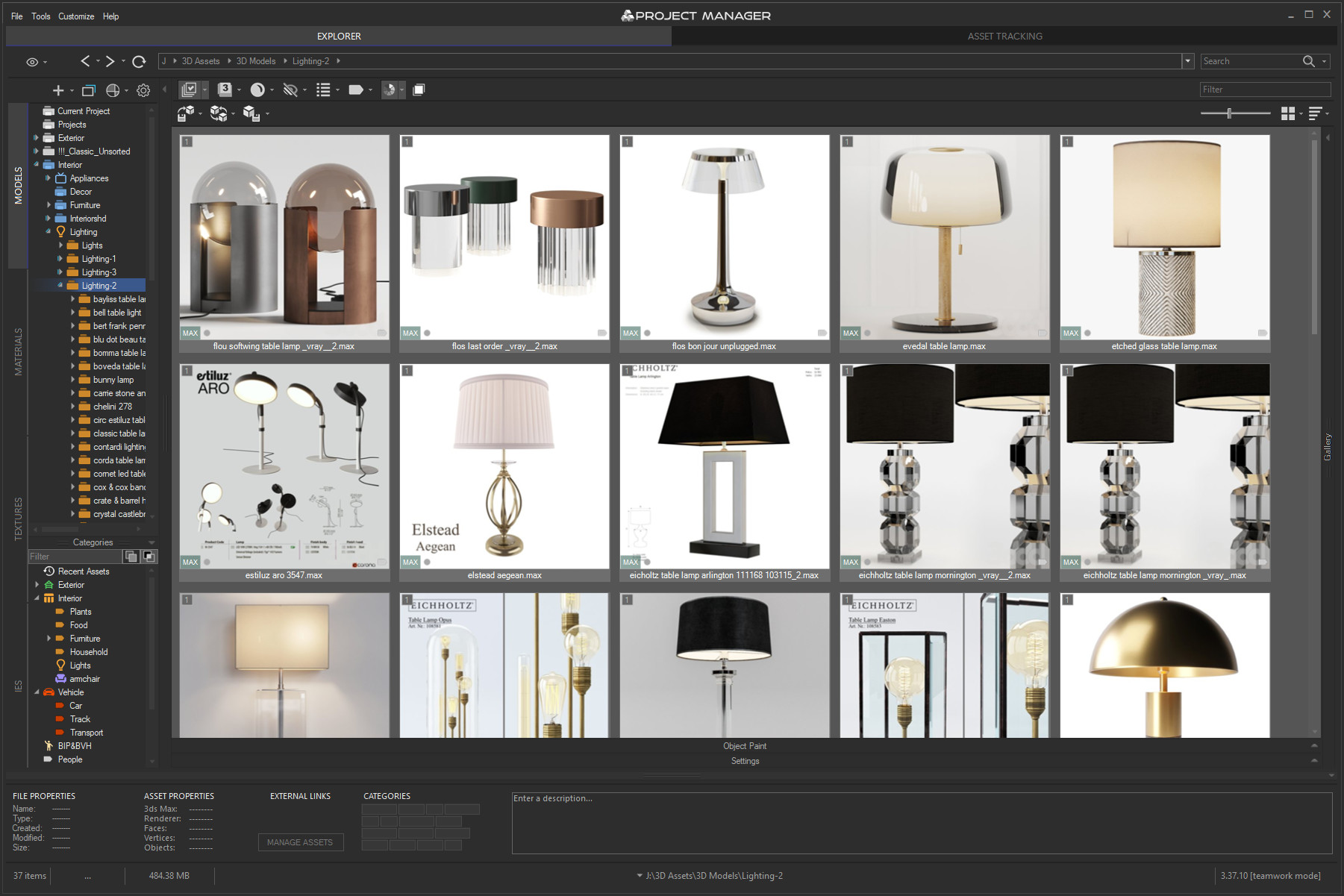
3rd version of Project Manager gains a lot of new features to manage 3D Assets. 
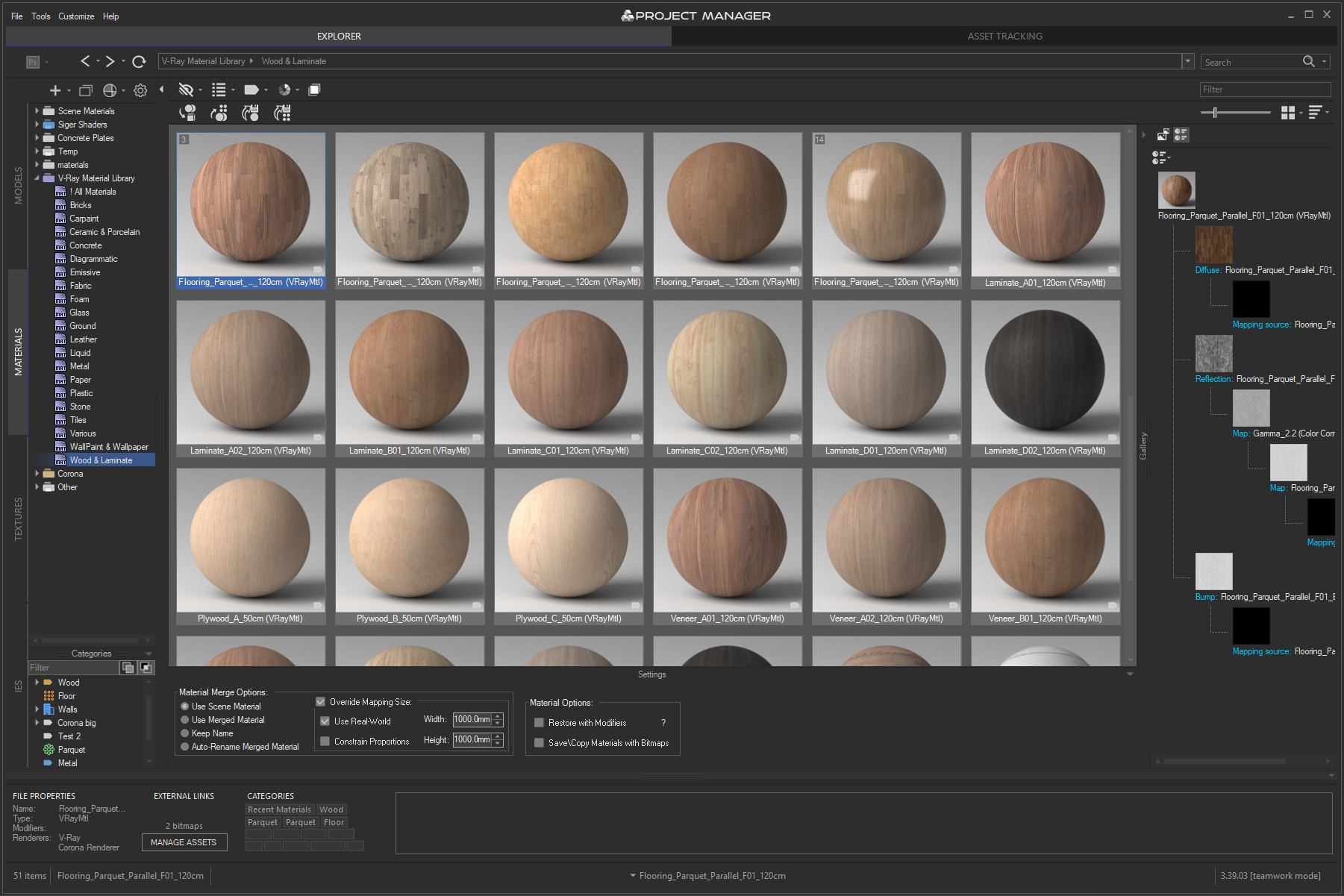
What is most unique to the new features – is the ability to assign custom previews to materials, associate files with materials, and create a gallery of files associated with any type of assets including materials. 
You can also write a description for materials and, of course, assign categories to materials.

Project Manager version 3.41.00

 Online Licenses – new activation system, one key for all computers, easy dashboard management.

 Import from Archives – use assets directly from .zip/.rar/.7z without unpacking.

 Custom Folder Colors & Color Labels – personalize your library with your own palettes.

 Category Filtering – filter assets by one or multiple categories in the current view.

 PBR Materials – added support for translucency maps and templates.

 Batch Import – merge multiple selected models into the scene at once.

 Other Improvements & Fixes – Redshift renderer support, new Extract command, 12 new folder icon sets, bug fixes and optimizations.


Project Manager version 3.40.00

What's new:
Instant interactive search across the entire database
Advanced filters with include/exclude options for filenames, descriptions, and categories
✔ Filter by complete folder path for precise asset selection
Color Labels: assign and filter assets by color for quick organization
✔ Isolate Selection filter for focused browsing
Significantly improved asset display speed for large file sets
✔ Smoother navigation and thumbnail caching — no more interface freezes
✔ Hide folders by relative path for fine-tuned library control
✔ Redesigned, collapsible bottom panel for more workspace
Batch Rename Tool: now with diacritic replacement, Cyrillic transliteration, and flexible numbering
✔ Custom exclude expressions for merging in 3ds Max
✔ High-DPI support, improved stability, and numerous bug fixes

More about new features ->  Project Manager version 3.40.00


Update History for all versions.

Models 3D Models Browser
Materials Materials Browser
 
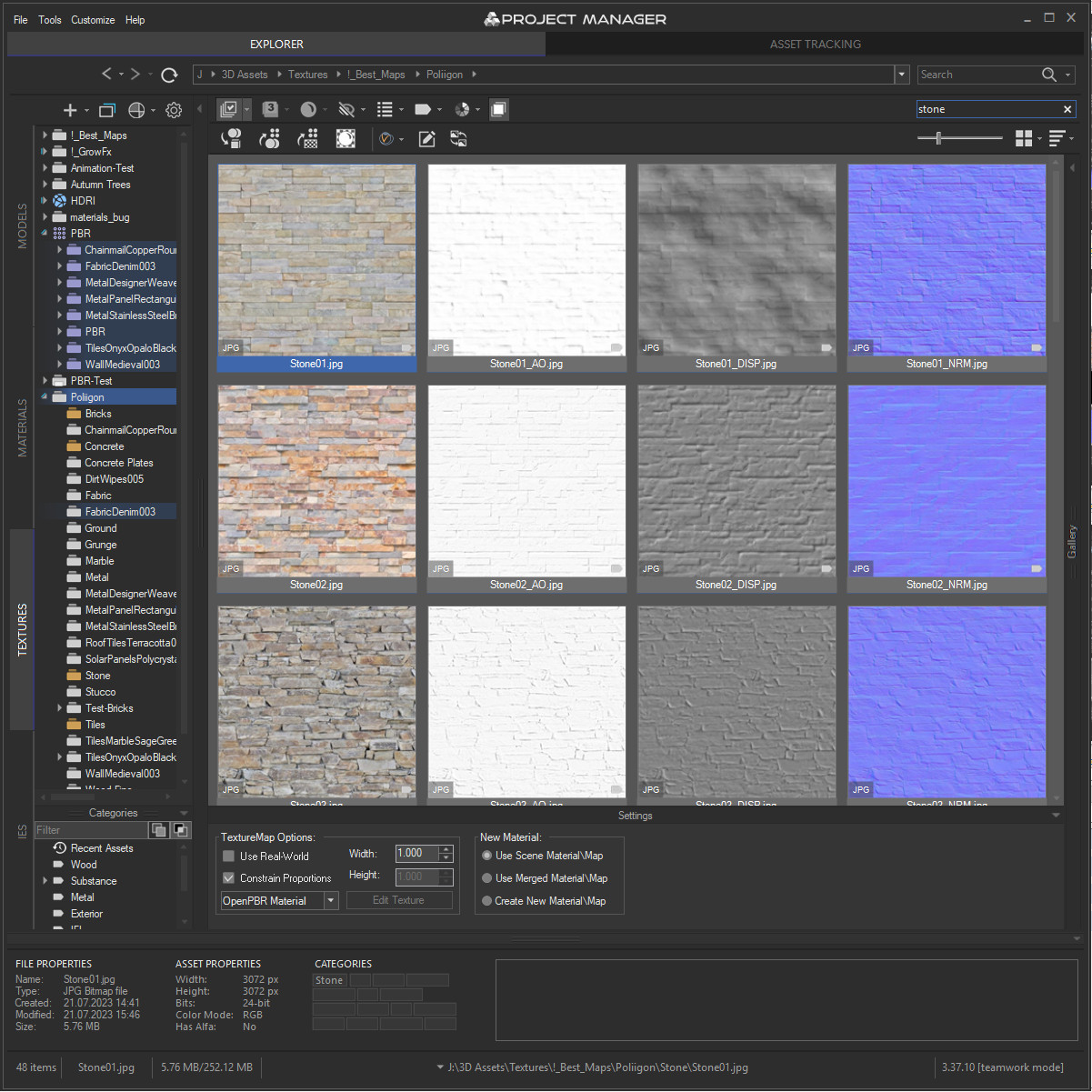
Textures Textures Browser
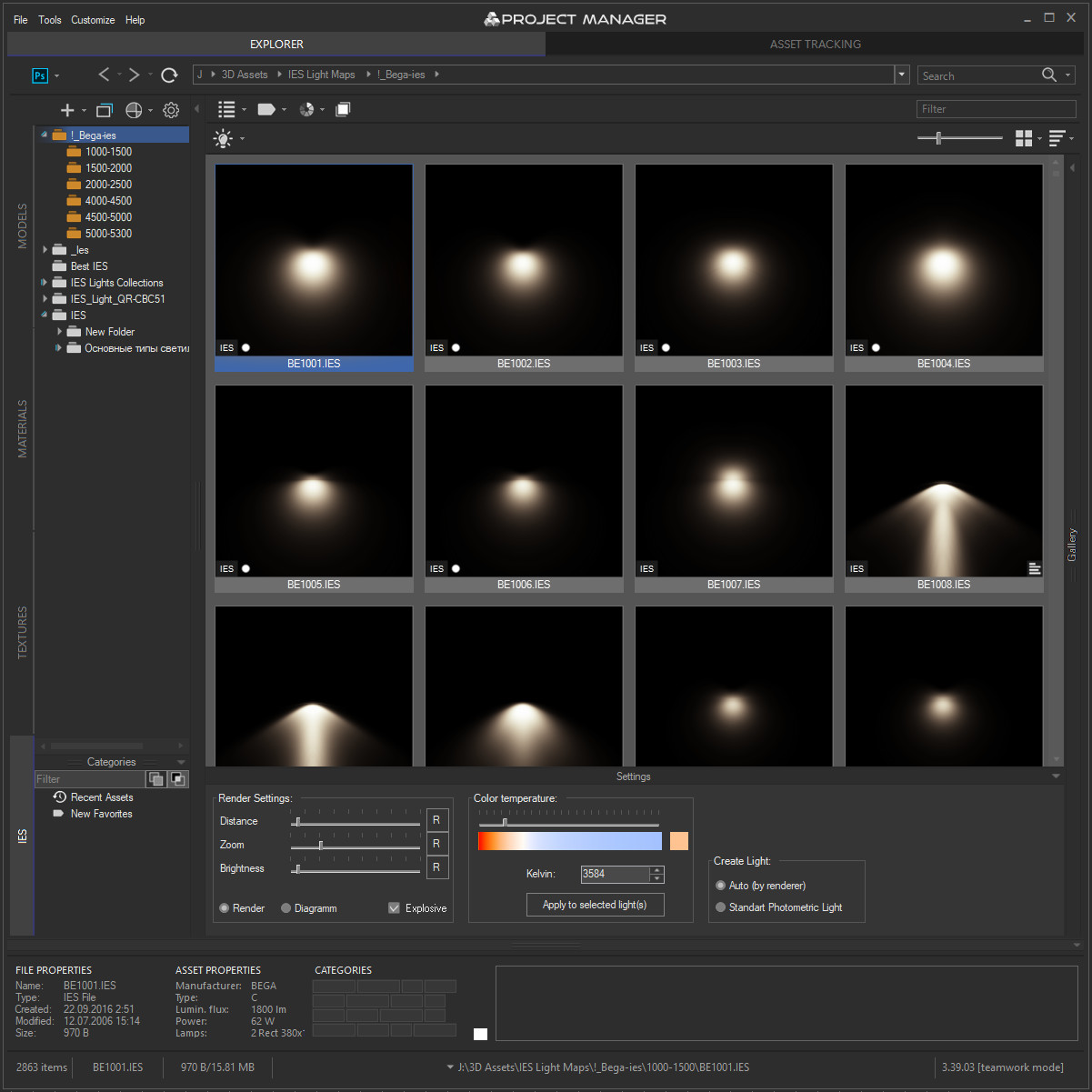
IES IES Photometric Browser
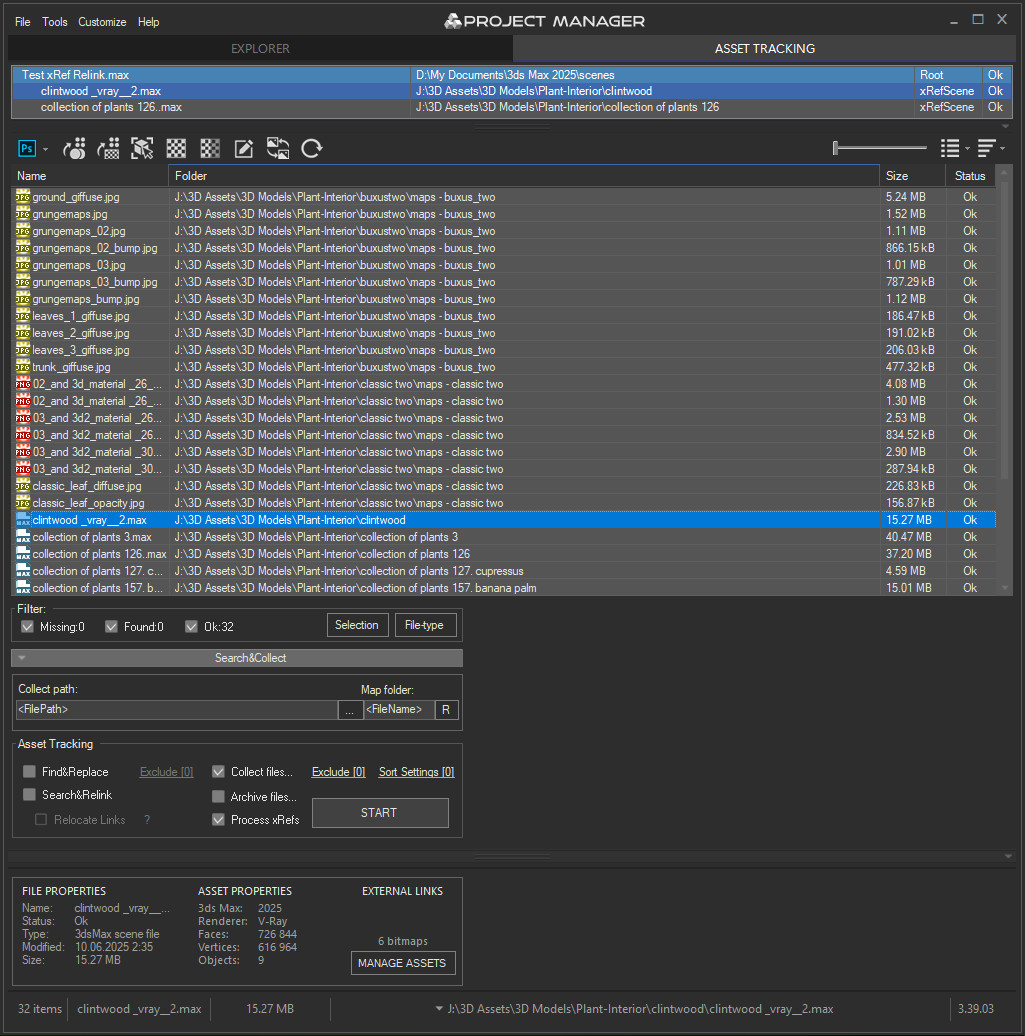
Asset Files Asset Tracking

PBR Material Generator

3 votes

The PBR Materials Generator is a powerful add-on for Project Manager and Materials Manager designed to expedite the creation of high-quality PBR materials.
It empowers users to batch generate materials using custom settings and presets, all within the familiar Project/Materials Manager interface.

HCG Asset Browser PRO

146 votes

Ver 1.2 - Check the New Video

HCG Asset Browser now FREE!

Current version:1.3.2

ESR Mini Browser

0 votes

Esr mini browser is another inhouse script that i wrote for my daily basis works.Usually 3d artists work with many folders contains such as textures, materials , referances etc.With this tiny script you can save your favourite folders path,maxscipts full path and also software full path in a list.So you can launch all this paths in the list whenever you want. For complete usage please watch the video.

MaxScript Navigator

6 votes

This tool simply helps organize, run, and edit your maxScripts more quickly. Quickly create a menu of your favorite scripts. Then place this menu anywhere you choose in the max. To change the currently selected name in the list. Just type in the top text box and press enter. Note that the .ms file name remains unchanged if you do this.

See my site for installation details

Function index

36 votes

A tool that scans ms scripts and create a function index for them on the fly. The index is alphabetically sorted and can be filtered easily to quickly navigate through. You can open a script and jump to the line where the function is defined, with one click.

Patanouk

5 votes


Frowser

132 votes


Alpha Stage over, Commercial and Time-Trial will come shortly

Properties Browser

58 votes

This script allows you to get all the properties names and classof from any selected object or from the current renderer

Double click on the prop name to set it in Window's clipboard.

When you select a prop name, it will show its class.

Syndicate content