ScriptSpot

MCG

MCG PerVertInfo

By vusta · 2016-04-25

Version
1.10
Version requirement
2016
Other software required
Max 2016 + SP2/3 + EXT2, Max 2017
Date updated
2016-04-27
Votes
1
Download
Download
Description

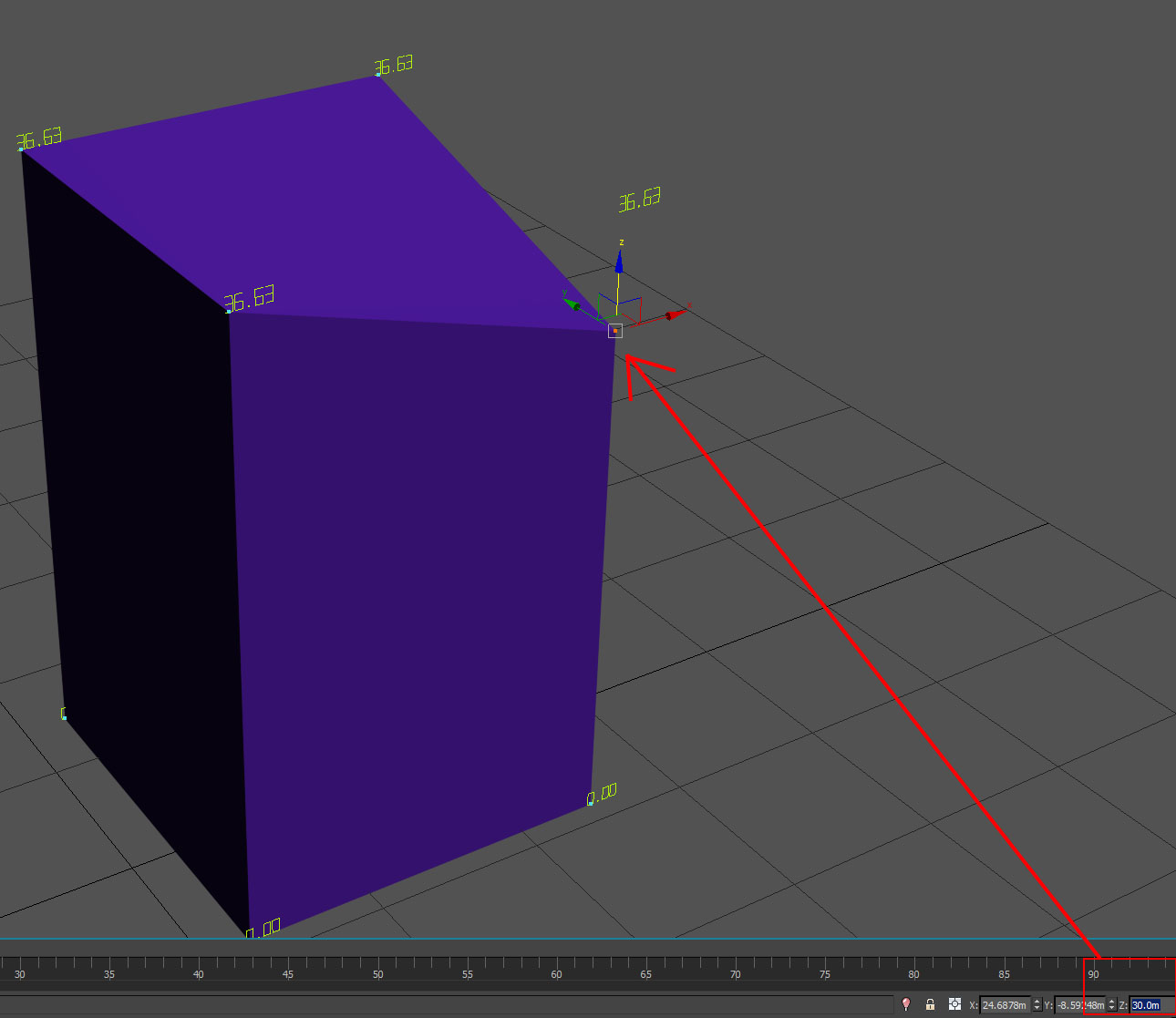
This MCG displays your Mesh Vertex ID and positional info. There are 3 coord modes, World Origin, Local (Mesh Pivot) and Custom Origin. For dense mesh , you can isolate Region of Interest to display only a selection of verts.

Installation: Scripting, Install Max Creation Graph...
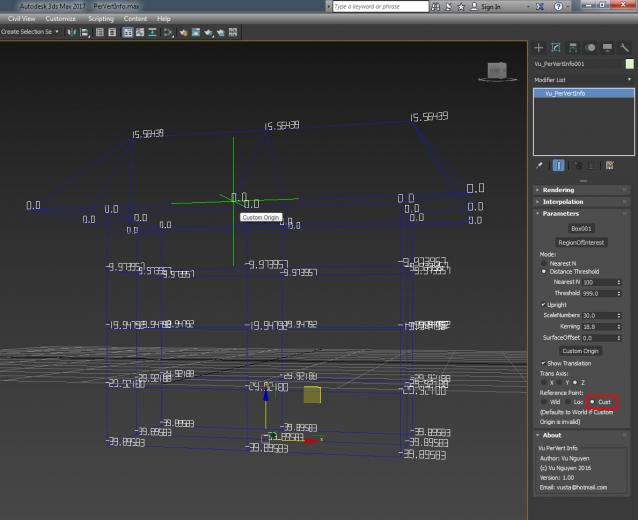
 

You can use a free version for Vert ID here:
http://www.scriptspot.com/3ds-max/mcg/mcg-vertid


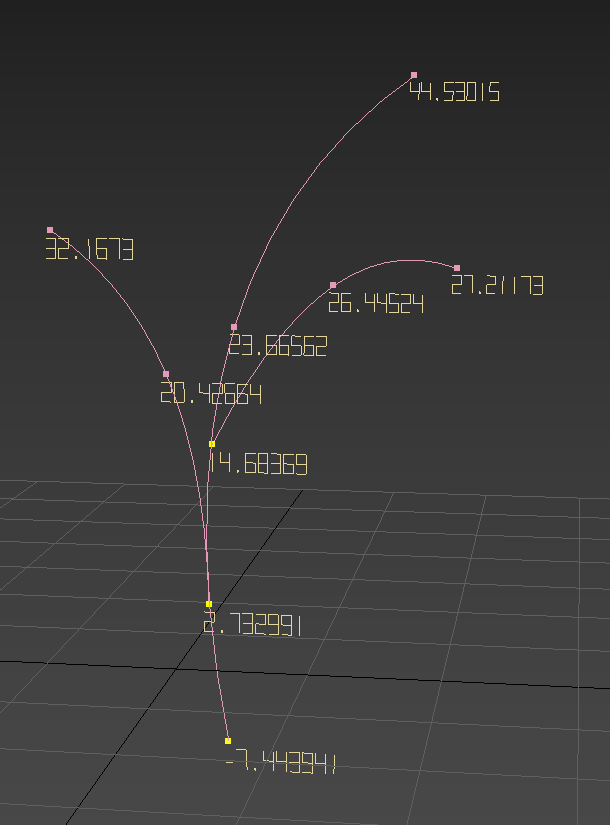
Update Ver 1.10: Now works with Splines. I have also removed the Custom mode. So there are 2 coord systems, World and Local (Mesh/Spline Pivot) and in each mode you can use a Custom Offset.

  • Fixed whole number display bug
  • Fixed object rotation not updating info
Videos

Tags: MCG PerVertInfo

Comments (13)

little bug

titane357 · 2016-05-02

Hi, when moving manually a vertex, no problem.
But when I enter a value in transform Type-in, MCG is not updated.
Thanks for float precision :-)

any screenprint ?

vusta · 2016-05-02

I've tried typing in both at the bottom and also in the Transform popup...both worked

titane357 · 2016-05-04

Hi, here is my problem :-)

this don't occur when in vertex ID

Attachments

vbn · 2016-04-27

Excellent!

ok now works properly on Spline...even multi curves

vusta · 2016-04-27

see pic....will upload new version soon...

Attachments

Problem with buying

vbn · 2016-04-25

Hi,

I've got problems with buying this script. I sent you a PM, please check it out.

Thanks!

found nothing yet...

vusta · 2016-04-25

did you send to my hotmail or CreativeMarket ?

vbn · 2016-04-25

I sent the PM here on Scriptspot by clicking your avatar and going to the Contact page. I tried contacting you in Creativecrash but that site is very slow and unresponsive for me and I can't do almost anything in it. Logging in takes 1-2 minutes and sending you a message there didn't work - the message box just stood frozen even after I clicked the send button. I have a rock-solid internet connection and all other sites I visit load blazing-fast in just a second or two. If you didn't receive my PM here on Scriptspot, can you please let me know what other way I can reach you? Do you have a personal website, email?

Thanks

send here vusta@hotmail.com

vusta · 2016-04-25

it's all over my MCG info rollout...so it's not like I can remain anonymous on the internet any more...:)

vbn · 2016-04-25

Thanks. I just tried logging in Creativemarket and it seems that it now functions normally. It was almost impossible to log in and navigate earlier today. Maybe it was a temporary problem. Anyways, I've got another question. Does this MCG script work with spline vertices too? If not, is support for splines planned for the future and when? I use splines for archvis quite a lot and it would be really helpful to see their Z position info too.

yes...but you know the verts on a max shape can be dodgy

vusta · 2016-04-26

sometimes...eg. if you draw a circle then put Extrude on it, you'll see messy tris created...but anyway I'll do some quick screenprints for you ASAP.

EDIT: seems to have trouble when in Local mode. So it works in World and Custom Origin modes...so really you could use Custom Origin mode as the last resort...but I'd like to sort out why it's not quite right for Local mode with Splines.

titane357 · 2016-04-25

Thanks vusta, good beer :-) (i'll take one too)

If you are interrested and if you have time I would have some requests

i'm all ears (big ears)

vusta · 2016-04-25

for suggestions...titane357...