EPassword – Premium File Lock for 3ds Max
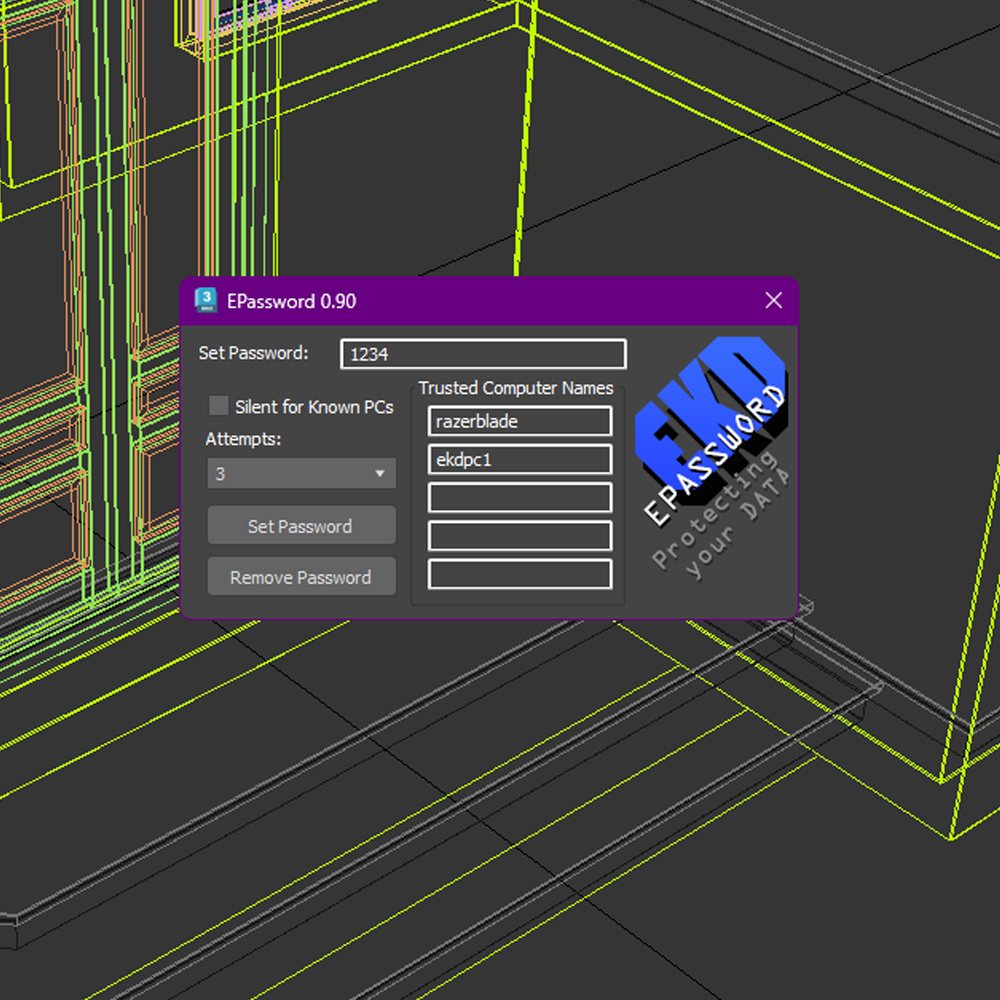
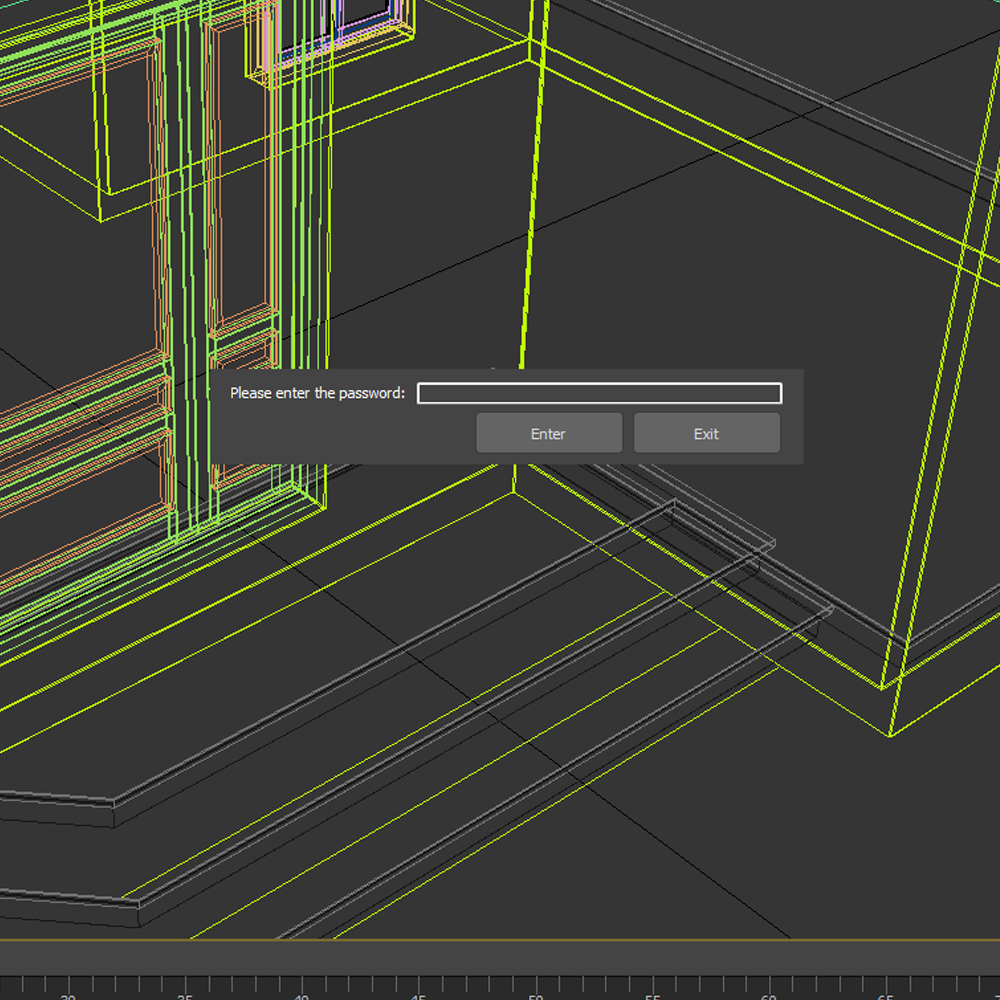
Protect your hard work with enterprise-grade security—EPassword lets you lock down your .max files with a robust password and flexible access controls, so only authorized users or machines can open them.
Powerful Protection, Zero Disruption
-
Secure Passwords: Enforce strong, case-sensitive passwords to encrypt your scenes.
-
Machine-Based Bypass: List your trusted workstations when setting the password so you can work uninterrupted on approved machines:
-
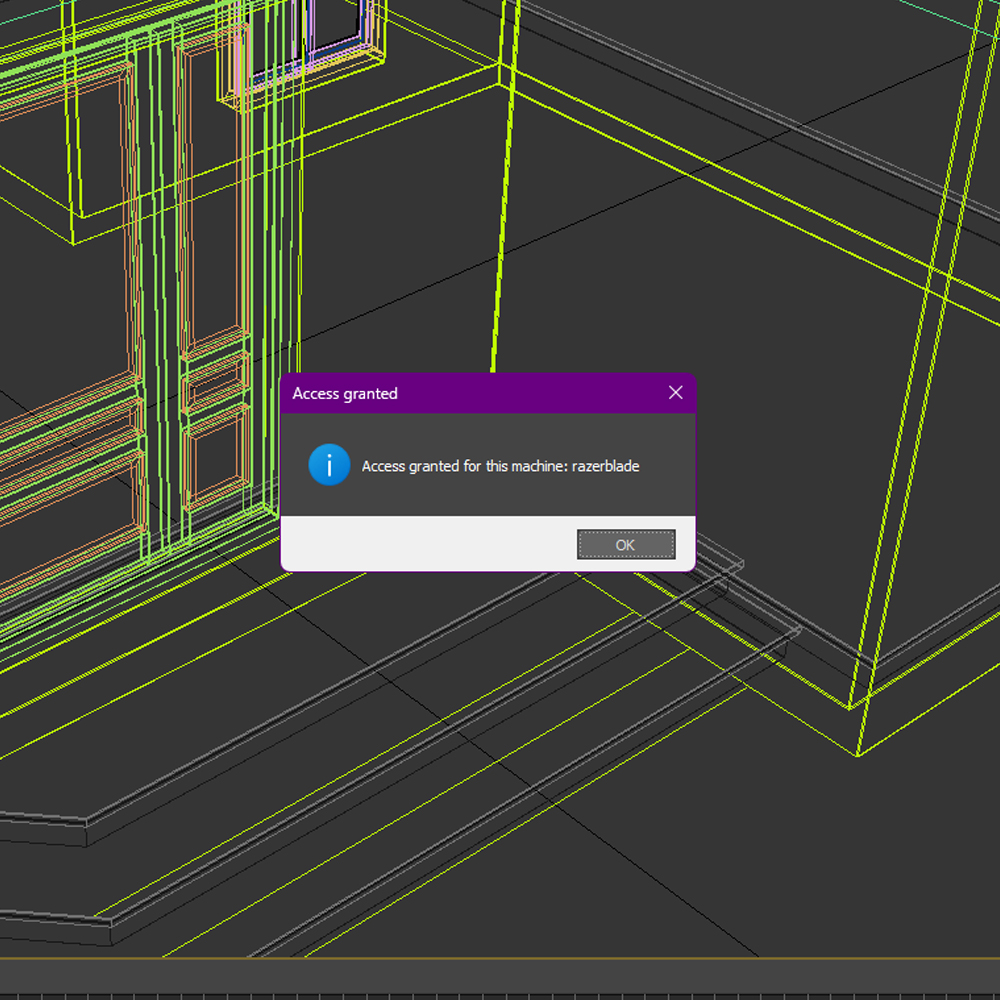
Silent Bypass: Open files seamlessly on your own hardware—no prompts, no delays. If the file is moved to an unrecognized machine, the lock reactivates instantly.
-
Prompted Bypass: Receive a friendly notice—“File locked, access granted”—whenever you open on a whitelisted computer.
-
Smart Access Controls
-
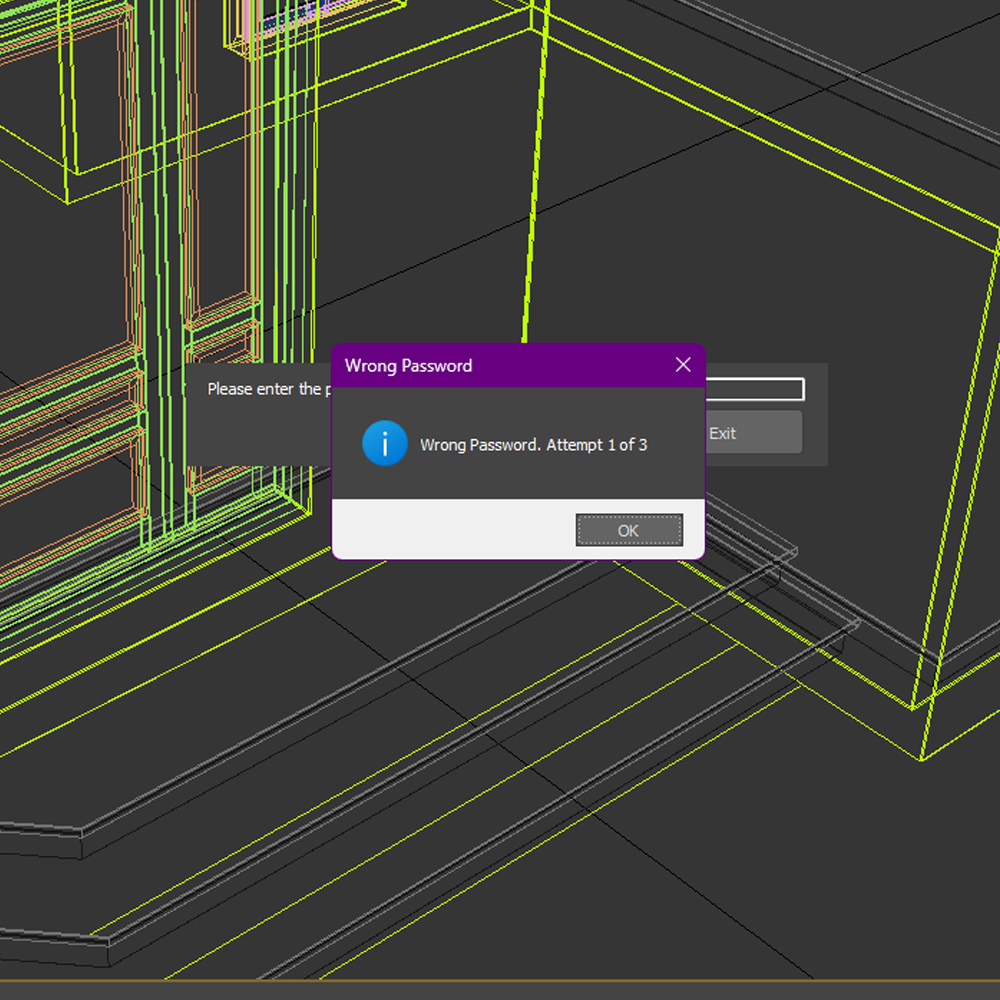
Attempt Limits: Specify how many incorrect password attempts are allowed before the file closes.
-
Case Rules: Machine names are matched case-insensitively for convenience, while passwords remain strictly case-sensitive for security.
- One-Time Deployment: Install EPassword only on the machine that locks the file—trusted machines bypass automatically (no install needed), while any unknown machine will still prompt for the password.
Fast. Simple. Enterprise-Ready.
EPassword integrates directly into 3ds Max 2020–2026. With just a couple of clicks, you’ll have military-grade file protection—no scripting required. Ideal for studios, freelancers, and any workflow that demands airtight control over proprietary assets.
Get EPassword today—secure your creativity, safeguard your projects, and work confidently knowing your files are locked tight.