Tagged 'v-ray'

V-RayMax Converter PRO

168 votes

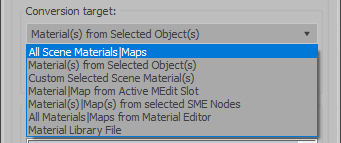
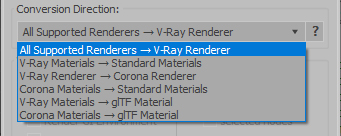
V-RayMax Converter PRO is the best tool for convert 3d scene (materials, maps, lights, cameras, proxies, modifiers, helpers, render elements, etc.) from other render engines to V-Ray and from V-Ray to Corona Renderer, and also for converting V-Ray and Corona materials to Standard/Physical/PBR/OpenPBR materials and to glTF Material.

Current version: 4.0062

Supported for conversion:
To V-Ray from:
  • Standard (Default Scanline)
  • Corona Render
  • FStorm Render
  • Octane Renderer
  • finalRender
  • Arnold
  • Brazil_Advanced (RS v 1.2) material
  • NVIDIA iray (unofficial) material.
From V-Ray to:
  • Standard / Physical / PBR / OpenPBR materials
  • Corona Renderer
  • glTF Material (3ds Max 2023 or later)
From Corona to:
  • Standard / Physical / PBR / OpenPBR materials
  • glTF Material (3ds Max 2023 or later)
Сonversion scope:

Full list of supported conversions.

Main features:

  • Converts materials, maps, lights, cameras, modifiers, helpers and GI environment from other render engines to V-Ray and from V-Ray to Corona
  • Converts clouds from CoronaSky to VRaySun and vice versa.
  • Converts Night Sky system (Moon, Stars & Milky Way) from V-Ray to Corona and vice versa
  • Converts Render Elements to V-Ray (currently supported Scanline RE, Corona RE, FStorm RE, Octane RE) and from V-Ray to Corona
  • Converts V-Ray and Corona materials to Standard (Default Scanline) materials
  • Converts VRayMtl and CoronaPhysicalMtl materials to Physical Material and OpenPBR Material
  • Converts V-Ray and Corona materials to glTF Material (which is necessary for exporting to the .glb for corresponding 3d software: Blender, Gestaltor, Babylon.JS etc).
  • Converts proxies (currently supported from Corona, FStorm, Octane) to V-Ray Proxy (static and animated)
  • Converts V-Ray Proxy to Corona Proxy (static and animated)
  • Converts standard Bitmaps to VRayBitmap and vice versa
  • Converts standard Bitmaps to CoronaBitmap and vice versa
  • Converts 3ds Max Physical cameras to V-Ray Physical cameras and vice versa
  • Automatic configure ACEScg workflow in V-Ray
  • Batch processing for multiple 3dsMax Scene (*.max) or 3dsMax Material Library (*.mat) files
  • Programmatically interact with most converter functions using built-in maxscript methods (API), which allows you to use the converter without UI and in combination with other 3rd-party scripts.
  • ...and more additional tools for fixing and adjusting the scene.

CineMove

0 votes

SceneShutter

0 votes

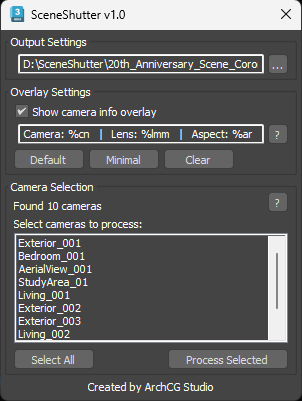
SceneShutter — Camera Viewport Export Tool for 3ds Max
Batch export clean, safe-frame camera previews with overlays and flexible aspect ratios — in seconds.

What is SceneShutter?
SceneShutter is a powerful yet lightweight tool for Autodesk 3ds Max that allows you to quickly export clean, safe-frame viewport previews from multiple cameras — without rendering.

SolidRocks

569 votes

SolidRocks V2.4 is out !!  Support for V-Ray 6 (hotfix 2) and  MAX 2013-2023 ! 

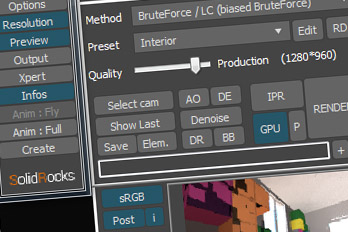
SolidRocks adjusts and optimise all needed Vray parameters to reach the best rendertime/quality ratio.

Learn Vray progressively, see in realtime changes made by SolidRocks when you change resolution/quality.

SolidRocks includes new tools for both VrayMasters and Beginners:

VRayProxy Animation Control

36 votes

For the new support for animated deforming meshes to VRayProxy object in VRay 1.50.SP2

How to control large numbers of proxy animated objects, randomly altering their values speed, frame offset and scale. Besides controlling all the parameters of VRay Proxy (display, playback, meshfile and selections)

Use with copies of proxies and work on selected objects.

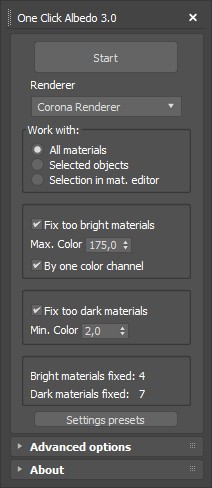
One Click Albedo for Corona render and V-ray

6 votes

Script Description:

This script is made to automatically adjust the albedo of materials in the scene. Too high albedo may slow rendering process down and make the materials look unrealistic. Especially when an object with a high albedo occupies the most part of frame area. Corona Render developers recommend to keep albedo of your materials under RGB 180 (For diffuse color or texture).

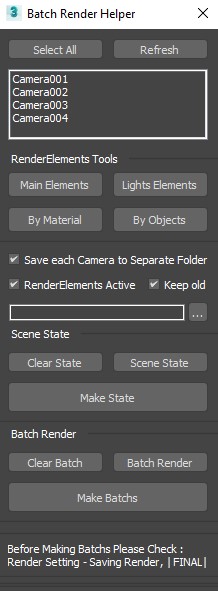
Render Batch Helper

7 votes

This Script will Speed up the Process of Creating (Batch Renders) and (SceneState) for Specific Camera .

and Making (Lights RenderElements) and (Masks RenderElements) for (Selected Objects) and (All or Selected Lights) .

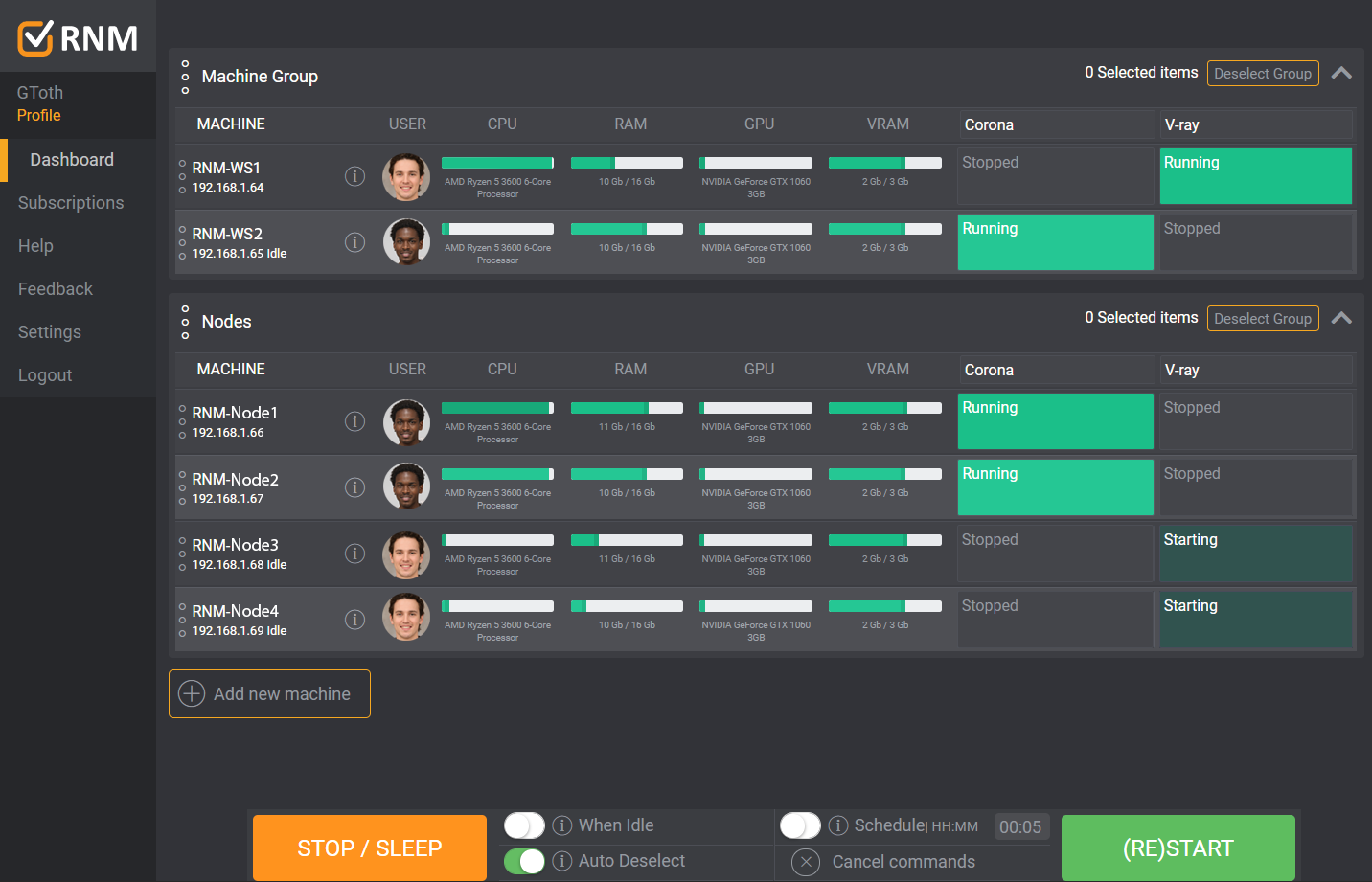
Render Node Monitor

3 votes

FumeFX to VrayVolumeGrid miniscript

0 votes

Fumefx 2 VrayVolumeGrid -FFX2VrayVG miniscript v0.1 -- 8/9/2019
Created by David Aviles. [email protected] .

FFX2VrayVG is a small script that creates vrayvolumegrid/s from two or
more selected and already simmed FumeFX grids.
It will align the created VrayVolumeGrids to the FumeFx ones and rename
them accordingly as well as loading the cache files from the master FumeFx grids.

It was inspired by Fumefx VZim v1.4 script -- 8/5/2019 .
Created by Ronnee Swenton and Property of White Wizard Entertainment, LLC.

Accelerate

-2 votes

This script is here to speed up our workflow. A combination of scripts put together to quickly access animation, rendering, lighting, fumefx, frost, vray, Krakatoa and other utilities. more info coming soon

Syndicate content