Tagged 'auto'

Dirtizer 2

2 votes

A very helpful plugin which can make your materials dirty in one click!
- You can control the level of dirtiness.
- You can make it dry or wet.
- Dirtizer supports Multi-materials (you can set random dirt to all materials at once)
- You can add your own textures of dirt. (Organize your textures in "Dirtizer" folder as you want)

Dirtizer 2

5 votes

A very helpful plugin which can make your materials dirty in one click!
- You can control the level of dirtiness.
- You can make it dry or wet.
- Dirtizer supports Multi-materials (you can set random dirt to all materials at once)
- You can add your own textures of dirt. (Organize your textures in "Dirtizer" folder as you want)

Most render systems are supported now! Tested with V-Ray, Mental Ray, Scanline, Corona, Redshift.

Find identical geometry and instance it

35 votes

Everybody who have imported large amount of data from any cad system know that it normally kills the instancing. The intention of this script is to find geometrically identical nodes and instance them. This script will of course work if someone have used copy instead of instance in a scene and wants them instanced instead.

Added 2015:
I'm happy to see that so many have tried out my Sunday hack that I made 5 years ago...but as it was only something to do for a Sunday its not really something I support. I would love to, but my daytime job takes all my time ;-)

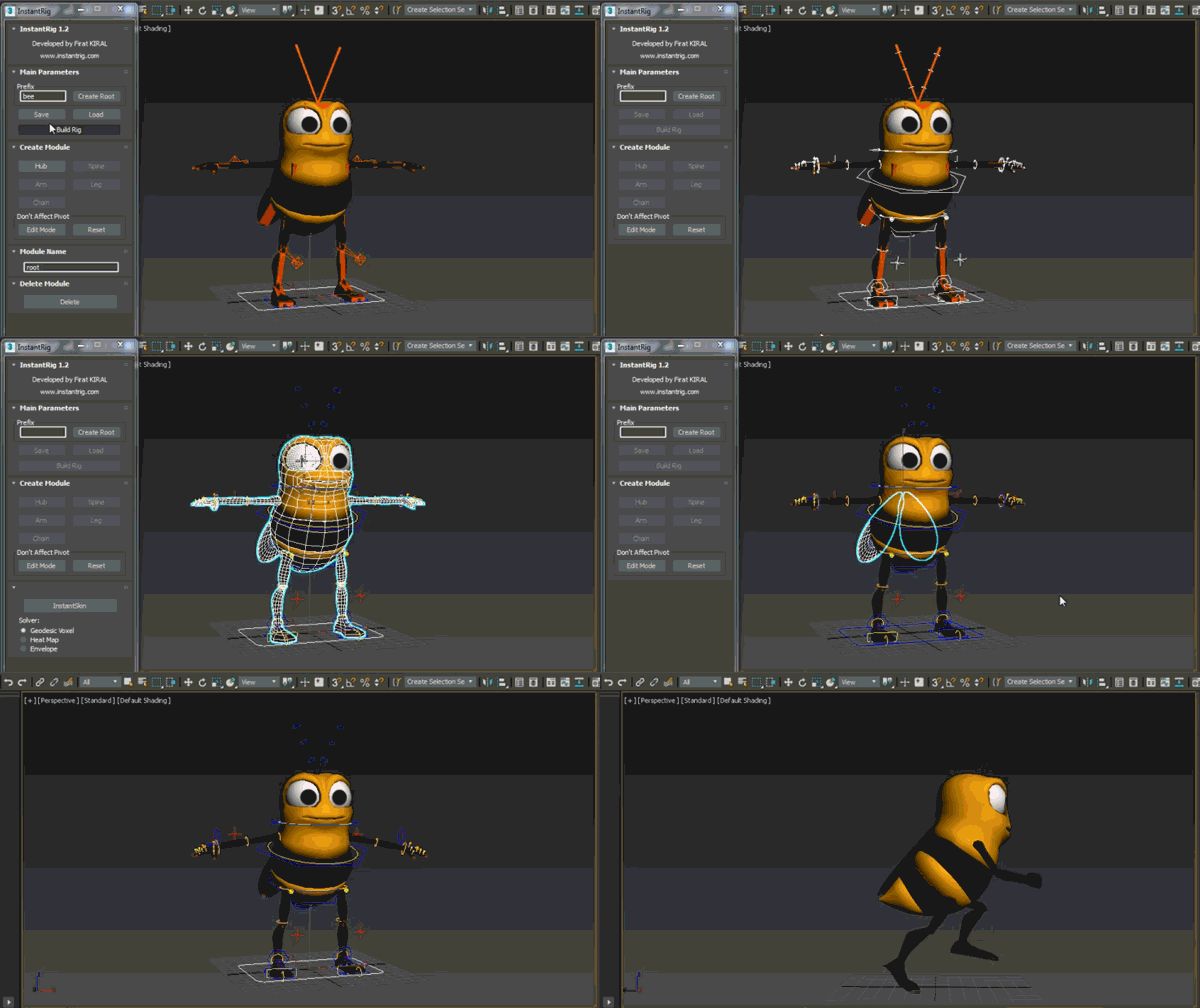
InstantRig

16 votes


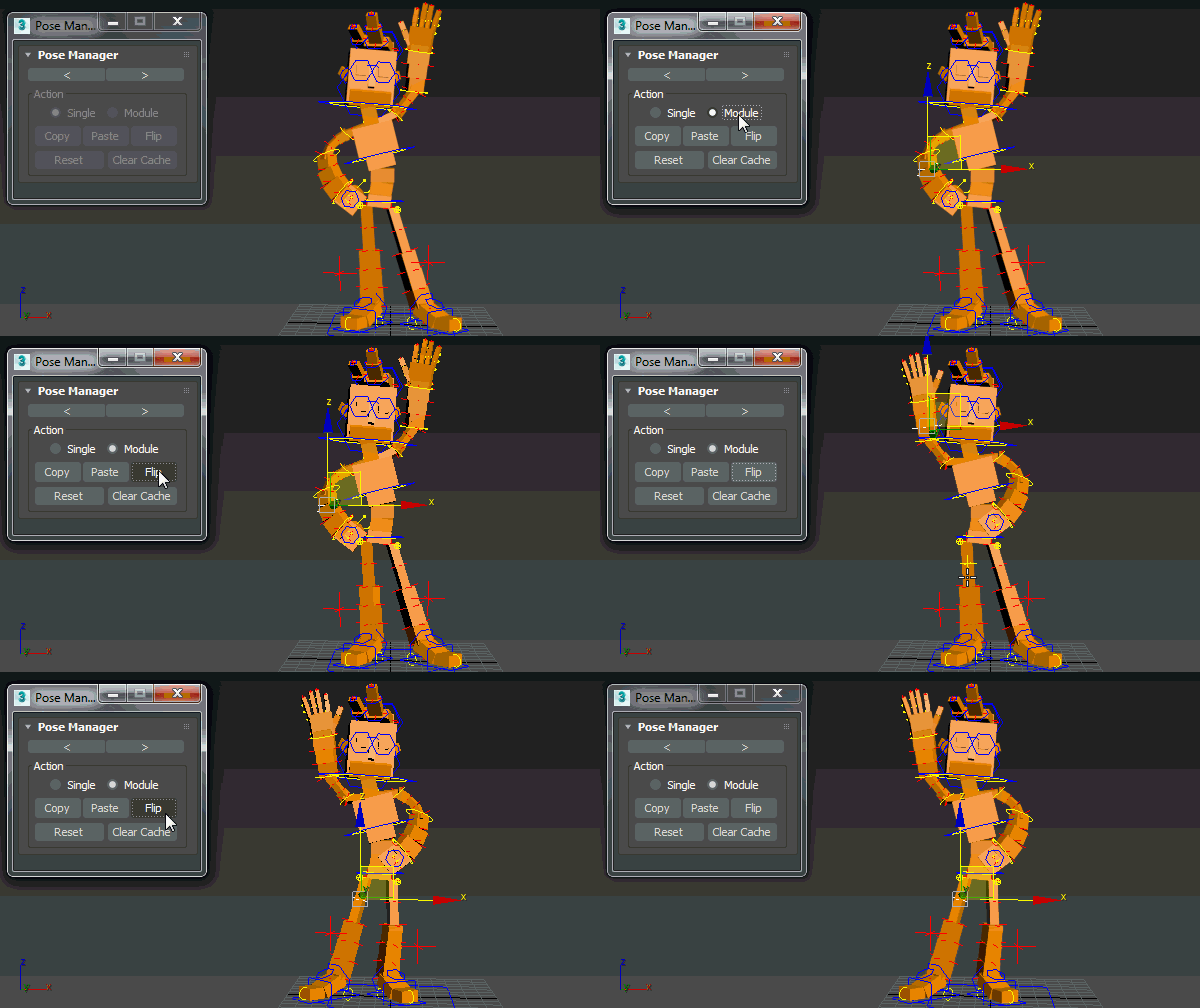
Pose Manager

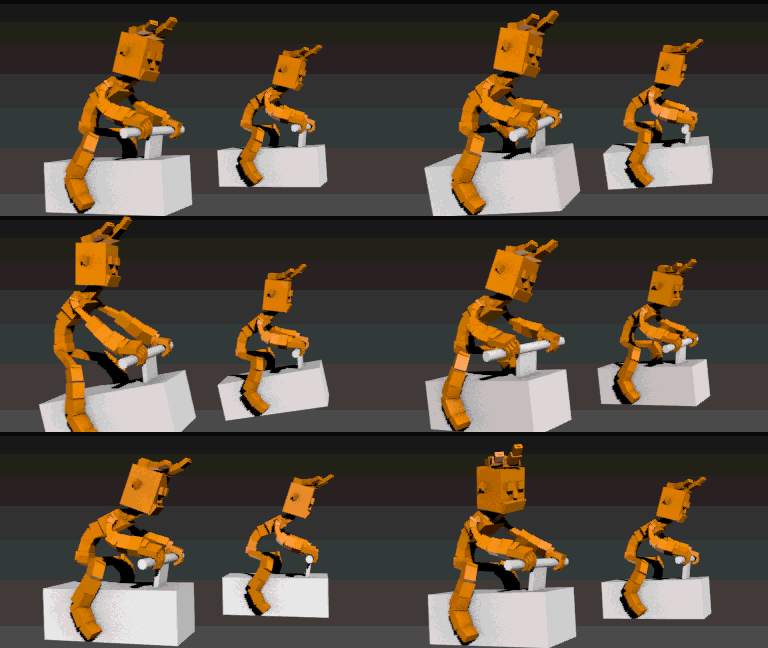
Auto Overlap

Auto Skin

Massfx Rope Creator

1 vote

Massfx Rope Creator 3ds max plugin

The fastest solution to create ropes for your Massfx simulation which allows you to create a rope between 2 objects automatically!

Materializer

5 votes

poster

Materializer (materials equalizer) is the fastest way to create materials mixing different templates. It works like a sound equalizer but for materials!
Example: To make glossy wood press the 'Wood' button and then add a little bit of plastic.

Every time you hit 'Set' selected material will be updated without removing of maps.

Plugin works both with Compact and Slate material editors.

Modifier Auto-Select

51 votes

This is a tool I put together because sometimes you have to work with modifiers on multiple nodes and the modifiers aren't at the very top of the stack. You’re constantly having to select the node and then selecting the proper modifier. Prime example of this is when you have a turbosmooths on top of all of your geometry while you are either skinning or modelling. It would be much easier, and save quite a bit of time, if every time you selected a node you just automatically were on the skin modifier or edit poly modifier.

One Click Albedo for Corona render and V-ray

6 votes

Script Description:

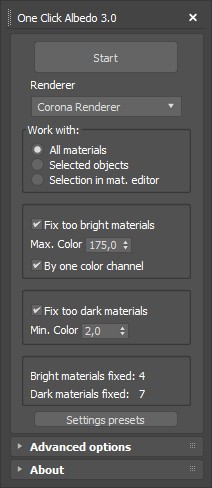
This script is made to automatically adjust the albedo of materials in the scene. Too high albedo may slow rendering process down and make the materials look unrealistic. Especially when an object with a high albedo occupies the most part of frame area. Corona Render developers recommend to keep albedo of your materials under RGB 180 (For diffuse color or texture).

Place Objects according to normal

3 votes

This script will place objects according to the normal of the face you place them on.
You can add multiple objects in a list and let the script random pick one of those, or disable the random button and choose yourself.

Script features:

- Add multiple objects to a list and start placing them.
- Place them with the first click, then move your mouse to rotate the object and click again to confirm.
- Cancel placement at any time.
- Random select objects from the list.
- Add a Z-Offset to the objects.
- Place objects according to the normal they are placed on.

Qpreview

12 votes

This script will make preview renders from the viewport using the default 'make preview' dialog, when completed it renames the preview file to match the camera's name.

This makes it easier to generate preview files for a ruff edit, without having to manually rename the preview files again and again.

Syndicate content