Tagged 'auto'

CRC - Car rig creator

47 votes

hi,
CRC is a free script for generating car rigs in few clicks.

- few clicks rig creation
- support uneven surface
- supports body, wheels, steering wheel and breaks animation
- i tried to make it as simple as possible

Find identical geometry and instance it

35 votes

Everybody who have imported large amount of data from any cad system know that it normally kills the instancing. The intention of this script is to find geometrically identical nodes and instance them. This script will of course work if someone have used copy instead of instance in a scene and wants them instanced instead.

Added 2015:
I'm happy to see that so many have tried out my Sunday hack that I made 5 years ago...but as it was only something to do for a Sunday its not really something I support. I would love to, but my daytime job takes all my time ;-)

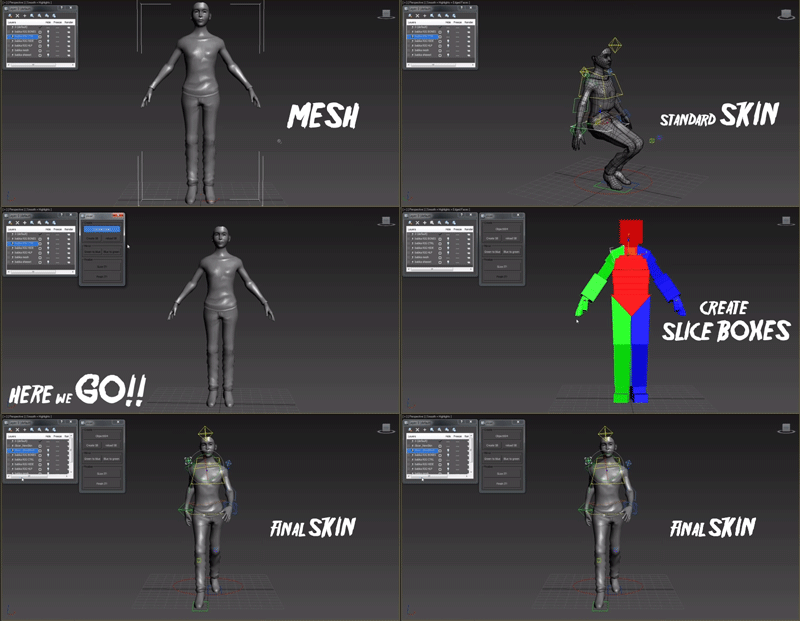
Auto mesh Skinning

13 votes


This script is for fast and accurate mesh skinning, but it won't generate skin for production ready. There will by always something to correct weights.

It's very simple all You have to do to set slice boxes. Just watch video and everything should be clear.

In version 0.6 there is simple automatic mirroring made. The rigg should be set in x=0 position.

All comments and suggestions are welcome.

------------ version 0.7 -----------

- Script didn't work with bones which had space in names - Not any more :]

Modifier Auto-Select

51 votes

This is a tool I put together because sometimes you have to work with modifiers on multiple nodes and the modifiers aren't at the very top of the stack. You’re constantly having to select the node and then selecting the proper modifier. Prime example of this is when you have a turbosmooths on top of all of your geometry while you are either skinning or modelling. It would be much easier, and save quite a bit of time, if every time you selected a node you just automatically were on the skin modifier or edit poly modifier.

Dirtizer 2

5 votes

A very helpful plugin which can make your materials dirty in one click!
- You can control the level of dirtiness.
- You can make it dry or wet.
- Dirtizer supports Multi-materials (you can set random dirt to all materials at once)
- You can add your own textures of dirt. (Organize your textures in "Dirtizer" folder as you want)

Most render systems are supported now! Tested with V-Ray, Mental Ray, Scanline, Corona, Redshift.

Universal Transform

4 votes

Universal Transform has Alot of Featuers for Moving Rotating Scaling Randomizing Scattering Objects and Working with Pivot and Working Pivot and More .

The Script has 5 Modes (Move, Rotate, Scale, Pivot, Random) . and 3 Type of Auto Switching to Switch Between Them (to not Get Confussed) .

The 3 Auto Modes is (Auto T, Auto D, and The MacroScript (Universal Transform - Auto Switch)) .

- it has 3 Options :

1- By Spinners or (Type-in) .

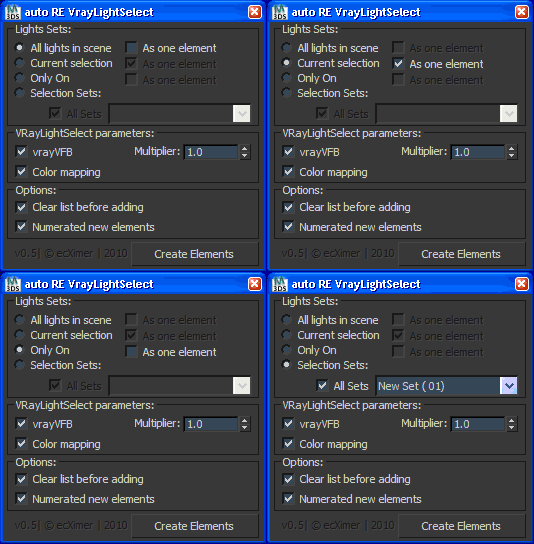
Auto Render Element "VRayLightSelect"

340 votes

Create Render Elements "VRayLightSelect" for lights.

UI

Massfx Rope Creator

1 vote

Massfx Rope Creator 3ds max plugin

The fastest solution to create ropes for your Massfx simulation which allows you to create a rope between 2 objects automatically!

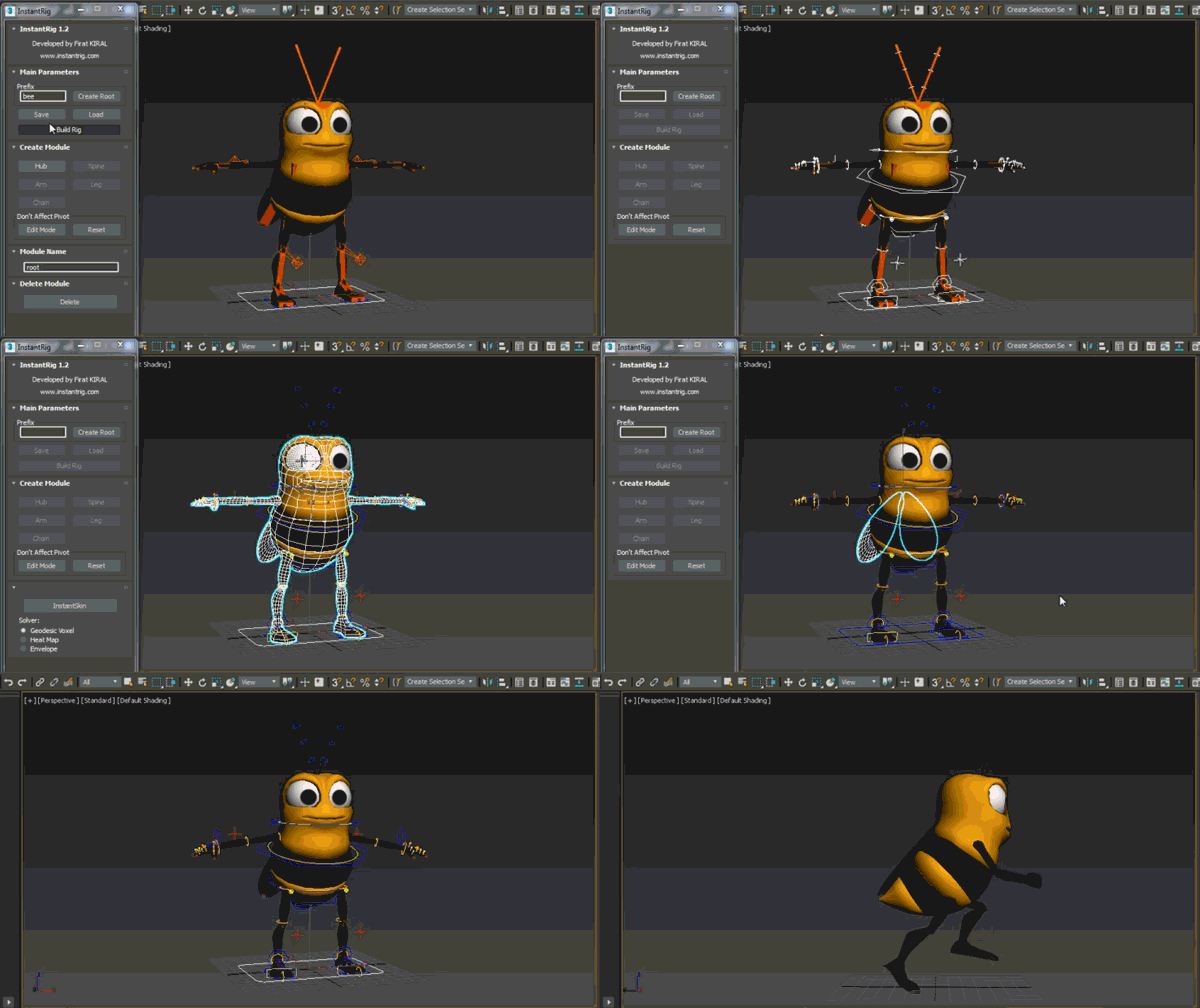
InstantRig

16 votes


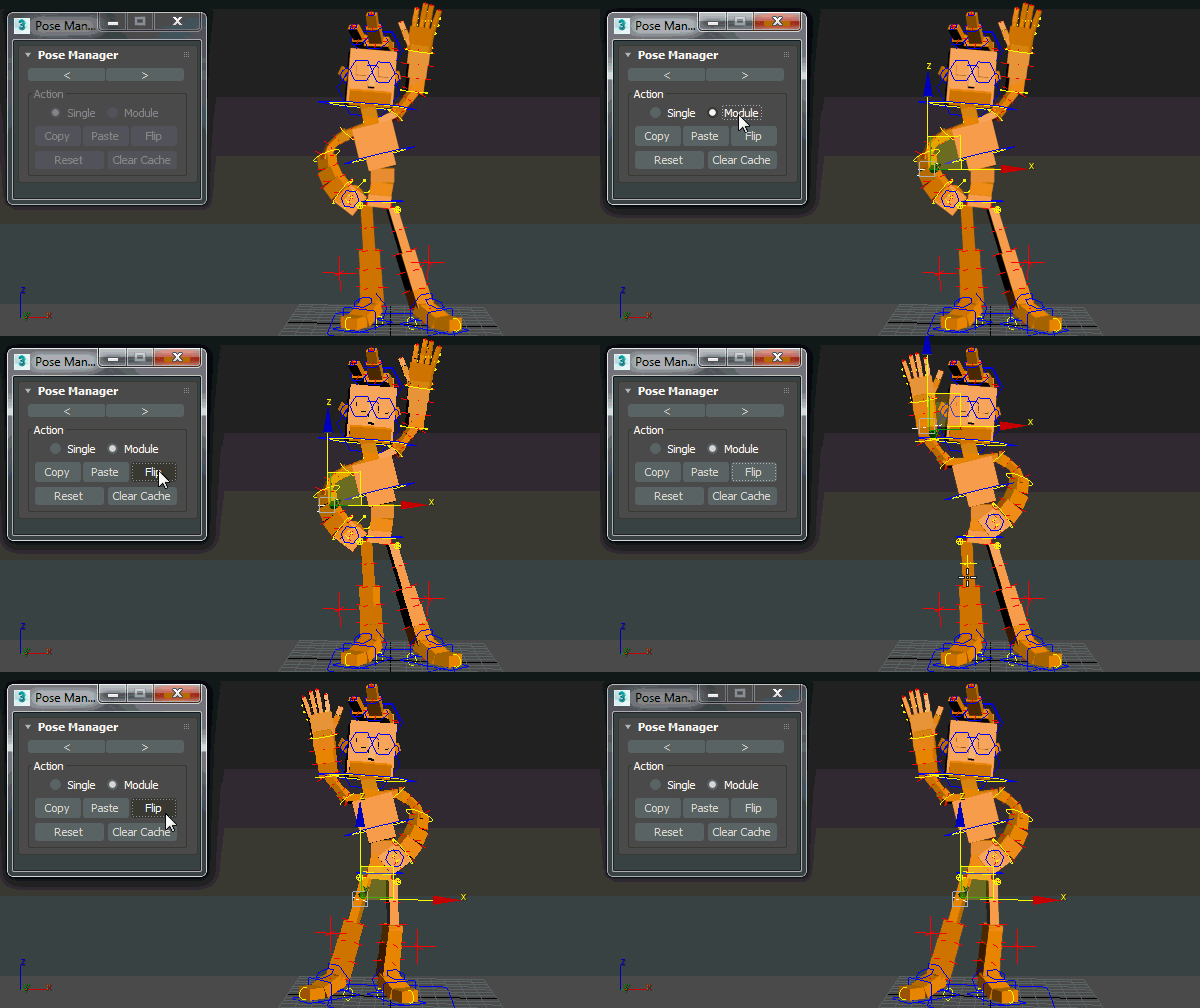
Pose Manager

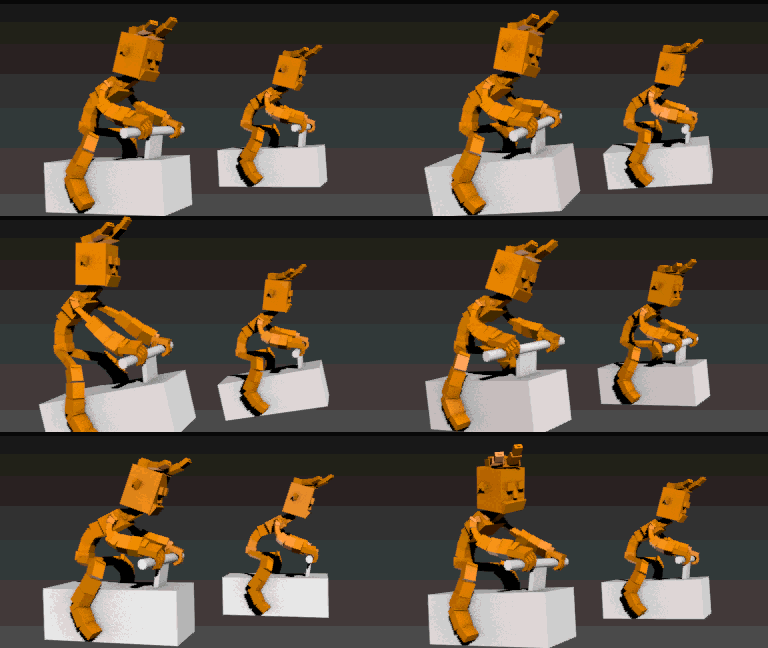
Auto Overlap

Auto Skin

UnwrapUVW Editor AutOOpen

4 votes


v.2.3 Now, when you run Unwrap UVW_Editor_AutOOpen on an object where Unwrap already exists anywhere on the stack, it will become active in the editor. A new modifier will only be added if there is no modifier at all.

Теперь при запуске UnwrapUVW_Editor_AutOOpen на объекте, где в любом месте стека уже есть Unwrap, именно он станет активным в редакторе. Новый будет добавляться только если модификатор отсутствует вовсе.

Script makes. Скрипт делает
1) Assigns unwrap UVW. Назначается unwrap UVW