3ds Max | Tutorials

Clear out the dead wood from the layer manager

62 votes

Clear out the dead wood from the layer manager

Occasionally, you end up with a load of layers in your scene that are no use to anybody, serve no function to society, and end up taking valuable space like an unwanted uncle at a wedding.

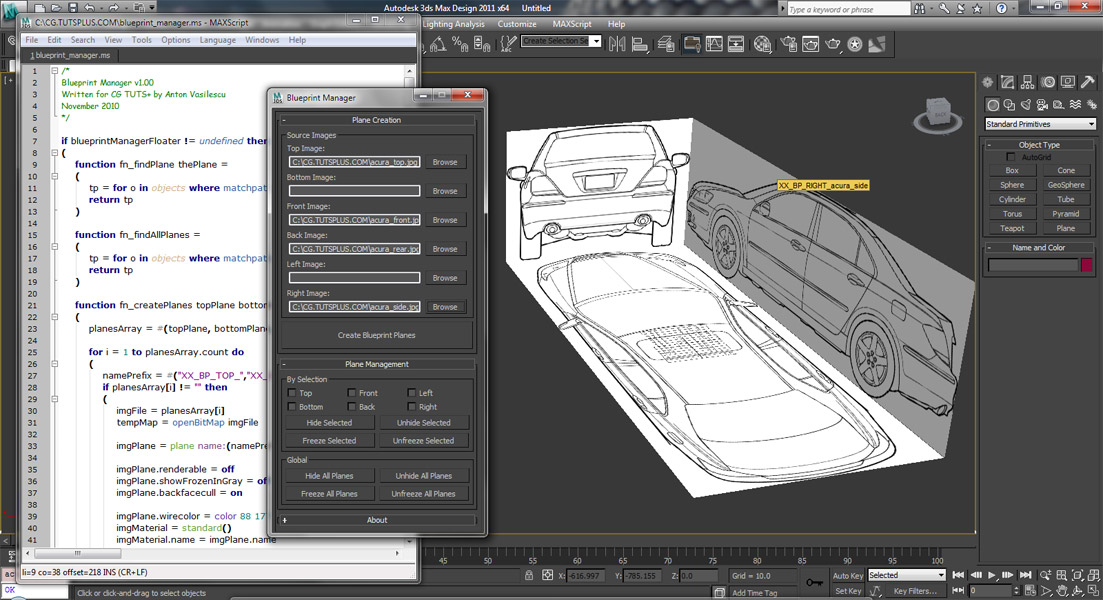
Coding a 'Blueprint Manager' script series

37 votes

This three-part video tutorial series is looking at how to create a ‘Blueprint Manager’ script in 3Ds Max.

Command Panel is missing

2 votes

"Command Panel is missing" is a 3ds max video tutorial. If your Command Panel is on the other monitor, what you don't have on you can use the combination from:
ALT + SPACE
Arrow Down
ENTER
Arrow LEFT .... until your window arrive in the main monitor.

I using 3das max 2016.

Commercial Training Options

37 votes

If you would like to learn more about MAXScript, there are currently several affordable training options available to suit nearly any budget.

connect vertex/knots in a shape with 2 splines

0 votes

Hello. Basic question (but i can't find it on the internet)

I have a shape with 2 splines: /sp1v1--sp1v2/ /sp2v1--sp2v2/.

Now i want to connect sp1v2 with sp2v1.
something like this:

select $MyShape
subObjectLevel = 1
splineOps.startConnect (1,2) (2,1)

can someone give me a hit? tnx

Creating a Custom Parametric Object with MAXScript

59 votes

Quoted from article:

"It’s one thing to create simple scripts with MAXScript to display a rollout and perform a few tasks. But if you find yourself creating the same type of object over and over again, you might want to take a crack at creating your own parametric object.

Creating MAXScript Installers

14 votes
What’s Wrong With .MZP Files?

Having managed tool rollouts at both small (four artists) and large (50+ artists) companies I’ve become increasingly frustrated with MAXScript installation options. MZP files do ake the process less painful, but they have some inherent problems and limitations:

DotNet Demystified - Part 1

34 votes

Just posted on Lonerobot.net is the first part of a series of beginner's DotNet tutorials. If you've been struggling with dotnet classes and are unsure of what the difference between a class and an object is, this tutorial could help get you on the way to achieving the most out of dotnet in 3dsMax. 

Dotnet Demystified Part 1

dotNet links

37 votes

A collection of links to dotNet + MAXScript information available. If you find a useful post, add it in the comments and this post will be updated to include it.

Dynamics Setup

1 vote

This is a technical demonstration of the dynamic system used in our 3D Max based shows.

Syndicate content