Tagged 'MCG'

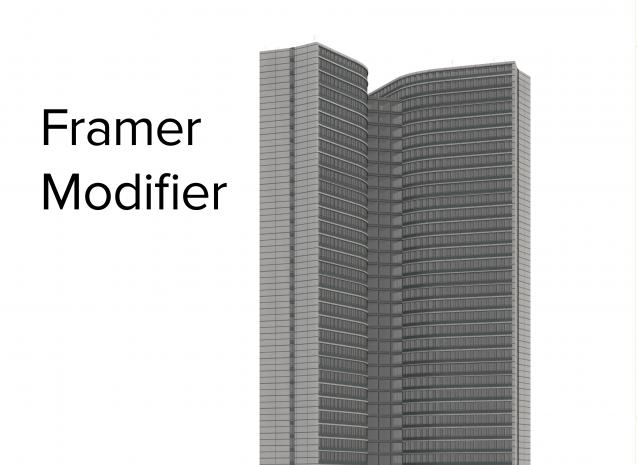
Framer Modifier

4 votes

3dsMax topology based frame modeling modifier. Procedural tool for frame like structure creating. Useful for creating facades, structures, grids, furniture, patterns and more.

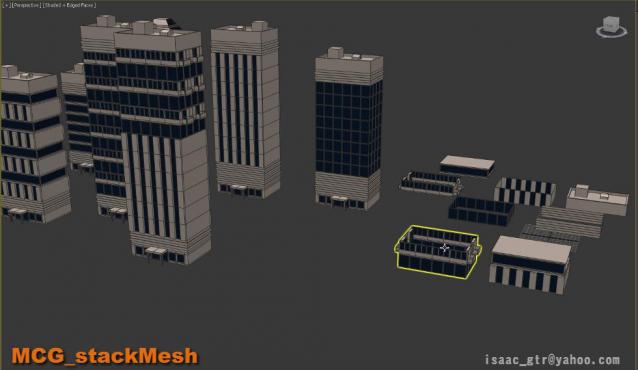
MCG - stackMesh

7 votes

stackMesh will add another mesh on top of current mesh by keep watching the height from bounding box. it can be use for anything but for this example you can see the idea for mix and match the building just buy stacking one onto another. as result we can create model in non destructive way. also the great thing in max modifier is it so simple to arrange the order .

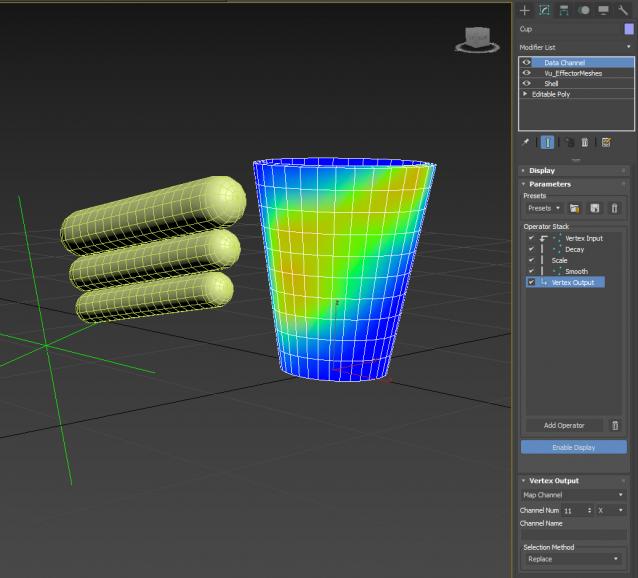
MCG Effector Meshes + DCP Sweat Map

0 votes

Yeah 2 in 1. By giving this MCG for free, it may compromise my other products that are for sale...so have a little respect and don't make me lose faith in humanity. The DCP Preset you should use is Vu_SweatMap (video used Vu_MCGSelPAssthru, it's the same...)

Extract Preset to:

C:\Users\xxx\AppData\Local\Autodesk\3dsMax\2017 - 64bit\ENU\en-US\plugcfg\DataChannelPresets

Then in your DCM, load it as a Preset.

MCG Transformation Modifiers

2 votes

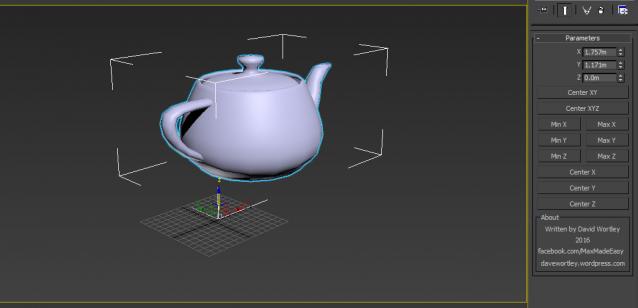
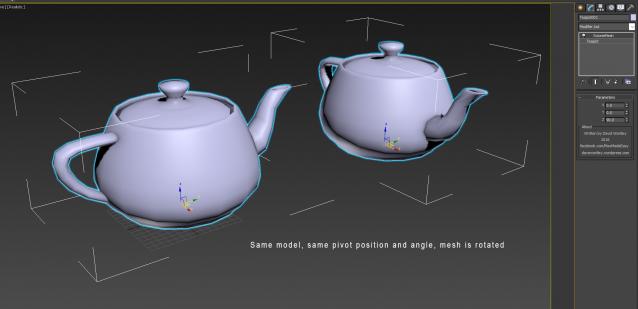
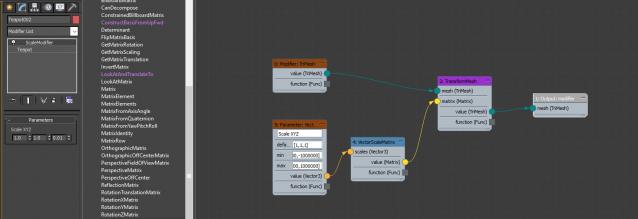
A set of simple MCG modifiers which do very powerful things when used in a procedural workflow. You can make adjustments to a mesh's pivot inversely by using these modifiers. You can animate at a sub-object level.

OffsetMesh

RotateMesh

ScaleModifier

MCG Mirror Morph

3 votes

This MCG will mirror the form of your geometry across an axis for creating morph targets. The Form/Shape is mirrored, not the geometry itself or vert IDs as this would render the targets useless. The geometry's form/shape should be symmetrical (pivot centred) but vertex distribution does not have to be symmetrical, as can be seen with model with one eyebrow. Modify your target and the mirrored result is updated live, not like some static, dead end mirror/skinwrap method.

Requirements: Max 2016/17/18

Installation:

MCG MultiSlicerRot

2 votes

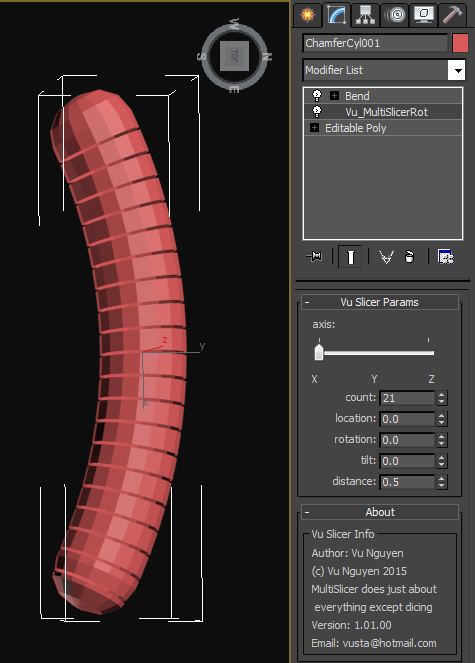
MultiSlicer to slice your object into....multi slices !!!

Installing the mcg should install compound SliceRotTilt as well but if not I've included it in the zip anyway.

Too tired to put in comments...promise I will when I can but if you've been reading my comments on FB you should be able to understand the warped logic.

MCG CloneSplines

5 votes


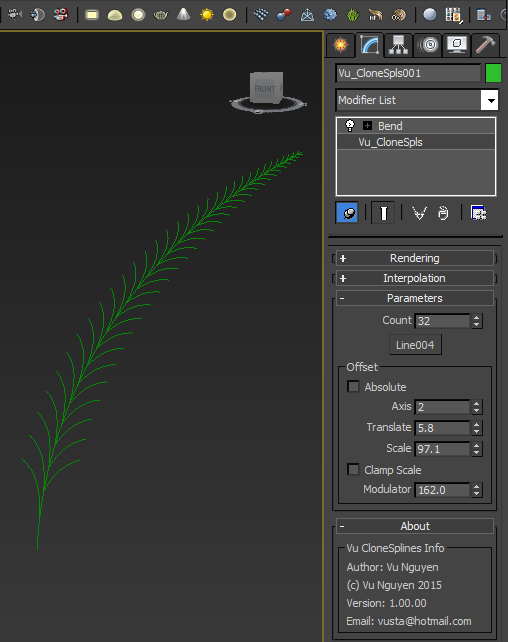
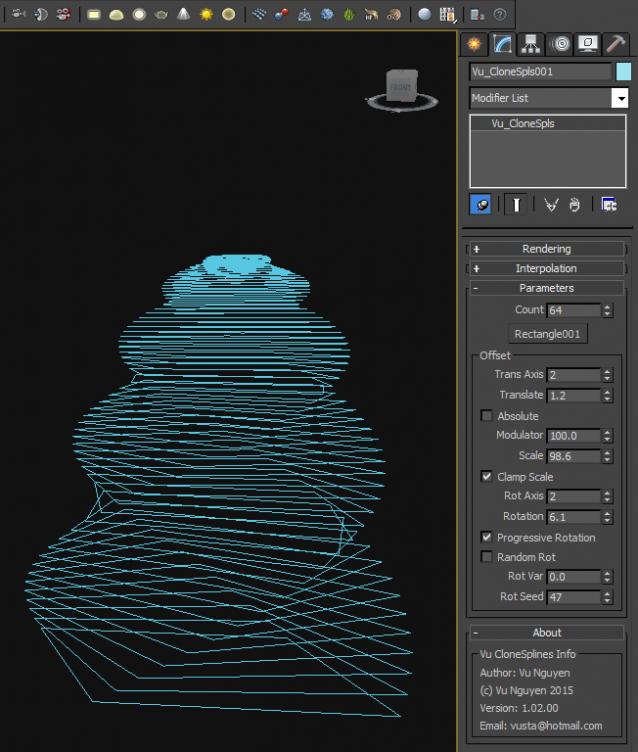
This MCG allows you to clone splines, open or closed. There's various offsets like scale and translation.

Tool can be found in Shapes Creation Panel>Max Creation Graph>Vu_CloneSpls

Ver 1.01: fixed noob error, Div by 0. Modulator minimum now is 0.001

Ver 1.02: added Progressive/Random Rotation

Mirror Transform X Controller

0 votes

An MCG transform controller which mirrors another object's transformations across the X axis.

Includes a script which assigns the controller to all objects selected, and picks each corresponding mirrored object. Useful if you have a rig that is symmetrical and want to quickly mirror an animation.

MCG StopMotion

5 votes

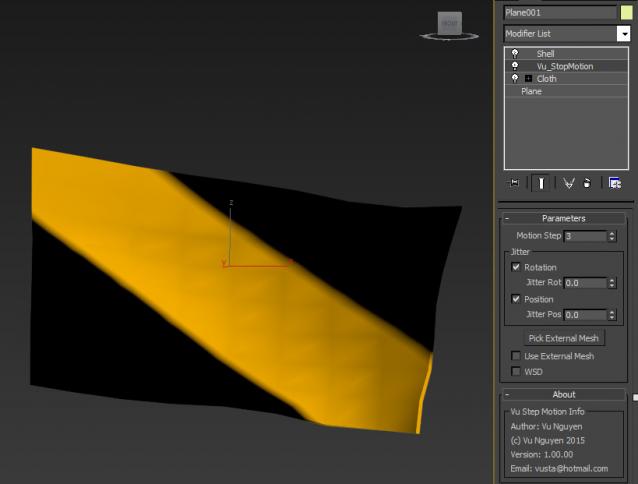
This MCG takes any vertex animated object and turns it into StopMotion/Claymation. You can also use it on non-vertex animated, ie. Transformed object.

Update note: Because it is based on Vertex animated objects, please use Skin and not Link, ie. if you transform a 'bone' object across the screen, then create your hero and Skin it to the bone object, not Link, then put StopMotion on your hero.



MCG SpacingTool

3 votes

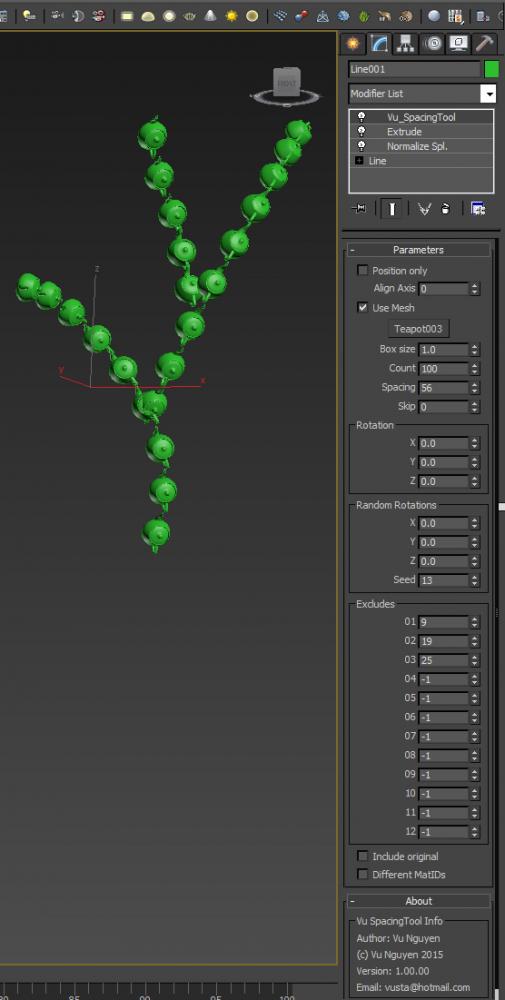
This MCG is a Spacing Tool for splines. Unlike the default Max one, this does NOT intermittently disappear from your viewport !!! And it gives you rotation controls as well.

(You can use it on a mesh as well but it's best for curves)

Syndicate content