3ds Max | Plugins

CodeUmbrella

0 votes

Write your plugin in C++\CLI, combine it with Jscript.net, C# or Visual Basic extensions, and wrap everything in LUA or MAXScript code, while being able to attach/detach and update all of your runtime compiled dll files, without having to restart your 3DS Max/Design application. CodeUmbrella provides an interface for code editing, compiling, and automatic .NET class wrapping in MAXScript, making sure that all Native Windows and 3DS Max wrappers are available to your .NET and C++\CLI plugins and MAXScript out of the box.

• Run any code in safe sandbox environment within 3DSMAX

Copy-paste editable poly selection

1 vote

Copy_paste_editable_poly_selection_poster_lq

If you have 2 copies of the same object, this plugin allows you to copy current selection of verts from one to another.

AdvArray

5 votes

The AdvArray modifier is an advanced parametric array type modifier for Autodesk 3ds Max. Being that 3ds Max does not ship with any sort of parametric array modifier, I’ve programmed this modifier to fill that void as well as add a number of advanced array features not found in 3ds Max by default, and even some that cannot be found in other third party modifiers.

Disperse

0 votes

Disperse is a freehand 3d painting tool and object replacer that will free up your artistic creativity to allow you to paint complex scenes as easy as digitally painting in a 2D software program.

By adding any 3d geometry, point cache or proxies you can paint unrestricted anywhere in your scene without the need to select base geometry. The paintbrush gizmo gives visual feedback on object direction, size of distribution and orientation.

Move selected object with keyboard

1 vote

awsd poster

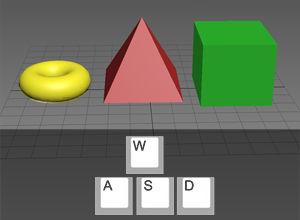
A little free plug-in which allows you to move selected objects with A,W,S,D keys. If it will be useful for someone, I will improve it.

ImagineCGTools

4 votes

I've just put online and avaible for free download a series of useful scripts I wrote.
You can download ImagneCGTools at this link

http://www.imaginecg.it/2017/08/19/imaginecg-tools-script/

ImagineCGTools v 2.7.2 are a group of useful 3DSMax and VRay plugins that make your life easier: in fact most of the implemented operations are some repetitive actions but often required to obtain a good final result.

Terrain Plugin Update for Max 2018

1 vote

Logo

DeltaMush to Skin

2 votes

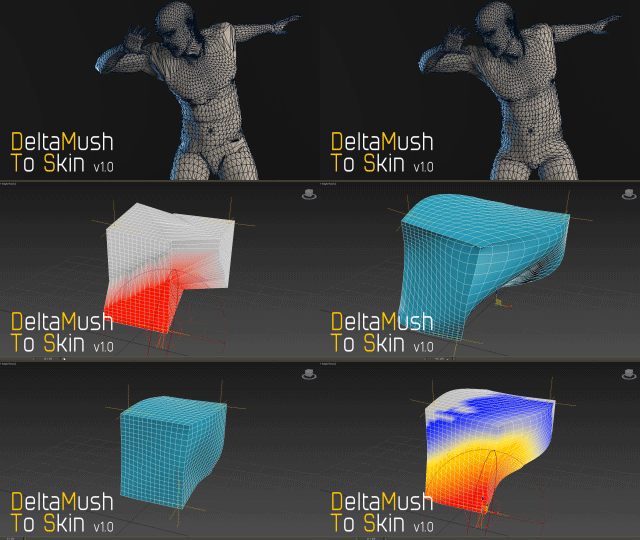
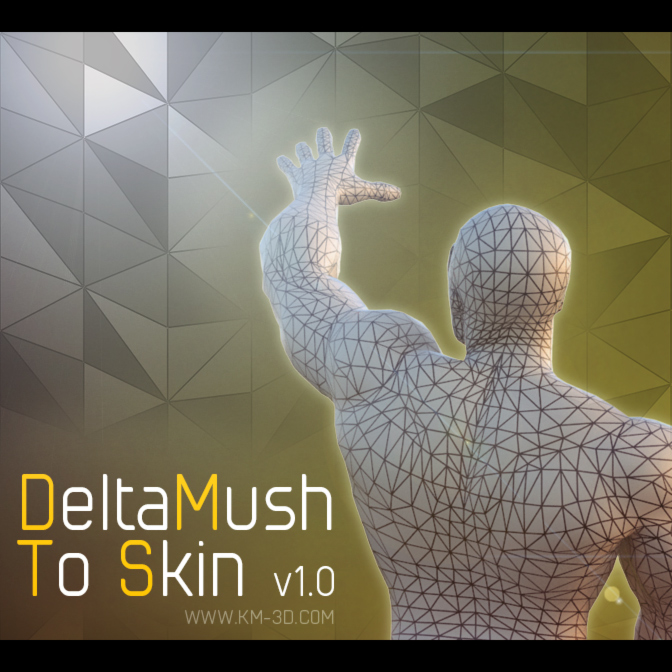
DeltaMush to Skin is a c++ 3ds Max modifier which smooths deformations while preserving details with "converting" to Skin feature - the plugin solves Skin weights matched as close as possible to the DeltaMush result. It enables the user to export such rigg to the game engine like Unity, Unreal etc. The whole process is incredibly fast thanks to multithreaded optimization.


Weight Pro v2.0

1 vote

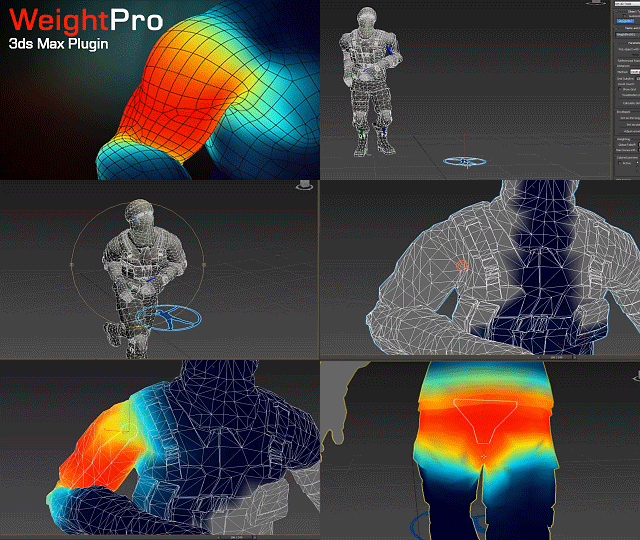
WeightPro is a 3ds Max c++ plugin for automatic, fast and smooth Skin modifier weighting, no matter if the mesh has good or messy topology. It voxelizes the mesh with the skeleton using GPU to calculate the shortest distances between bones and vertices.
It allows you to make adjustments during posing in realtime.

Available for 3ds Max versions: 2013, 2014, 2015, 2016.

SiClone

1 vote

SiClone features the ability to array multiple objects and sweeps with different parameters and individual control. Furthermore, it offers full parametric workflow and is enabled for leading 3rd party renderers including V-Ray, Arnold, Corona and Maxwell. SiClone works seamlessly with SiNi ProxSi and other 3rd party proxy and lights!.

SiClone has been designed for simplicity and ease of use.

Supports the following 3rd Party Renderers;
V-Ray, Corona, Mental Ray, Iray, Scanline, Final Render, Arnold, Redshift, Maxwell

Other features:
- Full procedural workflow.

Syndicate content