Edge Loop Regularizer EditPoly
Edge loop regularizer for Edit Poly. This script is an extended version of the well known edge loop regularizer script. This version has a ported part of the original script that can handle edit poly objects. The only drawback is that it can be slower when you are planning to use it on an edit poly object, because how max is handling edit poly modifiers. If you are planning to use it on an edit poly modifier, it might better to detach the part you want to regularize, and than attach it back when you finished the modification.
UPDATE: a little bug has been solved, when you run the script first on an edit poly object.
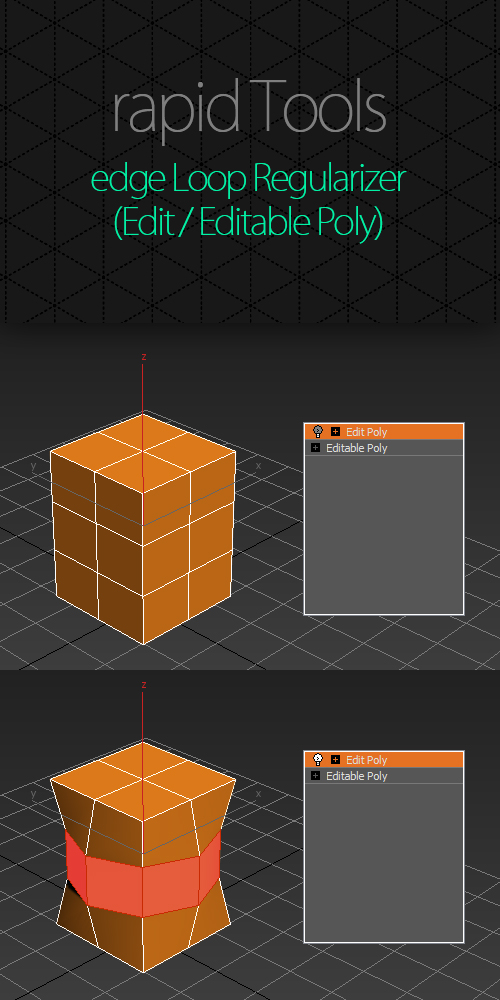
The original script has been created by Garp. I just made a slight modification on it.

Comments
@demian
>> I have some rotation problem going on here, anyone knows where it may comes from?
same issue. mostly on curved surfaces. did anyone found a solution?
issues in max 2025
dont know what the issue is but at least 50 percent of the time it produces deformations on curved surfaces.
tried with a simple sphere. select 4 quads -> regularize.
it works the first time, mostly.
then i select the next 4 quads and it it most likely will not work.
when i try it a dozend times and it maybe work 4-5 times... the other times the faces look rotated.
i tried all kind of coordinate systems, local, parent, view, world etc.... does not help.
Reference Coordinate System
Works pretty good in 3dsmax2020 if reference coordinate system is not set to "Screen" or "Local".
does it working on edit poly
does it working on edit poly modifier?
doesn't work on edit poly modifier.
max version 2018 doesnt work on edit poly modifier
Rotation Issue
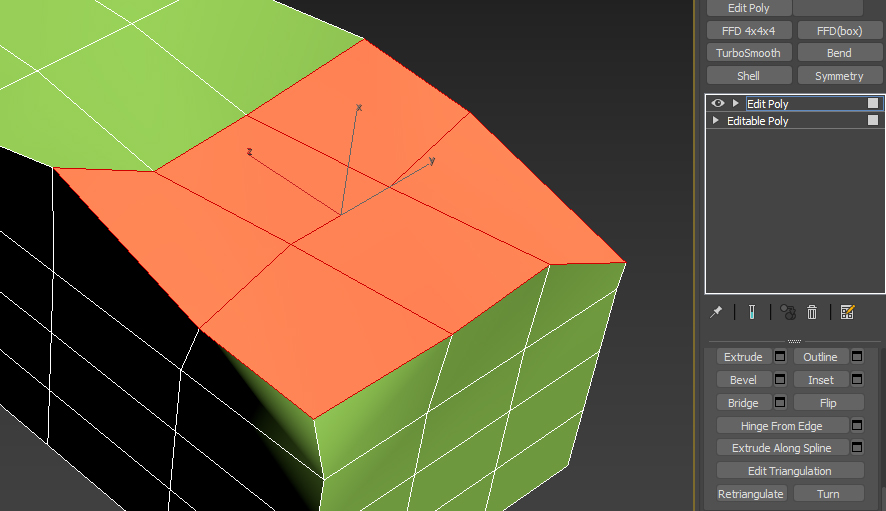
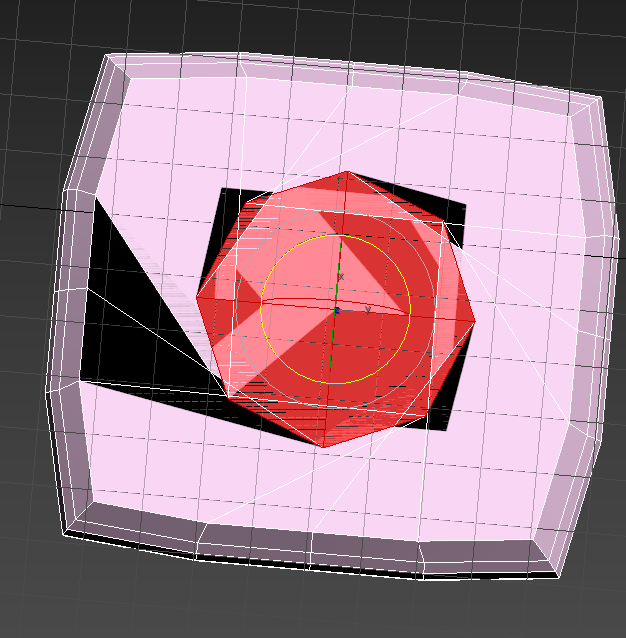
I have some rotation problem going on here, anyone knows where it may comes from?
Edge without Loop Regularizer
It's very handy for work flow.
can you make it Regularize without loop.
like road edges round corner
Thank you
Habib
Working absolutely fine in
Working absolutely fine in max2018 for me.
I just copied the MS file into:
C:/Program Files/Autodesk/3ds Max 2018/scripts/Startup
The category can be found in customize UI under 'rapid tools' - I then just added it as a button into the 'loop' panel on my modelling ribbon. Works absolutely fine.
Not working with max2018
@luxxeon & Royal Ghost
Thank you.
The problem was that I installed the scripts (this one and the regular one for editable polys), but i didn't know that "run scripts" didn't actually run scripts and I didn't know where to find the scrips in the "Customize UI list".
Thank you so much again :)