Tagged 'id'

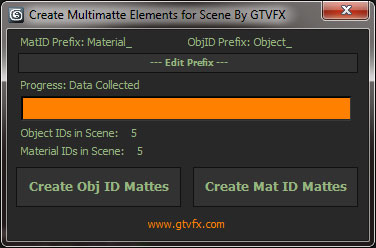
GTVFX-SCA_createMultiMatteElementsForScene

1 vote


Analyzes your scene and collects all unique Object IDs and Material IDs.

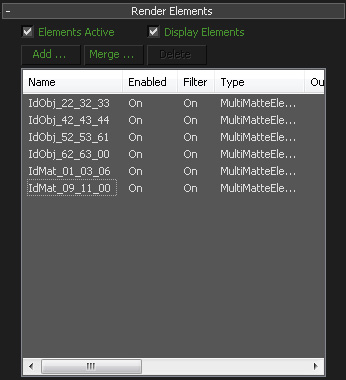
Will create Multmatte Elements from the IDs with a logical naming convention.


 Updates:

2014-11-14:

Fixed a bug that would crash the tool when a VRaySky was being used in the scene.

2014-05-03:

V-Ray MultiMatte / Object ID Manager

1 vote

V-Ray MultiMatte and Object ID Manager.

Handling ObjectIDs in Max can be a hassle. This hopefully simplifies life for you. You can:

- Easily set IDs on all selected objects.
- Select objects by their ID.
- List all IDs in the scene
- Clear IDs
- Automatically clear out old MultiMatte Render elements and recreate only the ones you need in the scene!

v2.0:

- Refined UI
- Added incremental add and use next available ID option 

Poly Random ID

16 votes

Hi

This is just a modification of Jon Seagull's script to randomize poly IDs on an editably poly, but you can choose the number of adjacent polygons it randomizes. Meaning, that it can randomize groups of polygons and not just single polygons. Very useful with polys with lots of similar elements, like Ivy Generator and trees, in which you randomize the elements to have different kinds of leaves.


Hope you find it as useful as I did


http://rapidshare.com/files/259027731/poly_randomIDs_eli.mcr

HoHa Material ID

3 votes

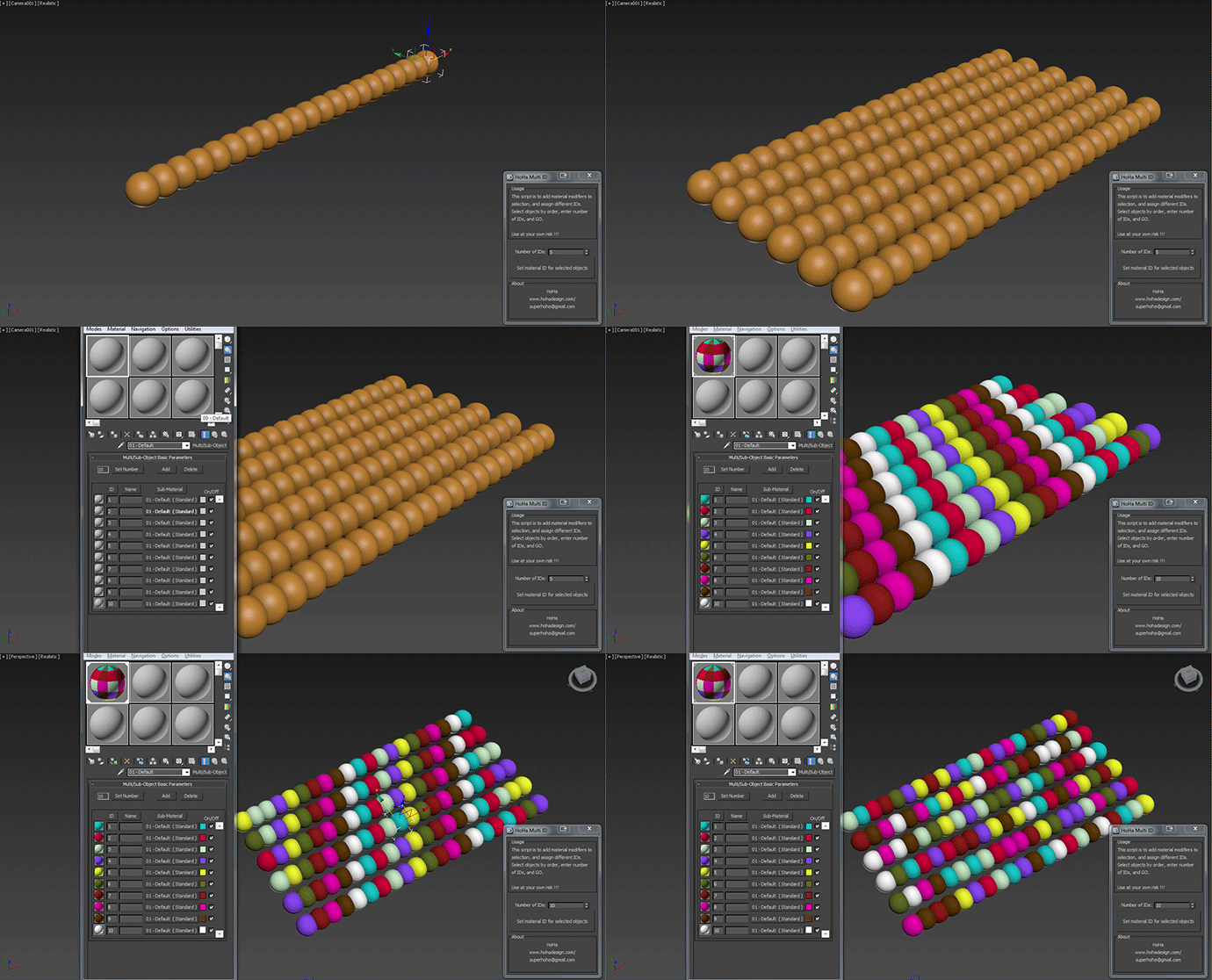
Just another small script to add "Material" modifiers on top of the sellections to assign random or in order material ID. Apply multi subobject material to the selection first.

Comment and feedback are welcome.


Change Log:

V1: Basic as above.

V1.1: Added a random IDs button for making the IDs Random (duh) :)

Cheers

Randomize Spline Material IDs

0 votes

Randomize the material IDs for the segments in your spline shapes.

Set random material IDs for the selected splines, either using the existing IDs or specifying a range of IDs.

Compatible with 3dsMax 2012 and higher.

Wire Colorizer

22 votes

This tool will allow you to assign a wirecolor to a selection through a customizable palette.
You can save and reload.


Select spline segments by matID

0 votes

With this script you can select splines' segments by matID.
There are two methods of selection:
- "Use IDs of selected segments" - select some segments and press the [Select] button. The script will find the matIDs of the selected segments and will select all other segments with the same matIDs.
- "Use IDs typed below" - type as many matIDs as you want in the field(separate matIDs with comma) and press the [Select] button. The script will select all segments with the matIDs entered by you.

IDs Finder

1 vote

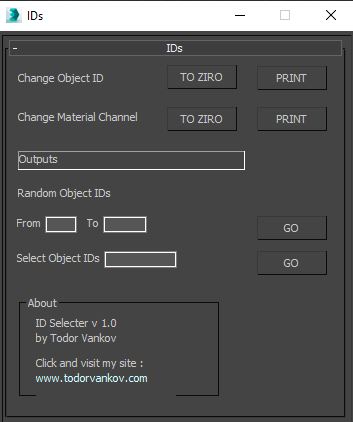
With this script you can Find what kind of object and material IDs you have in your scene.

- the Buttons „to zero" reset all material and object IDs
- random object ID
- select the objects with one special ID

Script category: “#todorScripts”

You can see an example here, how to install my script per Drag and Drop:

Spline Indexer

0 votes

3dsMax Script for Controlling Spline Indexes inside Shape Objects.

- Works on 1 Shape at a time.

- Works on Edit Spline Modifier, but the Shape will be converted to Editable Spline.

- Works on Shape with modifiers.

Sub-Materials ID

0 votes

Sub-Materials ID - это скрипт для 3dsmax, открывает всплывающее окно со списком материалов и их id в Multi/Sub-Object материале примененном к выделенному объекту и возможностью быстро применять материалы по id на выделенные полигоны.
пока работает только в editable poly.
- кнопка Apply - теперь копирует материал с первого выделенного объекта на остальные.
- кнопка Apply - теперь если объект не в Edipable Poly, или не в режиме subobjectLevel, то применяется модификатор Material с выбранным id материалом, если модификатор уже есть на объекте то меняет его id.